When it comes to transferring files between Android and macOS, users regularly encounter difficulties. The default Android File Transfer tool is no longer working, and OpenMTP, while more modern, still has its own drawbacks. That’s why users search for solutions that offer more stability, more features, and better integration with macOS. Below are four worthy OpenMTP alternative apps that make the transferring process significantly easier.
MacDroid
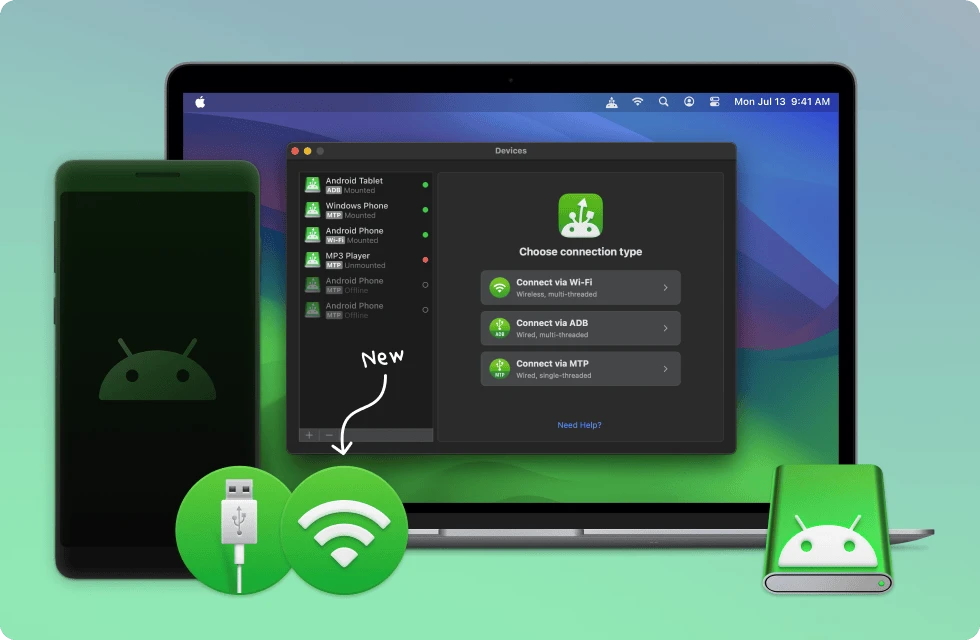
MacDroid is an app designed specifically to connect Android and macOS as conveniently as possible. The app mounts your Android device in Finder, and the smartphone appears in the system as a regular external drive. This makes working with files much more convenient and eliminates the need for additional interfaces. You can move photos, music, videos, or documents directly in the Finder window, open, edit, and save them there. The process is fully integrated into macOS. An additional advantage is that, apart from connecting via a USB cable, MacDroid has the ability to connect via Wi-Fi, making this OpenMTP for Mac alternative a flexible solution for users who don’t want to be tied to a cable.
Here is how to transfer files from Android to Mac:
1. Download and install MacDroid.
2. Connect your Android device to your Mac via USB and launch MacDroid.
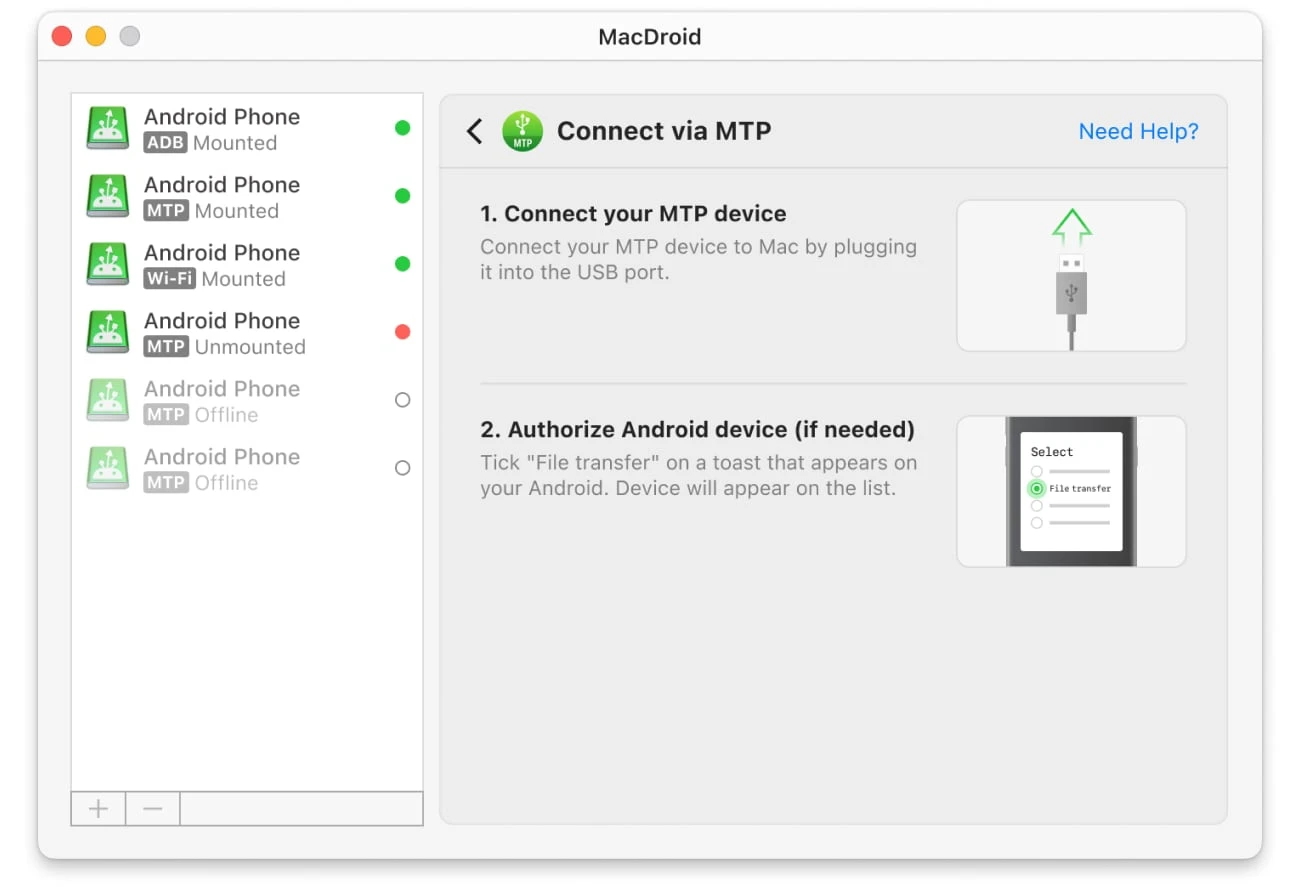
3. In the pop-up window on your device screen, select “File Transfer”.
4. On your Mac, select the “Connect via MTP” option.
5. Once connected, you can access your Android’s content in Finder and start transferring files, photos, videos, etc.
Commander One
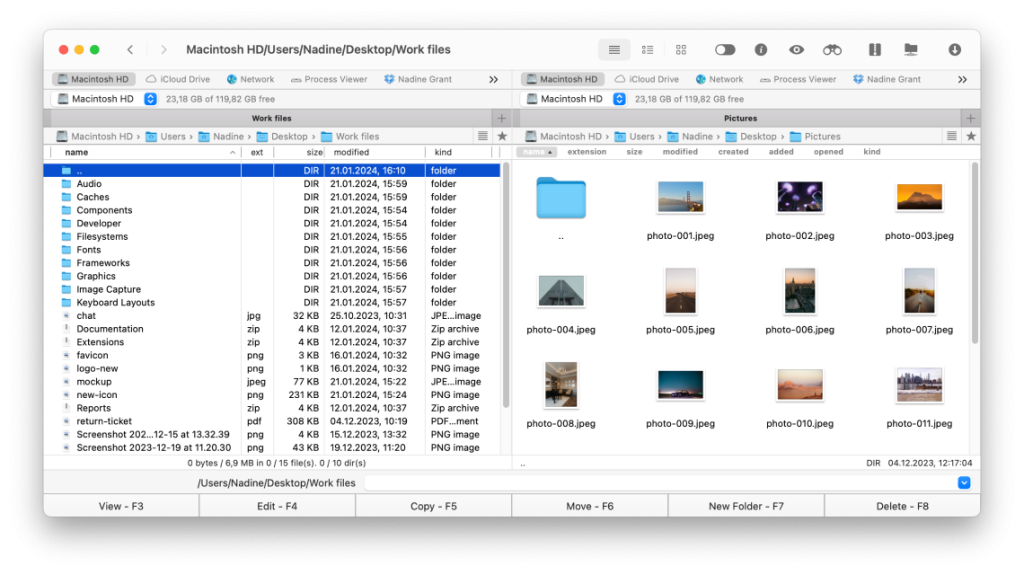
Commander One is more than just an OpenMTP alternative, it’s a universal file management tool for Mac. Its dual-pane interface makes it much faster to perform any data operations, including copying, moving, sorting, and so on. Thanks to built-in MTP support, the app works seamlessly with Android devices, ensuring a stable connection.
Unlike apps that are limited to a single function, Commander One significantly expands user capabilities. It lets you connect to cloud services, network drives, FTP, and SFTP servers, manage files and archives, and even use the built-in terminal. This multi-functional approach makes Commander One a convenient choice for those looking not only for an OpenMTP replacement but also for a full-fledged file manager on Mac.
Google Drive
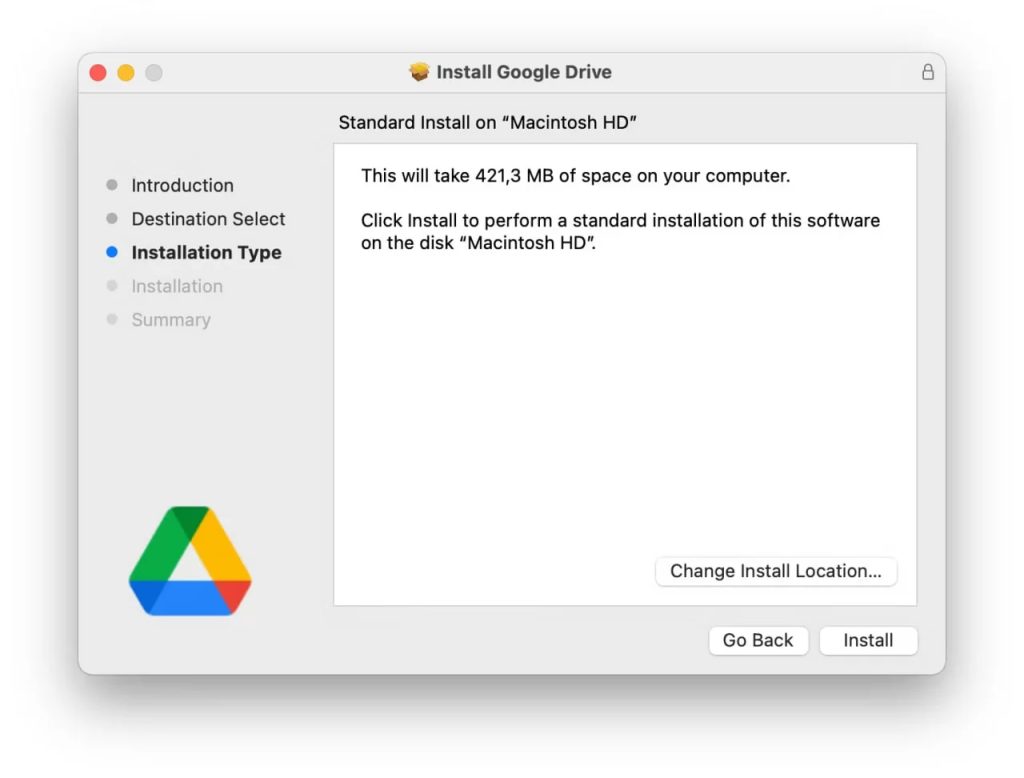
Google Drive is one more OpenMTP app replacement, which eliminates the need for cables and the MTP protocol hassles, allowing you to transfer files from Android to Mac wirelessly. Simply install the app on your smartphone, upload the files you need, be it photos, documents, or videos, and they’re instantly available on your Mac.
There’s no need to check the cable, search for an available USB port, or wait for the system to recognize your Android device. Everything happens through the cloud. Besides that, Google Drive provides constant access to your data, no matter where your smartphone is.
Dropbox
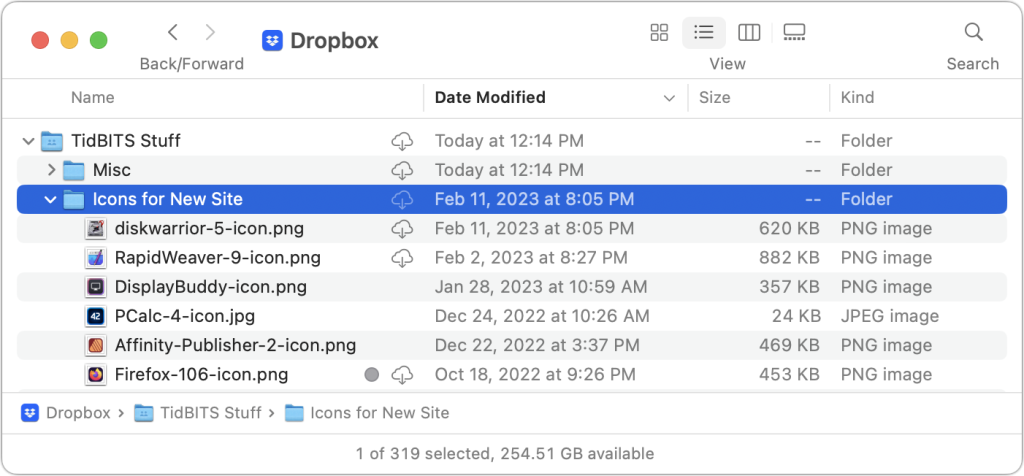
Dropbox is another tool that you can rely on when you need to transfer data from Android to MacBook. Its main advantage is reliable synchronization between devices: files downloaded to your Android device appear on your Mac almost immediately. The app doesn’t require setting up a USB connection, and the user doesn’t need to worry about whether a particular device supports MTP.
Transfers are made via the cloud, so the process depends solely on the Internet. The service automatically uploads photos and screenshots from your smartphone, completely removing the need to manually connect your Android to your Mac.
Conclusion
OpenMTP does help solve the issues of connecting Android to macOS, however, modern apps offer much more. MacDroid provides deep integration with Finder and flexible connectivity via USB and Wi-Fi.
Commander One, apart from transferring files, offers the functionality of a full-fledged file manager, whereas Google Drive and Dropbox allow you to completely eliminate wires and access your data at any time. Each of these OpenMTP for Mac alternatives makes working with Android on a Mac more convenient and reliable. The choice simply depends on your needs.