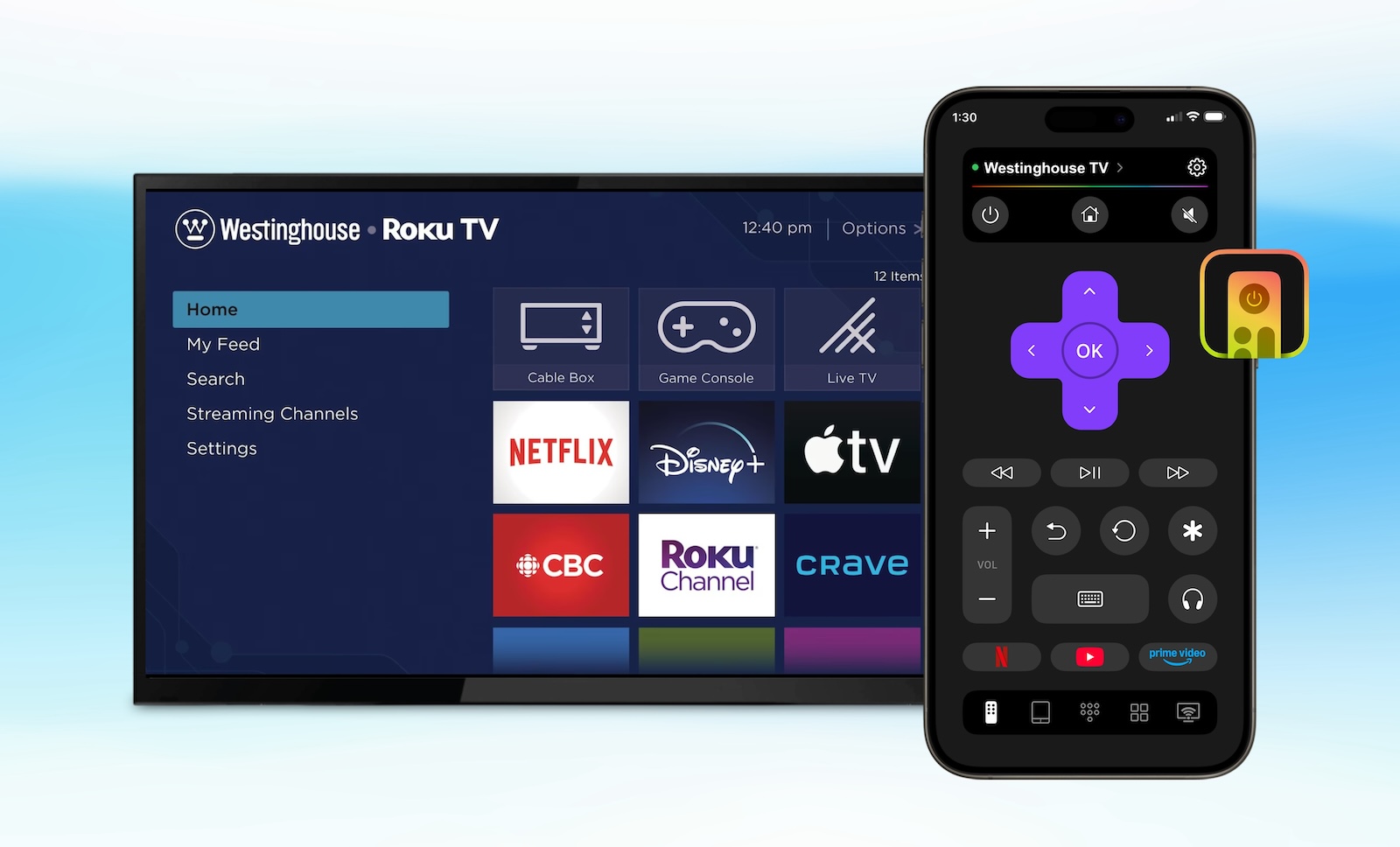
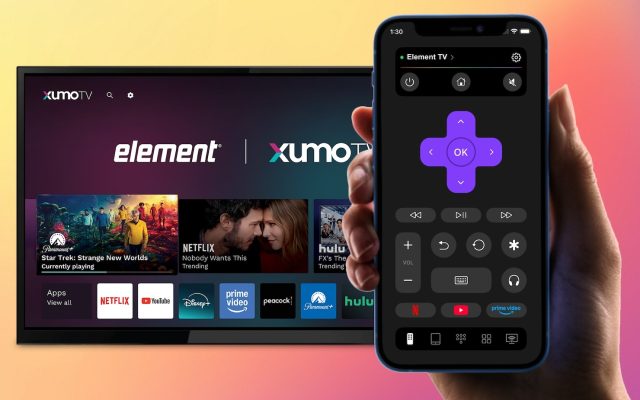
The frustration of losing or breaking your TV remote can be extremely annoying. Luckily, you can use the Westinghouse TV remote app that turns your smartphone into a remote for your TV. With these types of remote apps on your phone you will be able to switch channels, change the volume and navigate through the menus on your TV without needing to use a physical remote control.
This article will tell you more about how the remote apps work with your Westinghouse TV, provide recommendations for some good remote apps, and give you information on how to troubleshoot common issues related to successfully connecting your smartphone to your TV.
About the Westinghouse TV Brand
Westinghouse is an American television electronics brand with over one hundred years of usage beginning in the late 1800s. While initially producing electrical appliances, today’s Westinghouse TV is best known for making low-cost televisions for everyday consumers.
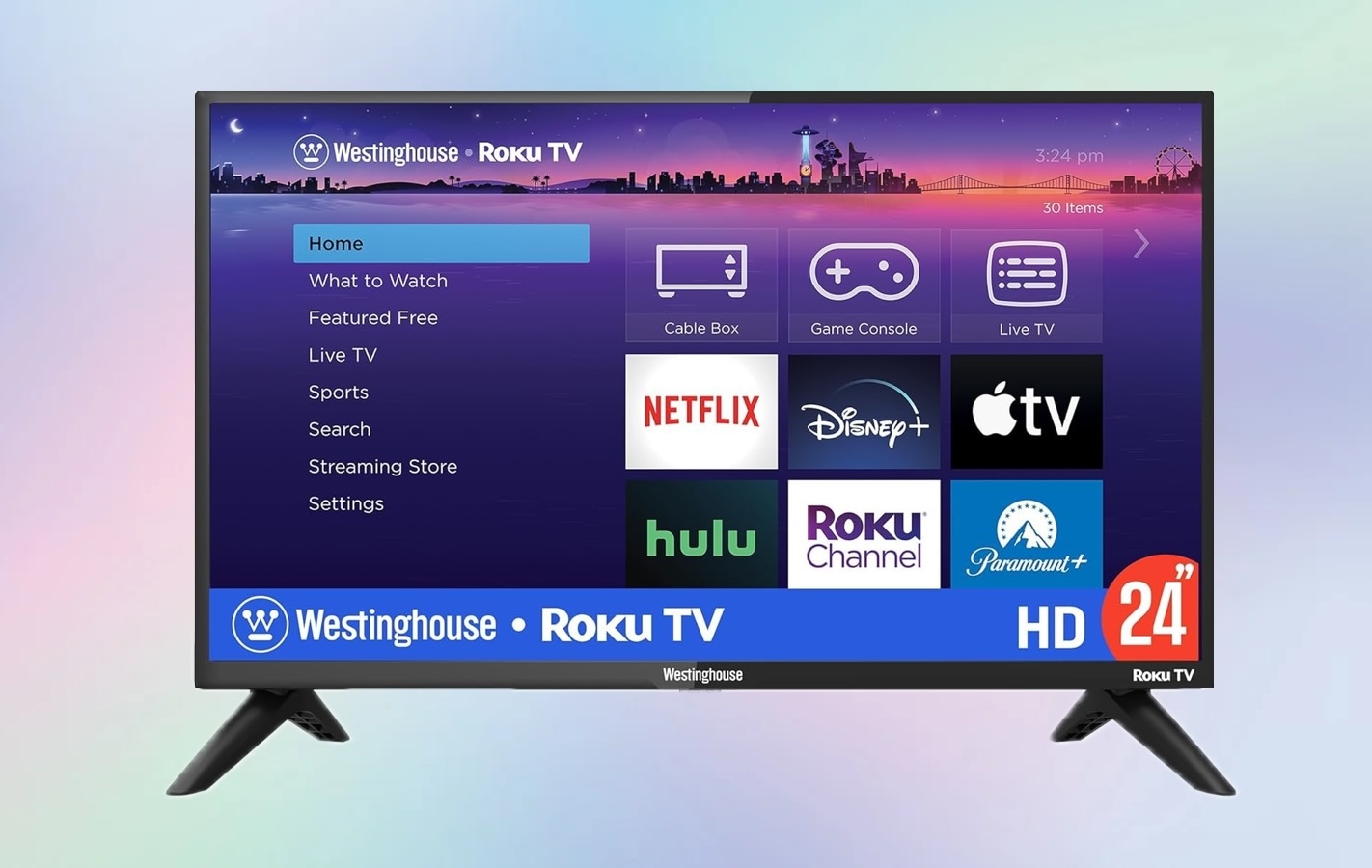
Currently, most Westinghouse televisions run on one of the following operating systems:
- Roku TV is a widely used platform on newer models. If your Westinghouse television runs on Roku TV you can usually download the Westinghouse Roku TV remote app from your smartphone.
- Android TV is another operating system available on some select smart televisions.
- Basic Smart TV operating systems are available on older televisions.
- Non-Smart televisions typically require an external device.
Best TV Remote Apps for Westinghouse TV
If you want to control your TV without a physical remote, several apps can turn your iPhone into a fully functional controller. These apps are especially useful if you’re looking for a universal remote app for Westinghouse TVs that supports different models and systems.
1. TVRem — Universal TV Remote App
One of the most reliable tools available today is TVRem, a modern Westinghouse TV remote control app designed for simplicity and fast connection. TVRem supports multiple TV platforms, including Roku-based Westinghouse TVs.
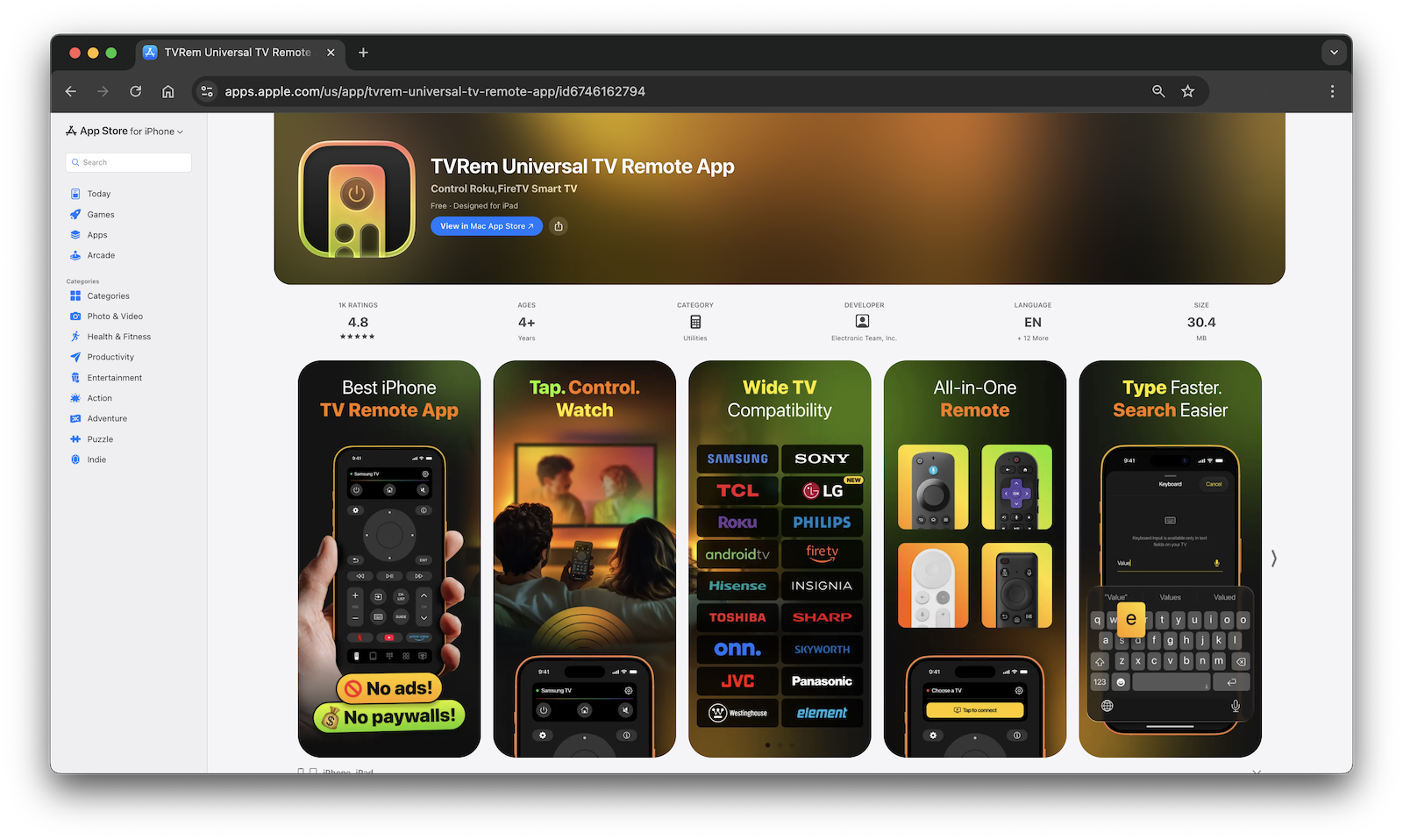
✔️ This TV remote app lets you:
- Adjusting volume and/or changing channels
- Navigating through on-screen menus
- Launching streaming services
- Entering text using onscreen keyboards
- Controlling playback functions
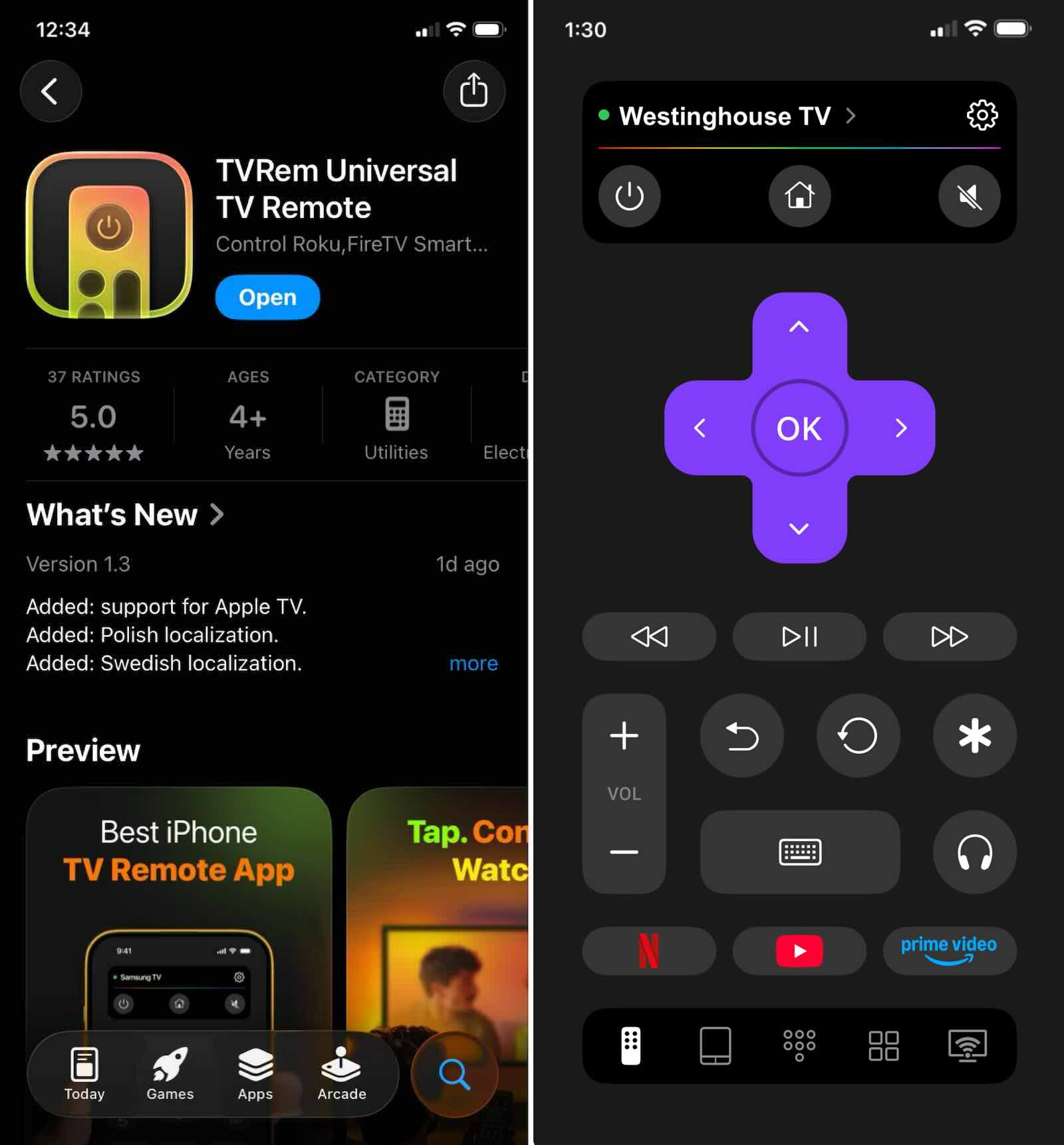
Another benefit of this application is that it has a quick setup. If your iPhone and TV are both connected to your Wi-Fi network, you can usually pair them within seconds by following the instructions provided by the app.
For users searching for a Westinghouse TV remote app for iPhone, TVRem is one of the most user-friendly options available.
2. Universal TV Remote Control App
A different choice worth trying? The Universal TV Remote Control app works with many brands, especially Westinghouse sets. Though it looks basic, it connects reliably across devices made by various companies.
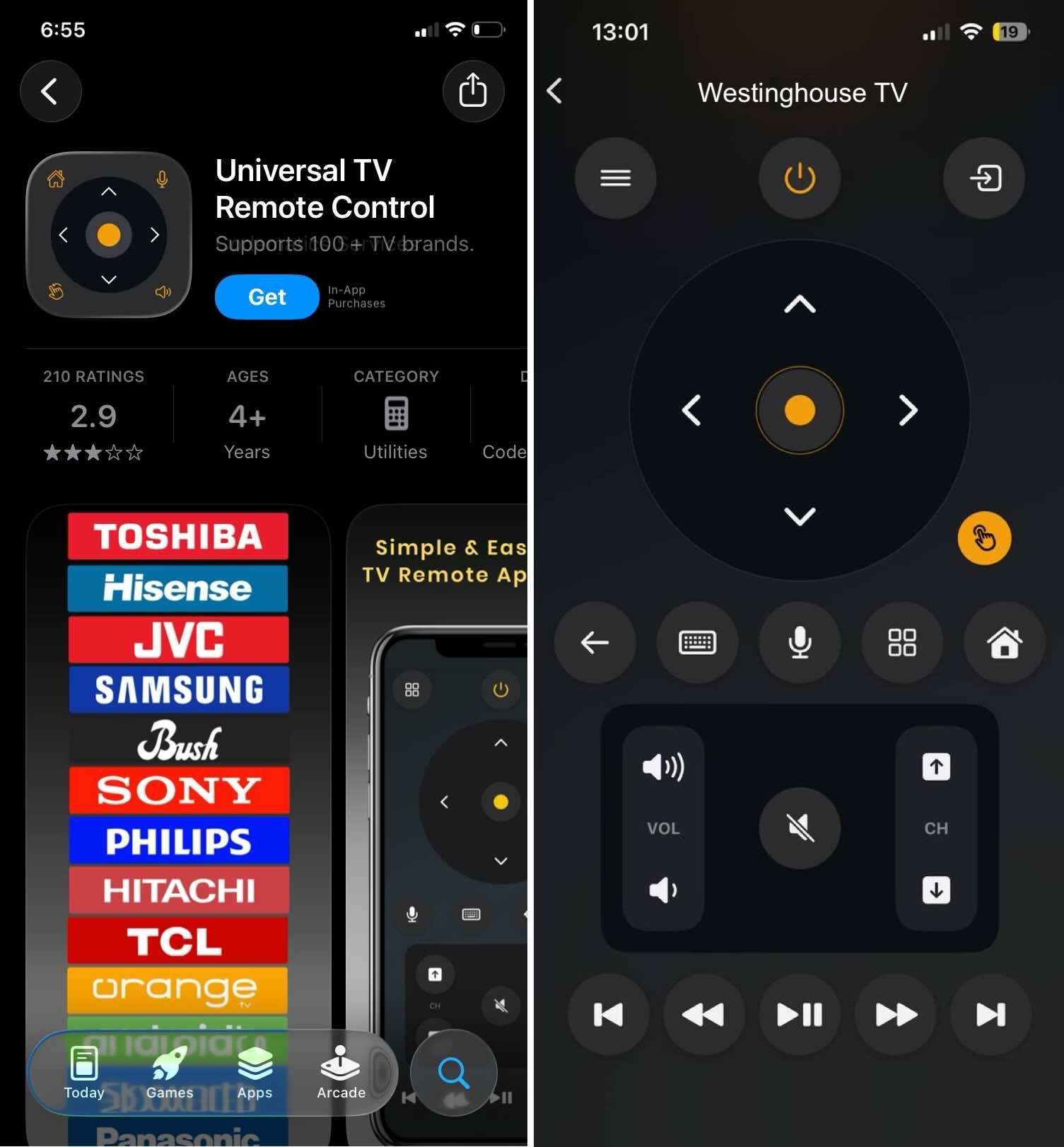
✔️ This TV remote app users often choose offers:
- Simple interface
- Multi-brand support
- Smart TV compatibility
- Reliable navigation controls
- Quick device detection
Most folks find it fits just right when they need something simple to run their TV. Not every tool needs fancy bells only to do one job clean.
One TV might need just a regular clicker, but more than one? That’s where this Westinghouse remote app steps in – swapping out clunky hand-helds. Instead of juggling three or four gadgets, tap once and shift control to your phone.
Common Issues When Using a TV Remote App
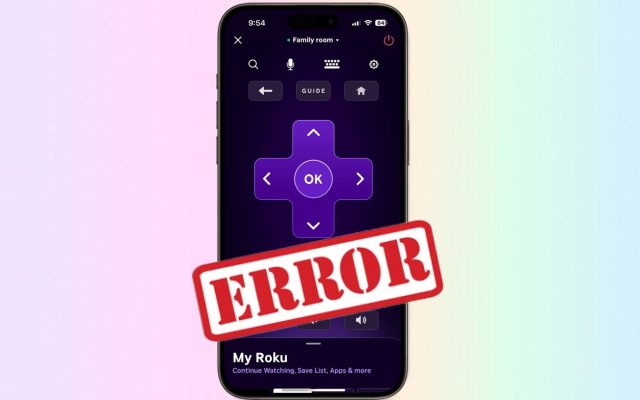
While remote apps are convenient, connection problems can sometimes occur. Here are the most common issues users experience with a Westinghouse TV remote app.
1. Wi-Fi Connection Problems
Usually, these kinds of apps need your television and mobile device on one shared wireless signal. One depends upon the other staying close within that invisible web. Without matching connections, they simply won’t speak.
❗️ Common mistakes include:
- Phone connected to mobile data instead of Wi-Fi
- TV connected to a different network
- Weak Wi-Fi signal
⚙️ Fix: Start by making sure each gadget uses the same Wi-Fi signal before opening the Westinghouse TV remote app. One wrong network means it won’t work at all.
2. TV Not Detected
Sometimes the app cannot find your TV during setup.
❗️ Possible causes:
- The TV is turned off
- Network settings are disabled
- Software needs updating
⚙️ Fix: Restart both your TV and phone, then reopen your TV remote app.
3. Delayed Response or Lag
If commands take too long to execute, it usually indicates a network issue.
⚙️ Fix:
- Move closer to the Wi-Fi router
- Close background apps
- Restart your router
Conclusion
Using a remote apps are one of the easiest ways to control your television without a physical remote. Whether you own a Roku-based model or another smart TV version, modern apps provide reliable control, fast pairing, and convenient navigation.
Apps like TVRem and Universal TV Remote Control offer practical solutions for everyday use, making them excellent choices for anyone looking for a universal remote app for Westinghouse TV. With proper Wi-Fi setup and a compatible device, your smartphone can fully replace your traditional remote.
Frequently Asked Questions
You can use a smartphone with a Westinghouse TV remote app for iPhone to control your TV. Simply install a compatible remote app, connect your phone and TV to the same Wi-Fi network, and pair the devices.
If you have an older model television set that does not feature smart technology, you may need an external source such as Roku or Fire TV in order to enable remote control functionality through the use of a remote application.
Most Westinghouse TVs include physical buttons located on the side or bottom panel. You can use these buttons to open the TV menu and switch inputs.
TVRem supports a wide range of popular TV brands, including: Westinghouse, Samsung, LG, Sony, Philips, TCL, Roku-powered TVs, Fire TVs, Android, and Google TV devices. This makes it a flexible universal remote app for Westinghouse TV and many other television brands.