


TVRem
Free Apple TV Remote App


Universal TV
remote app
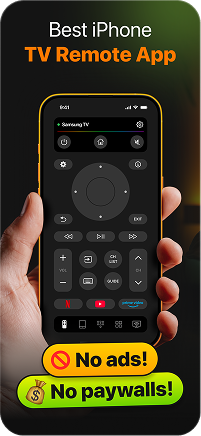
Meet TVRem — your new Apple TV remote app on iOS. Connect and pair your device in seconds, and use your iPhone or iPad as a reliable remote not only for Apple TV but also for almost any Smart TV.
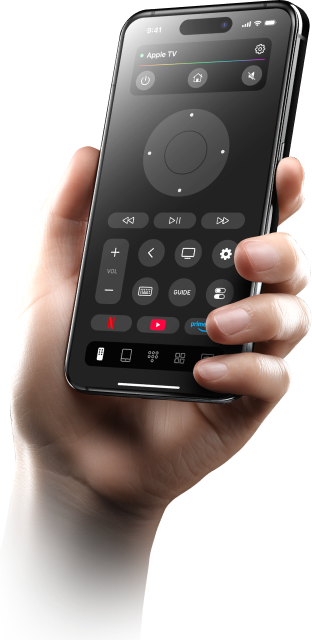
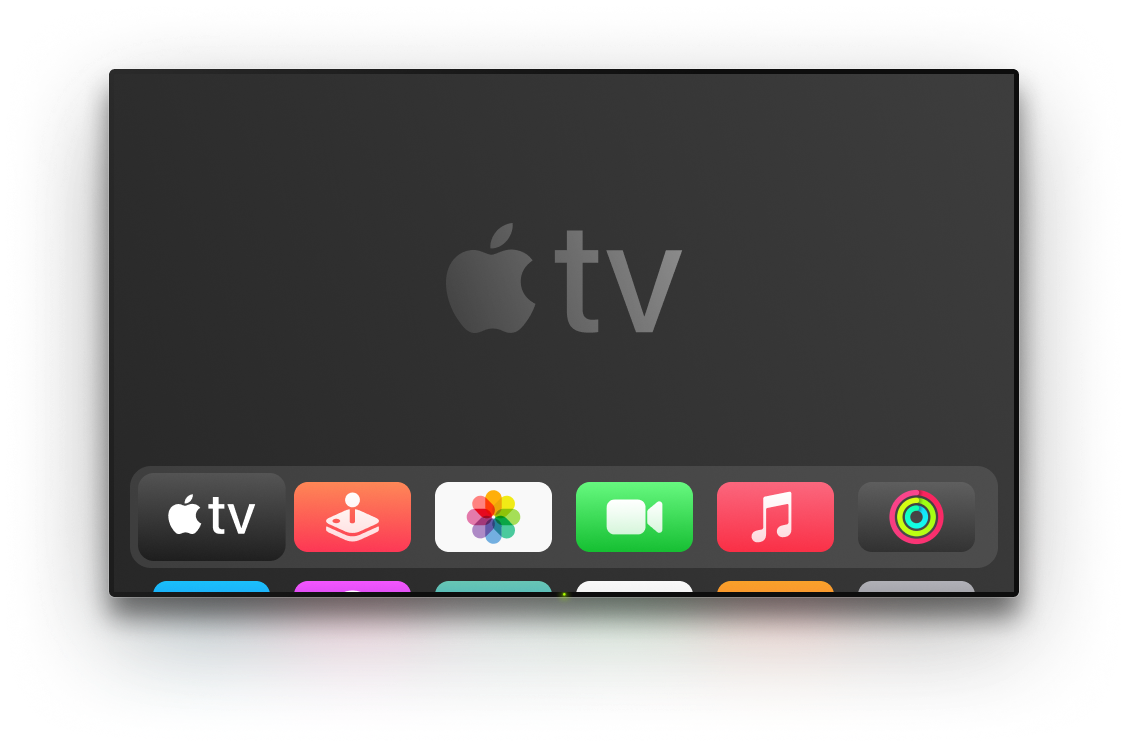

Full control over
your Apple TV
TVRem makes it easy to control your Apple TV, as all the features you might want to use are brought together in one single app. This Apple TV universal remote app allows you to launch streaming platforms, adjust the volume, and control playback with just one click from your iPhone.

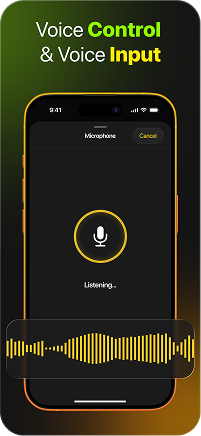
No typing.
Just speak
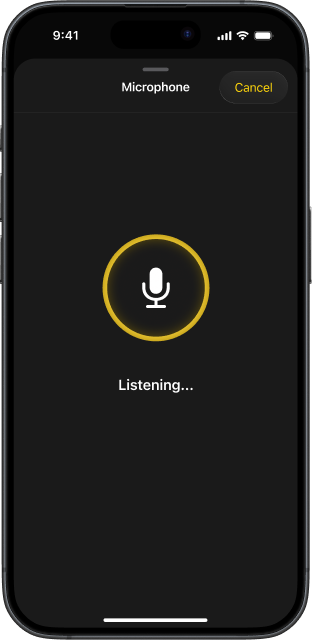
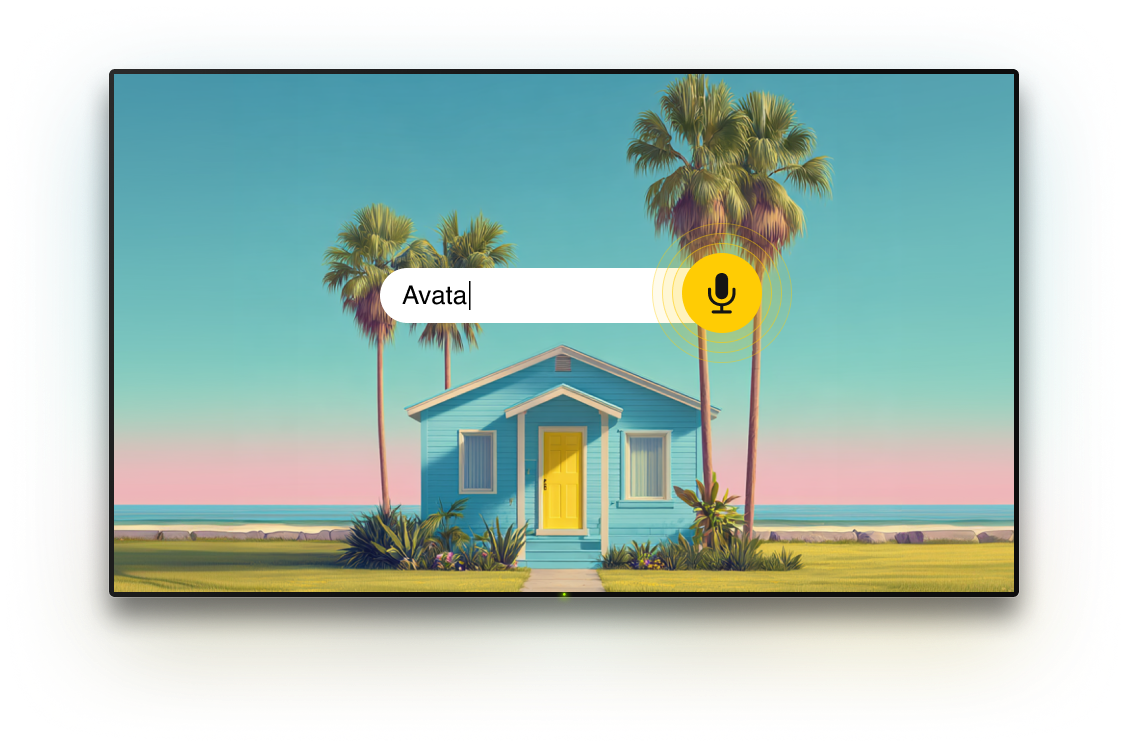
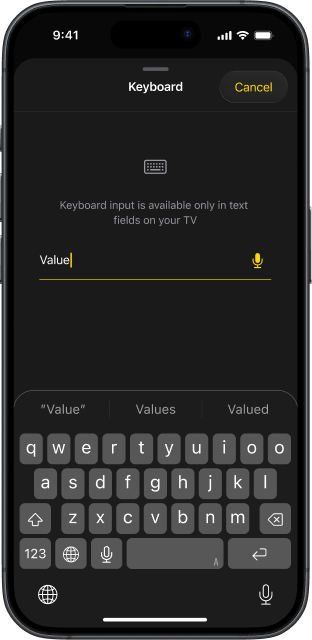
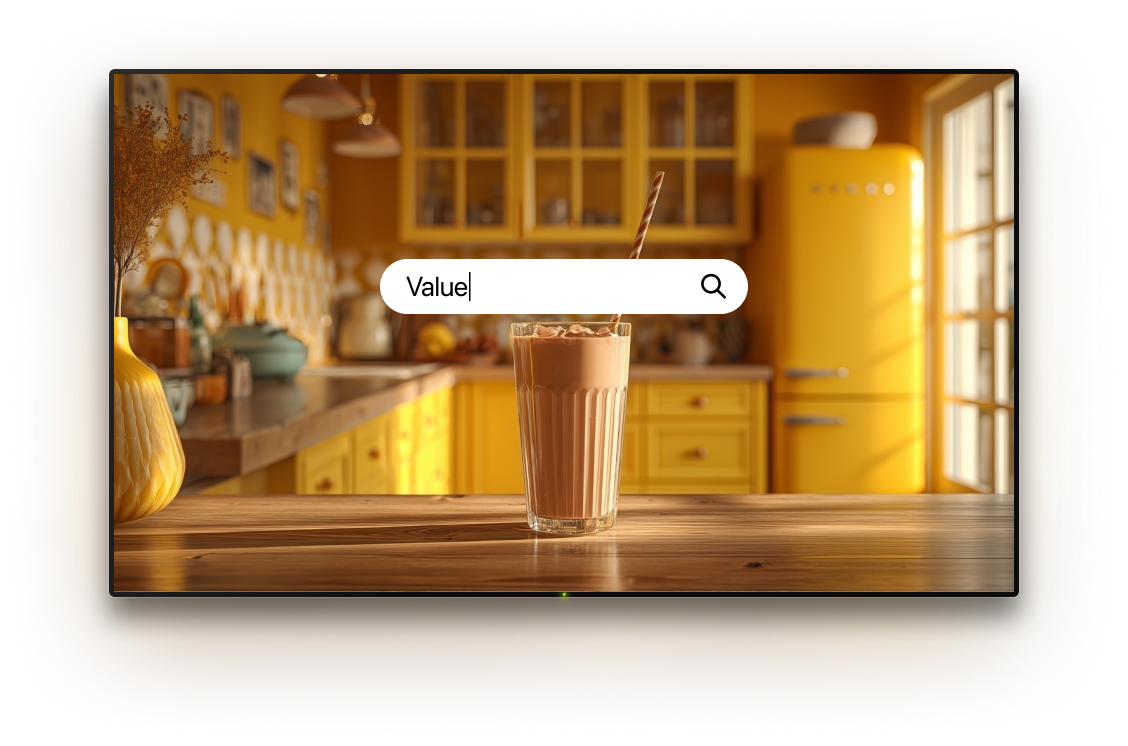
Forget about slow typing on your TV screen and go for voice input from your iPhone or iPad. Simply speak to enter text instantly. This free Apple TV remote app makes everything easier and faster.

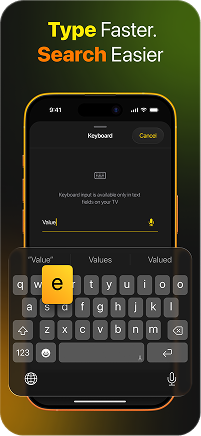
Type faster
with smart keyboard
Don’t waste time trying to navigate an on-screen keyboard. Type in movie titles, app names, and anything else with your phone. This best universal remote for Apple TV turns search into a smooth experience.

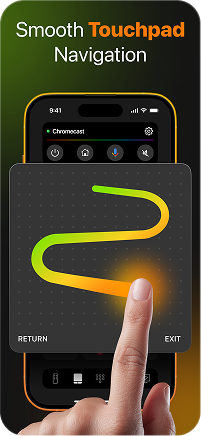
Effortless control
with touchpad
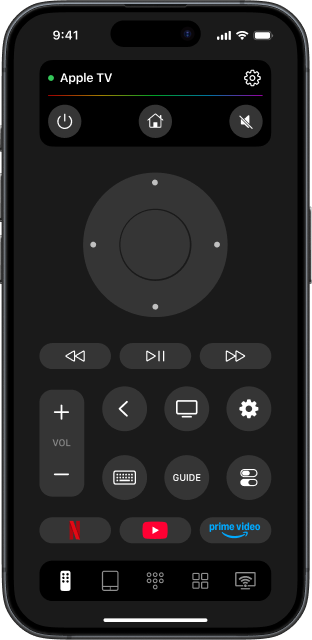
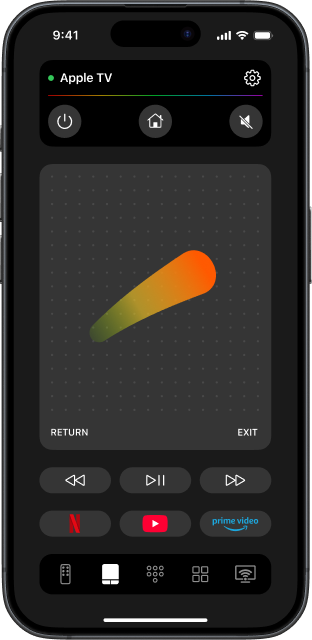
No more navigating through button after button. Use gestures to move around your Apple TV. Swipe to navigate, tap to select. With this Apple TV universal remote, navigation becomes modern and convenient.

One tap to
access your apps
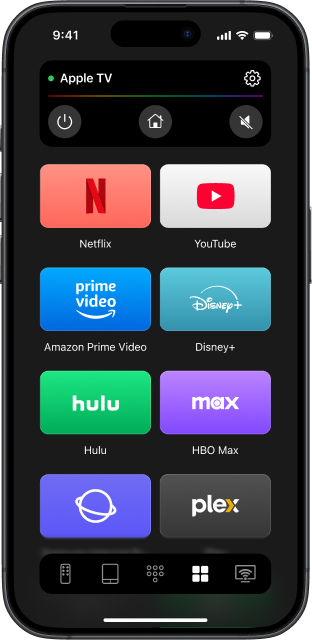
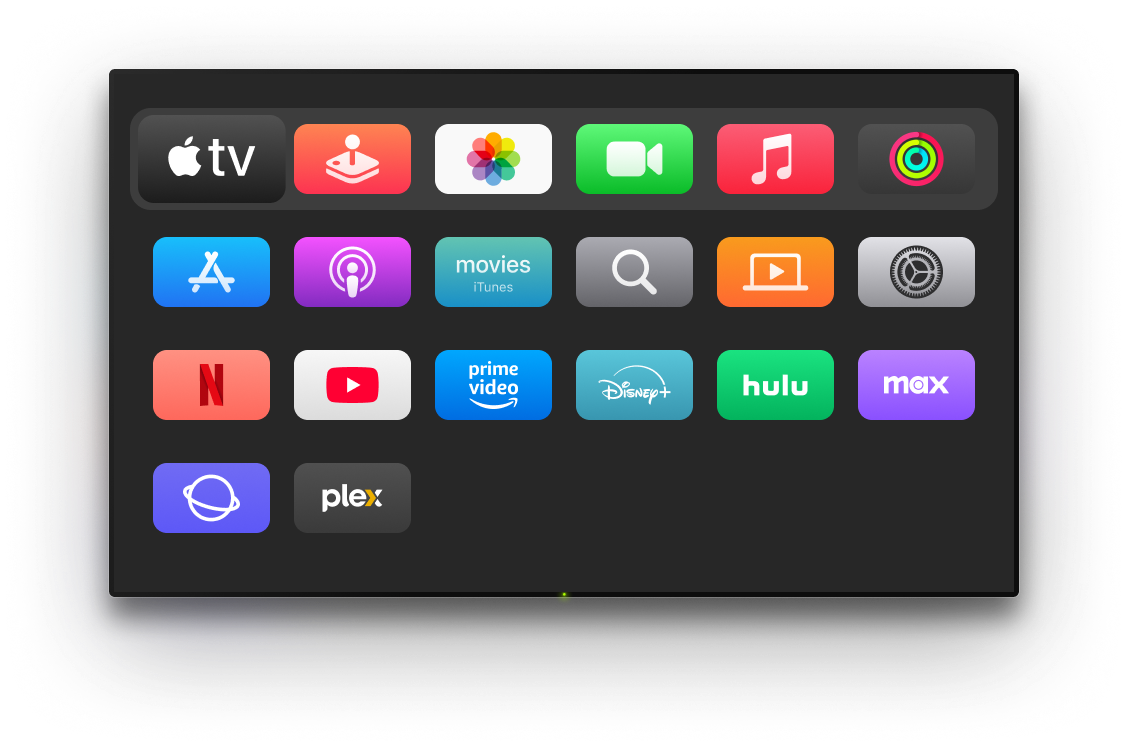
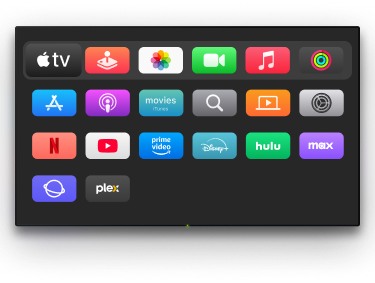
All your favourite Apple TV apps are just one tap away. Get access to Netflix, YouTube, Amazon Prime Video, and other apps directly from your iPhone or iPad. TVRem brings speed, comfort, and control together.

Designed for
wide TV compatibility
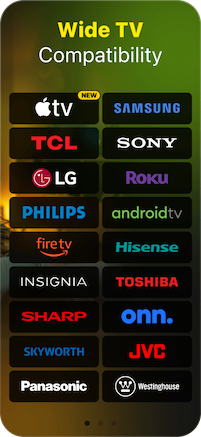
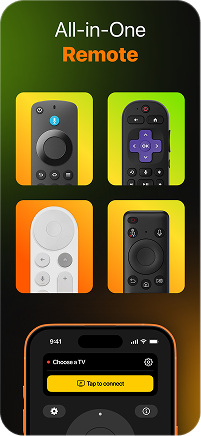
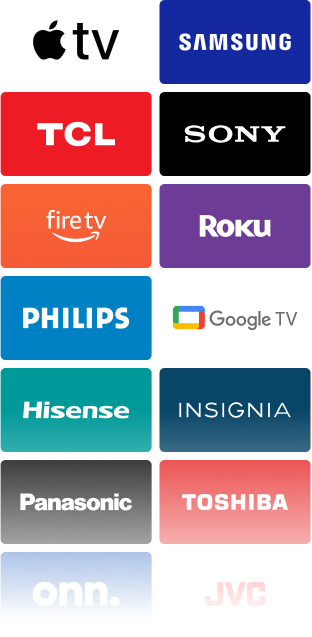
TVRem is a universal remote that works with Apple TV as well as with a wide range of Smart TVs. Connect, pair, and control your devices from a single iOS app.
How to get started with TVRem
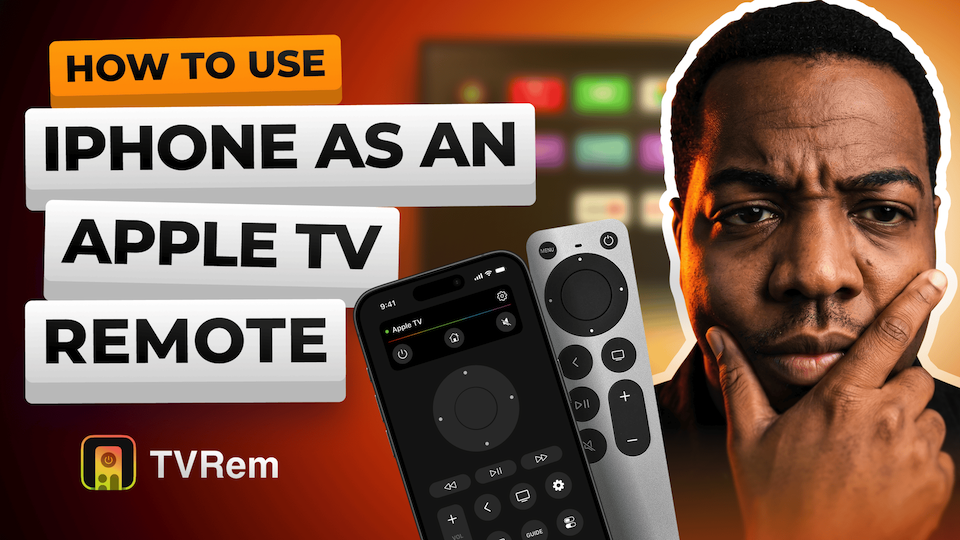
Watch the video below to learn how to use Apple TV remote app.

Built for a wide range of TVs
Compatible with Android TVs, Google TV devices, and Chromecast streamers, with support for voice control through Google Assistant.





Supports Fire TV streaming players, Amazon Smart TVs, and TVs with Fire TV built in. Control everything from one app on iOS.




Supports Roku players, Roku TVs, and devices with Roku built in. A simple way to control your TV without the original remote.




Compatible with Samsung and LG Smart TVs running their own operating systems, as well as Apple TV models such as Apple TV 4K, Apple TV HD, and Apple TV (3rd generation).






Frequently asked questions
The setup usually takes just a few minutes. Make sure your iPhone and TV are connected to the same Wi-Fi network. After that, choose your TV from the list provided.
For some devices, you'll have to input the code provided by the TV once during the first configuration. After that, you will not have to repeat these actions until you reconnect the device.
Yes, TVRem is completely free to use. You can access all remote control features without any subscription or additional payments. Just install the app and start controlling your TV right away.
First of all, try checking if your TV and iPhone are on the same Wi-Fi connection and if you have the most recent version of the application installed. Ensure that your TV is compatible with your device. In case you still cannot find your TV on the list, click here to know more.
Certainly, you may use TVRem on your iPad in the way you use it on your iPhone. All functions are available for both devices.
TVRem works with the most popular Smart TVs and streaming devices, including Samsung and LG TVs, as well as Roku and Fire TV devices. It also supports Android TV and Google TV, including Chromecast with Google TV, and Apple TV models such as Apple TV 4K, Apple TV HD, and Apple TV (3rd generation). Compatibility may vary depending on the model.
TVRem for iOS
A Free Universal Remote App to Control Your Smart TV
This iOS application is fully compatible with iOS 17+.
Latest version 1.9
released 18 Sep, 2026