





TVRem
Free Samsung
TV Remote App for iPhone


Samsung TV
remote app
for iPhone
Meet TVRem — a free Samsung TV remote app for iPhone and iPad. Connect to your Samsung TV in seconds over Wi-Fi and take full control without needing the original remote.
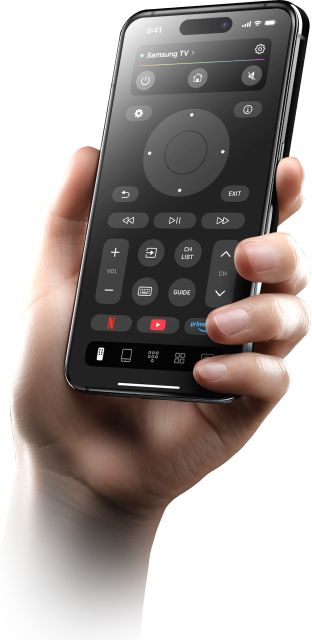

Full control over
your Samsung TV
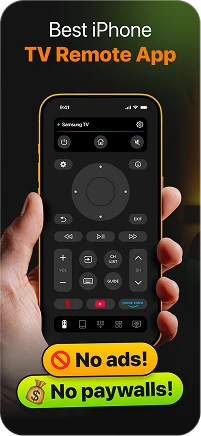
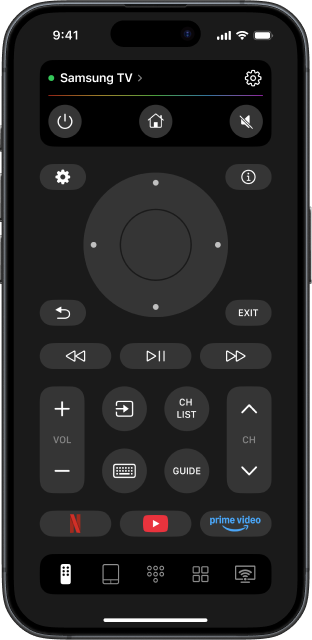
TVRem gives you everything you need to use your iPhone as a Samsung TV remote, including core remote functionality and app shortcuts. Launch apps, adjust volume, control playback, and navigate menus — all from one place on your phone.

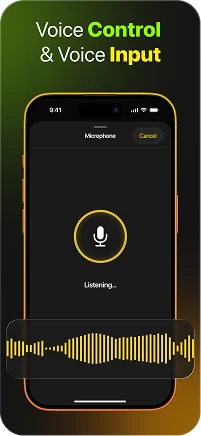
No typing.
Just speak
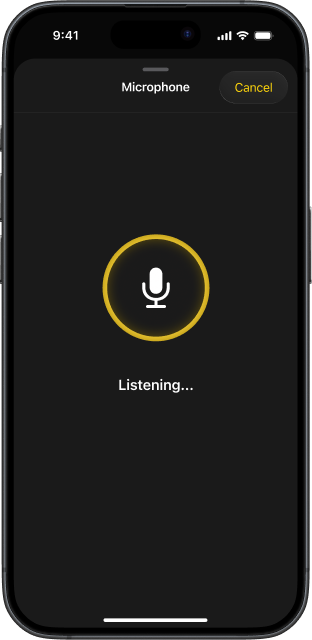
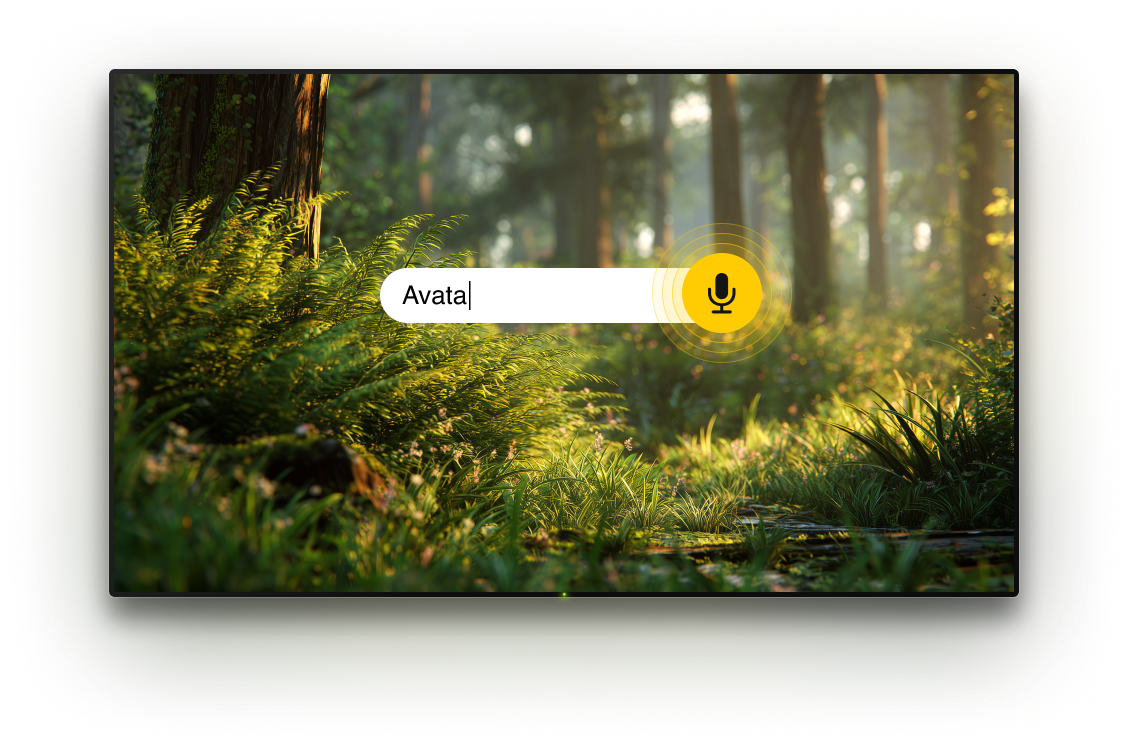
Skip the slow on-screen keyboard and use voice input instead. Just speak to search for content, enter titles, or open apps. This Samsung TV remote control app makes text input fast and effortless.

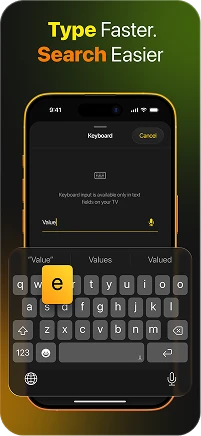
Type faster
with smart keyboard
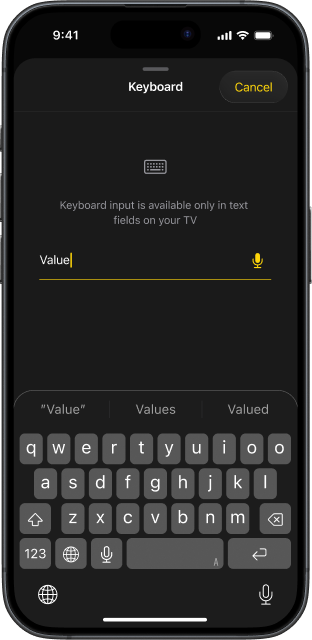
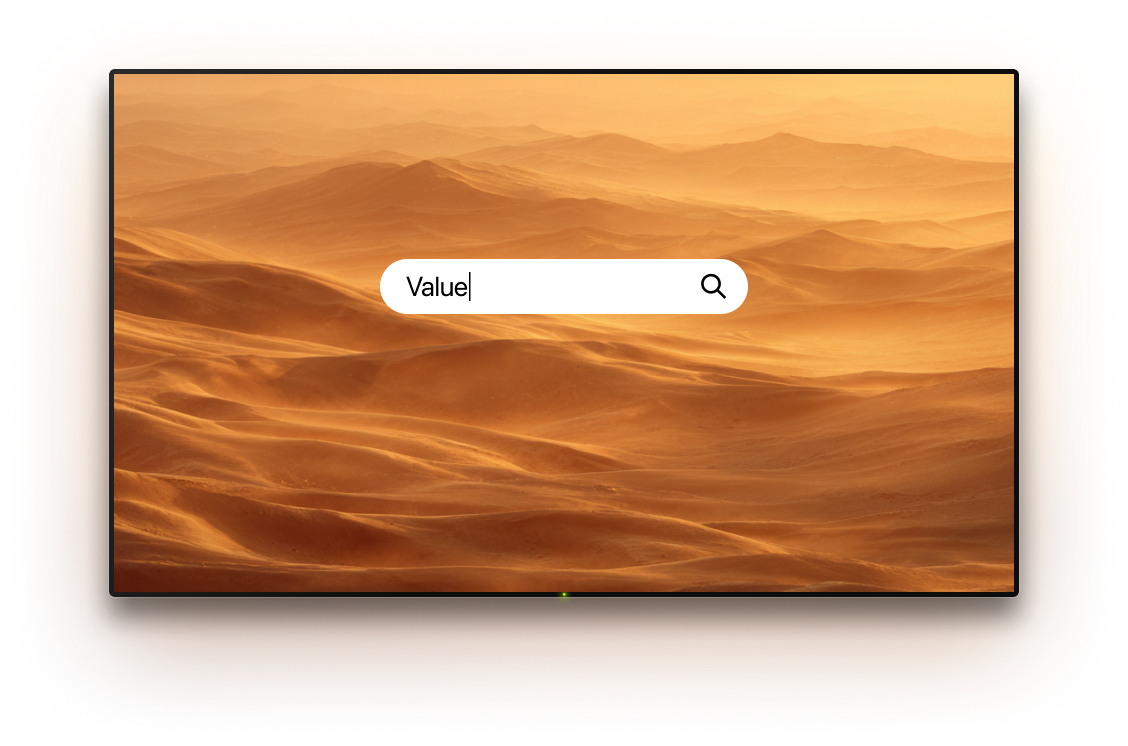
Use your iPhone keyboard to type directly on your Samsung TV screen. Search for movies, shows, and apps without hunting through on-screen letters. The best remote app for Samsung TV just made search easy.

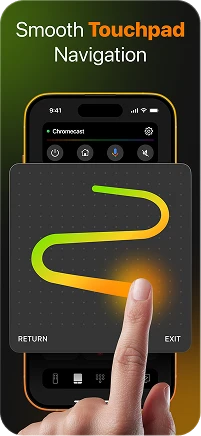
Smooth navigation
with touchpad
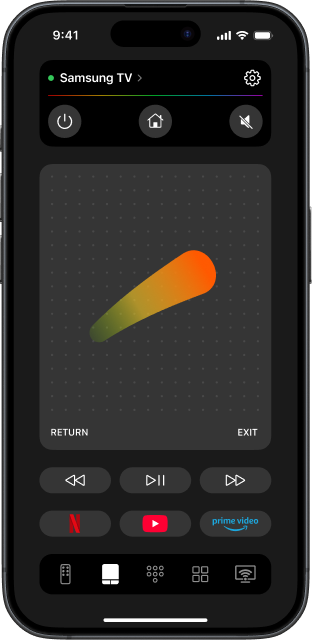
Use touch gestures to move around your Samsung TV interface. Swipe to scroll, tap to select — no buttons needed. TVRem turns your iPhone into a modern, intuitive universal remote app for Samsung TV.

One tap to open
your favourite apps
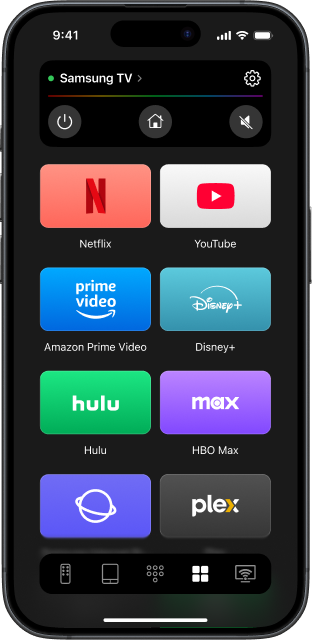
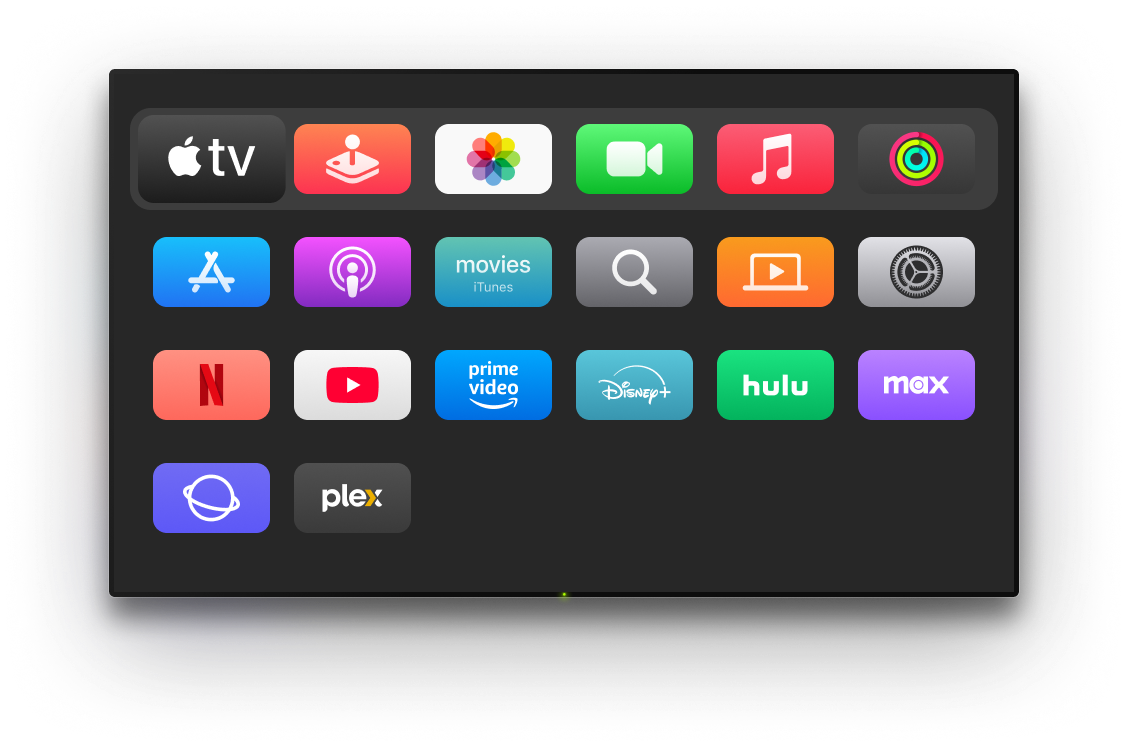
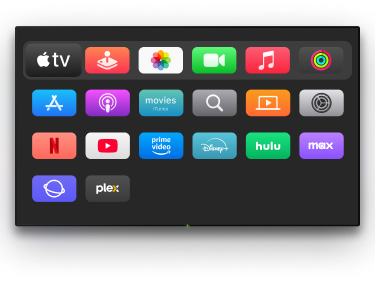
Access Netflix, YouTube, Amazon Prime Video, and other apps directly from your iPhone. No need to navigate through menus — your favourite Samsung TV apps are always one tap away.

Works with
Samsung and
other Smart TVs
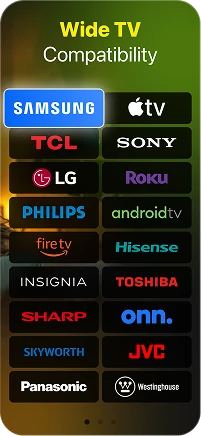
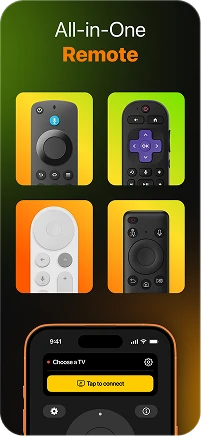
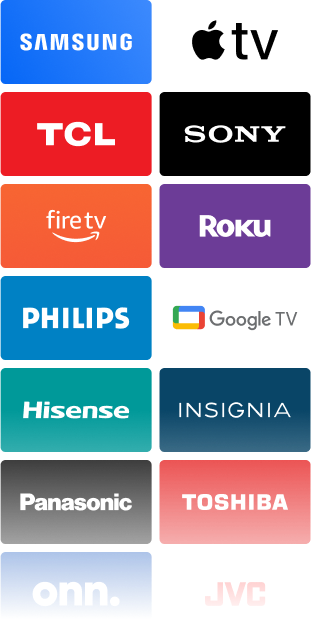
TVRem is a universal remote app for Samsung TV and a wide range of other Smart TVs. One app to control them all — Samsung, LG, Roku, Fire TV, Apple TV, and more.
How to get started with TVRem
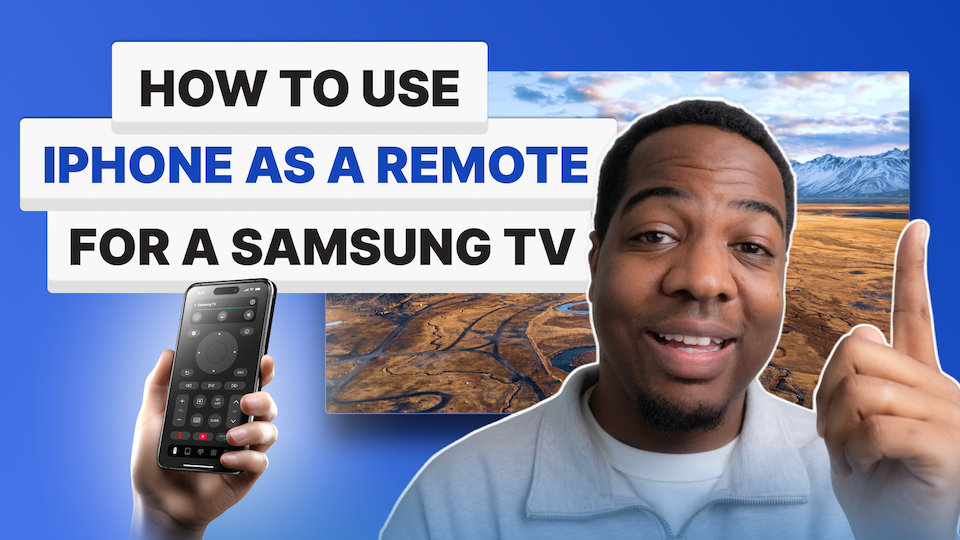
Watch the video below to learn how to use Samsung TV remote app.

Built for a wide range of TVs
Works with Android TV, Google TV, and Chromecast streaming devices, including voice control via Google Assistant.




Supports Fire TV streaming players, Amazon Smart TVs, and TVs with Fire TV built in.




Compatible with Roku players, Roku TVs, and smart TVs powered by Roku.




Also works with Samsung and LG Smart TVs, plus Apple TV 4K, Apple TV HD, and Apple TV 3rd generation.



Frequently asked questions
Make sure your iPhone and Samsung TV are on the same Wi-Fi network. Open TVRem, select your Samsung TV from the device list. Depending on your Samsung TV model, you may either see a permission request on the TV that you need to allow, or a PIN code that must be entered in TVRem. Setup only takes a minute.
Yes, TVRem is completely free. All remote control features are available without any subscription, ads, or payment. Just install and start controlling your TV.
Visit this page to view the complete list of compatible Samsung TVs, including supported models across different series, years, and operating system versions. This will help you quickly confirm whether your specific TV is supported and ensure full compatibility before getting started.
Check that both your iPhone and Samsung TV are connected to the same Wi-Fi network and that your app is up to date. If the issue persists, visit our Help Page for troubleshooting steps.
Yes. TVRem works on both iPhone and iPad. All features, including voice input, keyboard, and touchpad, are fully available on iPad.
Yes, in most cases. When a Samsung Smart TV is switched off, it may cut its Wi-Fi or Ethernet connection, so TVRem wakes it up with Wake-on-LAN (WoL) or Wake on Wireless LAN (WoWLAN). For this, the app needs your TV’s MAC address. TVRem can often detect it automatically. If it can’t, find it on your TV under Settings > Support > About This TV (or Contact Samsung), then open the device list in TVRem, tap Edit next to your TV, and enter the MAC address there. Note that remote power-on works only if your TV supports and has enabled WoL or WoWLAN.
No. TVRem remote app connects to your TV over your local network, so your iPhone and TV must be on the same Wi-Fi network. Without Wi-Fi, the app can’t find your TV or send commands to it.
TVRem for iOS
A Free Universal Remote App to Control Your Smart TV
This iOS application is fully compatible with iOS 17+.
Latest version 1.11
released 16 Nov, 2026