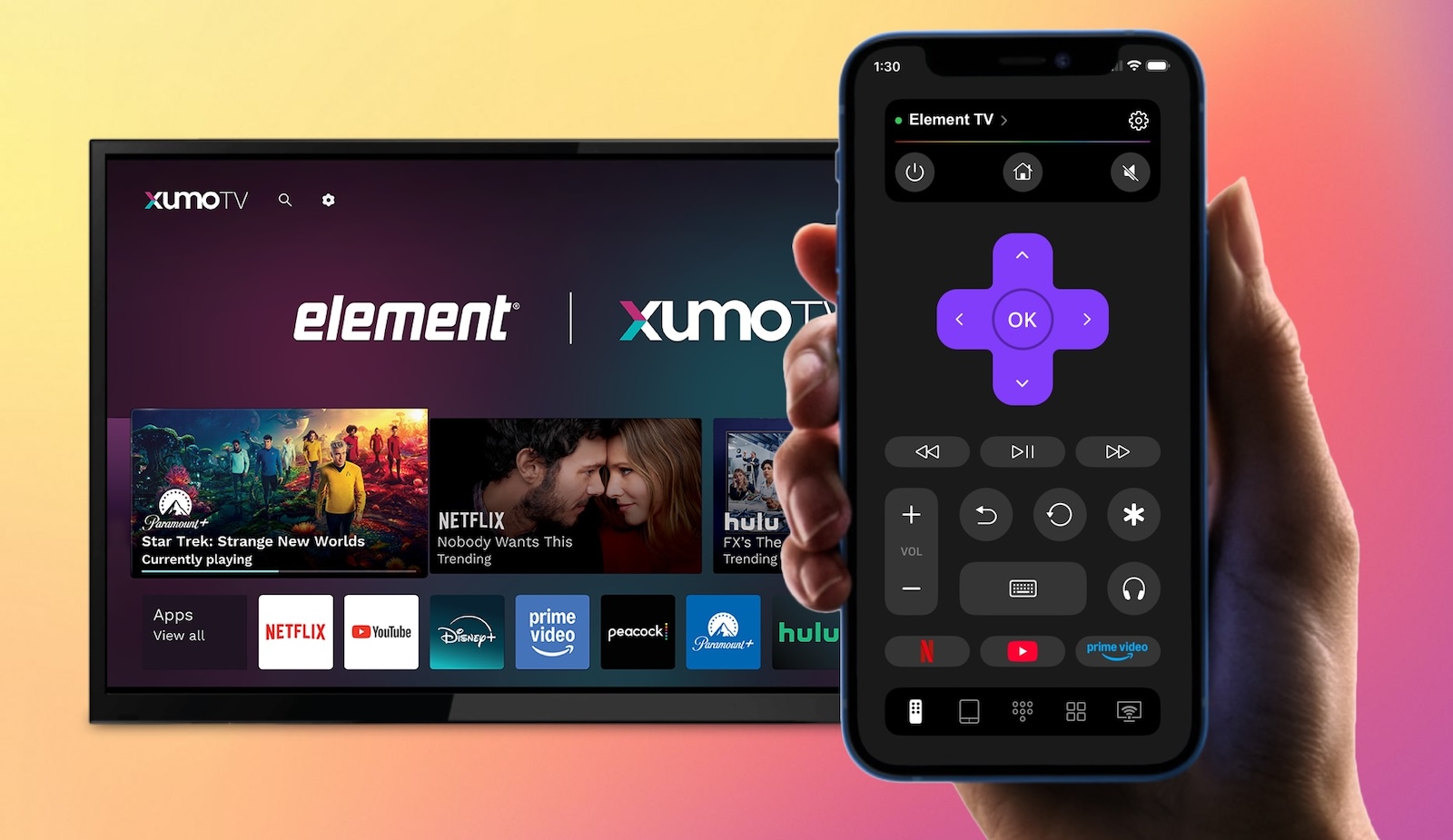
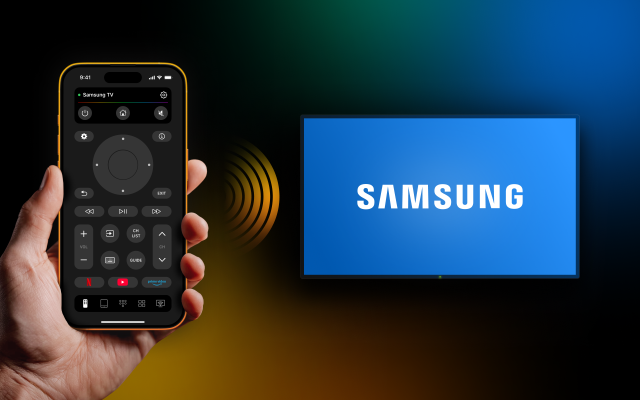
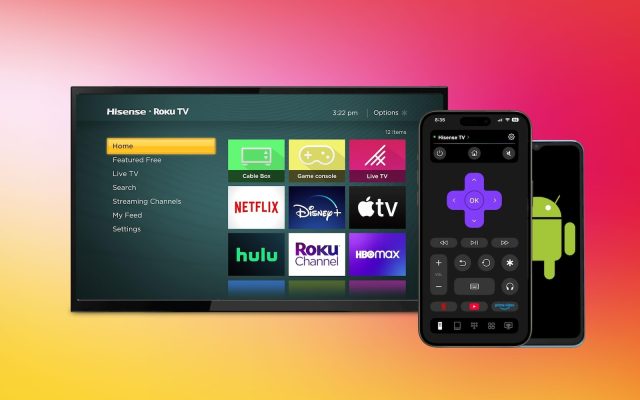
Can’t find your Element TV remote – or just want to control your TV from your phone? You’re covered. Whether your Element TV runs Roku, Fire TV, Xumo, or Android TV, there’s a remote app that works with it. This article breaks down the best Element TV Remote App options for iPhone users: what each one does, when to use it, and which is the most versatile pick.
What Is Element TV? A Quick Brand Overview
Established in 2007 and based in Winnsboro, SC, Element Electronics is a USA-based company that produces consumer electronics. Element’s product line consists primarily of low-price Smart TVs, which are mostly sold via Walmart, Best Buy, Target, and other retail stores throughout the United States.
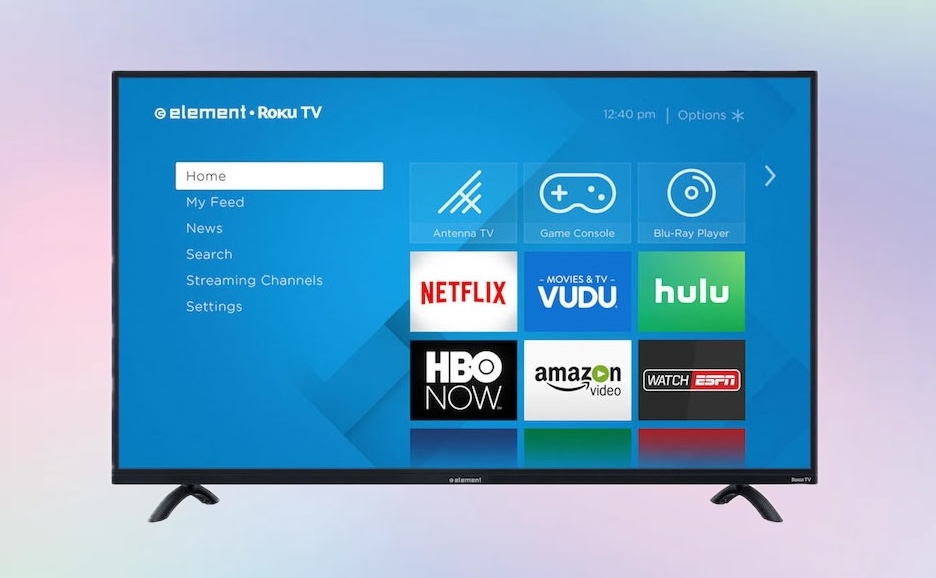
Due to the fact that Element TVs feature numerous operating systems depending on the model, they provide an interesting option for remote TV applications. Currently and recently, Element TVs run one of the following:
- Xumo Operating System – In 2023, Element partnered with Xumo (Comcast/Charter JV) to create a new line of 4K smart televisions, utilizing Xumo’s streaming service. Each model is preloaded with more than 250 apps and AirPlay support. Element has 3 TV models that fit into this category: E550AE50C (50”), E550AE55C (55”), and E550AE65C (65”) – all of which are included in Element Xumo 4K UHD HDR series available at Best Buy and many other retailers.
- Roku Operating System – Many of Element’s televisions use the Roku operating system. Several popular models of Element TVs are E1AA24R (24” 720p), E1AA32R (32” 720p), E4AA43R (43” 4K), E4AA55R (55” 4K UHD HDR10), and E4SW5017RKU (50” 4K) – all of which are available to purchase from both Amazon and Walmart.
- Fire TV – Some Element TVs run Amazon’s Fire TV platform. The EL4KAMZ5017 (50″ 4K) is one known Fire TV model, giving users access to Alexa and the Amazon ecosystem.
- Android TV / Google TV – Certain older and mid-range models run Android TV, including models from the E2SW and E4SW series.
Knowing which platform your Element TV runs is the first step to finding the right Element TV Remote Control App.
Best Remote Apps for Element TV
1. TVRem – Universal TV Remote App (Recommended)
TVRem is the best free Element TV remote app for iPhone if you want something that works regardless of which platform your Element TV runs. It’s a true universal remote – supporting Roku, Fire TV, Android TV, Google TV, Samsung, LG, and more from a single app. Rated 4.8 out of 5 stars with 640+ reviews, it’s one of the most reliable remote apps available.
The reason this is so important is that most Element models run on different platforms. For example, if you own a TV built on Roku, another running an older version of Android, and a third powered by Fire TV, you can control all three without needing to switch between remote apps.
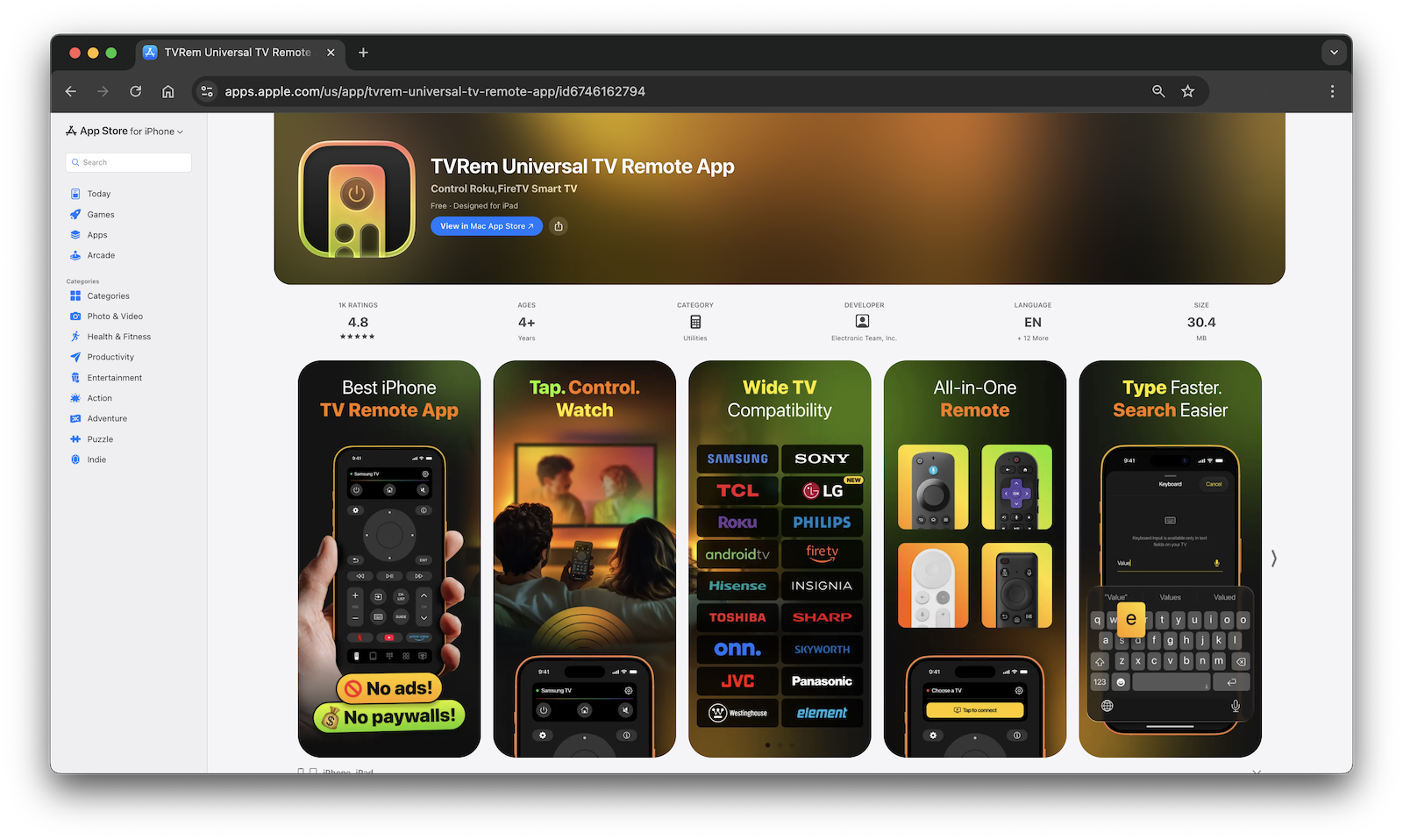
✔️ TVRem has many features, including:
- Full navigation (volume, channels, playback, and input switching)
- Touchpad navigation (swipe and tap like a mouse)
- Smart keyboard for fast text entry
- Voice control with Google Assistant and Alexa (if your model supports it)
- Quick launch buttons for Netflix, YouTube, Prime Video, and other apps
- TV auto-detection – connects instantly
💵 Price: Completely free, no subscription required
How to Use TVRem with Your Element TV
1. Download TVRem from the App Store.
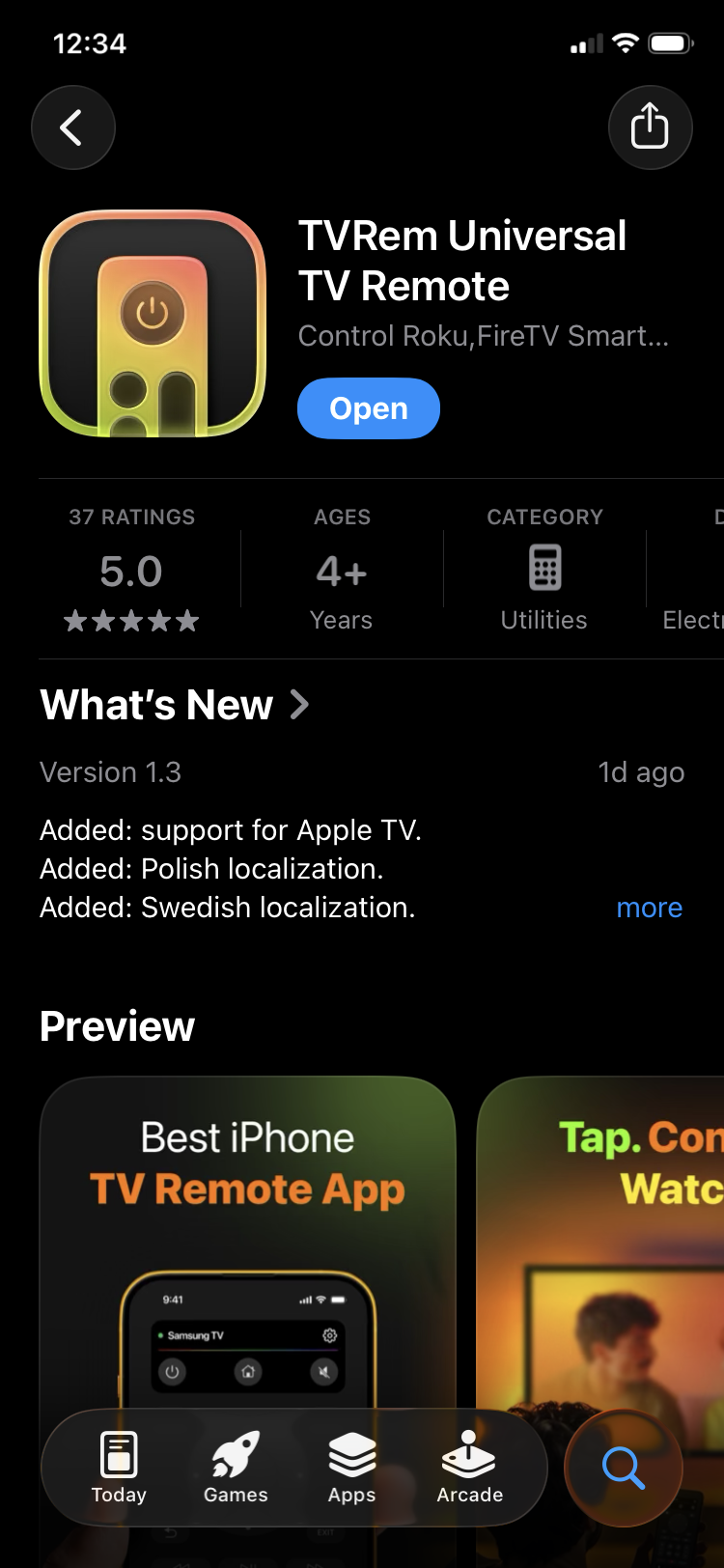
2. Connect to the same Wi-Fi network – your iPhone and Element TV must be on the same network.
3. Open the app – TVRem automatically scans for devices on your network.
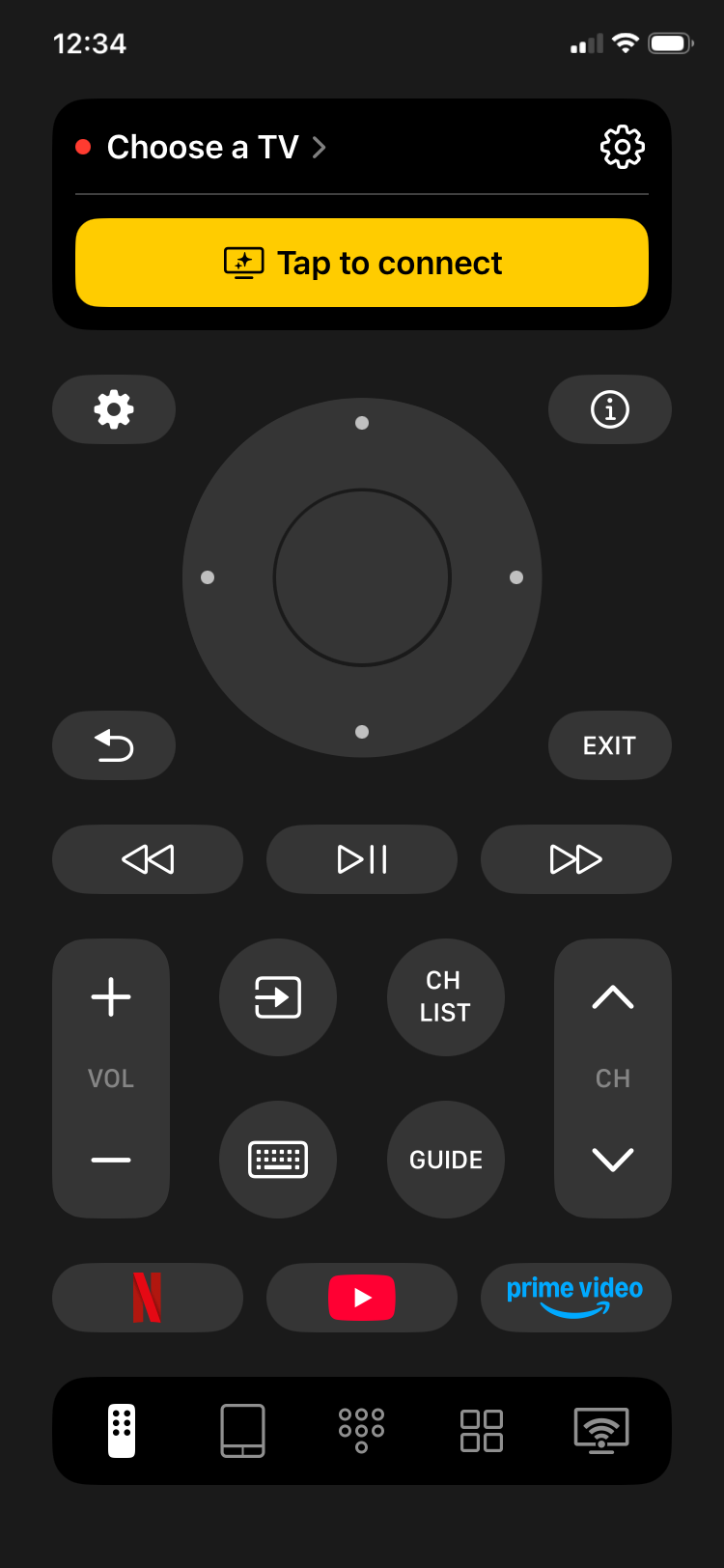
4. Select your Element TV from the list of detected devices.
5. Start controlling – use the touchpad, keyboard, or quick-launch buttons right away.
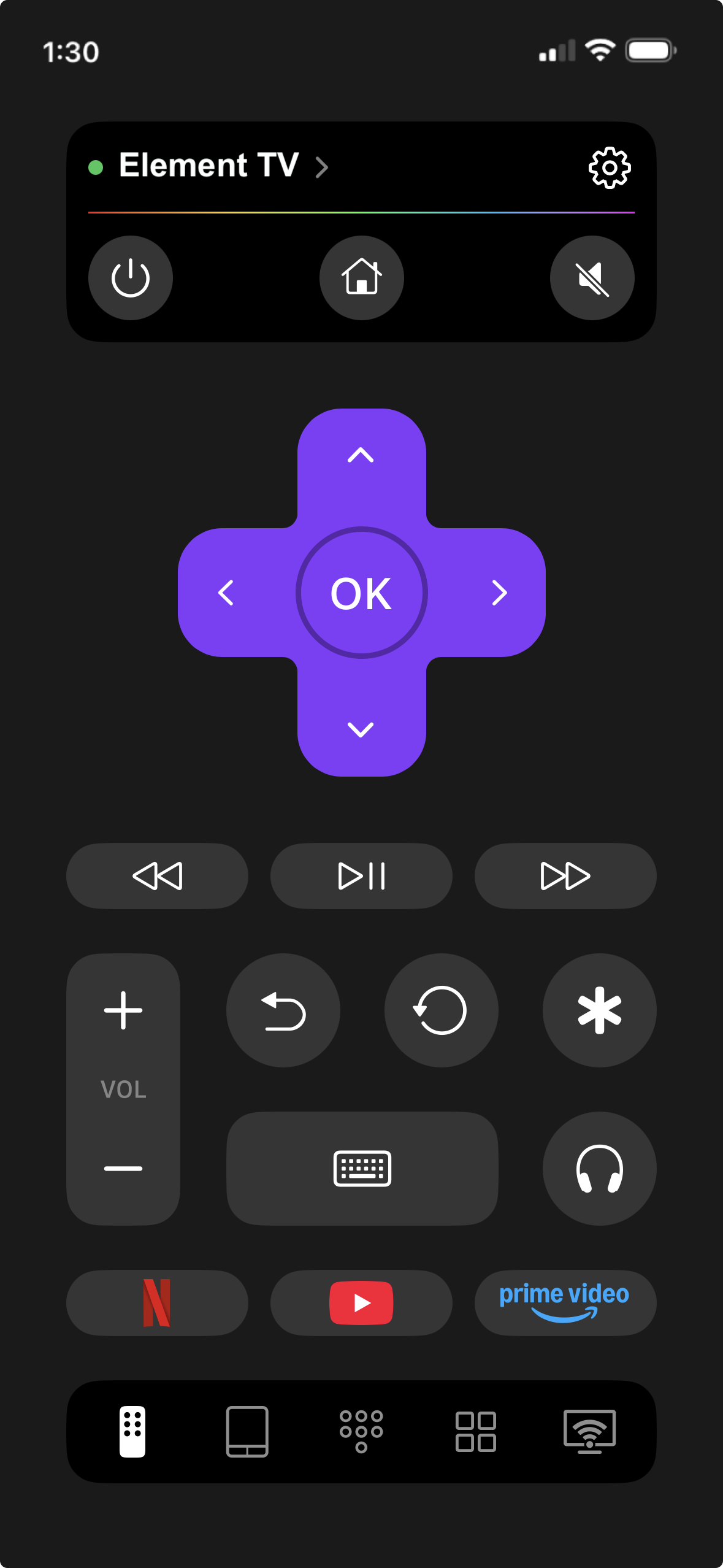
No account needed. Setup takes under a minute.
2. Xumo TV App – For Element Xumo TVs
If your Element TV runs Xumo OS, the official Xumo TV app is the platform-specific option. Developed by Comcast, it lets you use your phone as a second remote for your Xumo-powered Element TV.
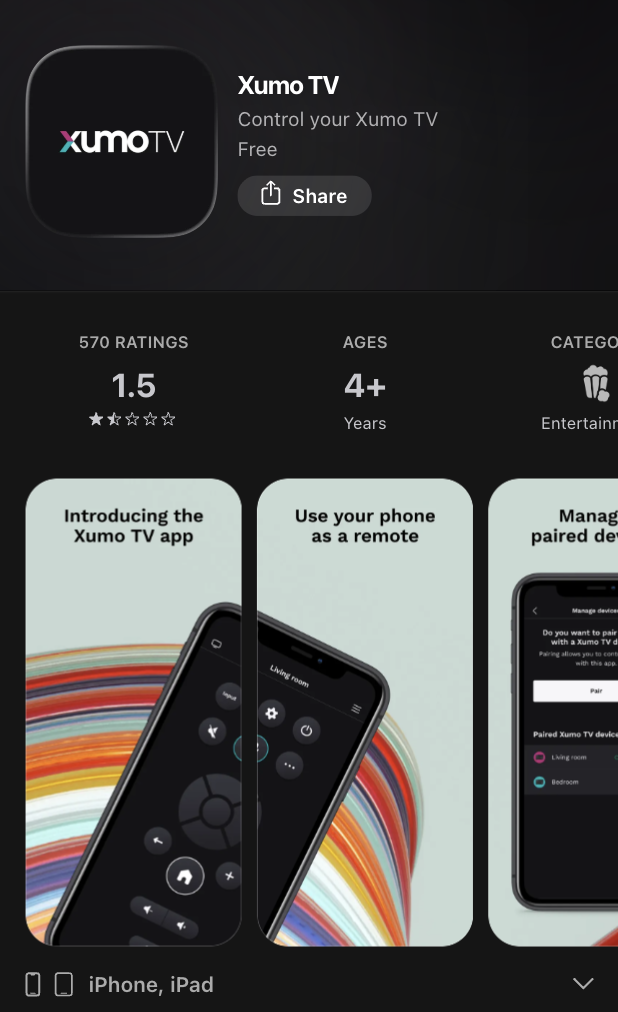
✔️ The 5 key features of this app include:
- D-pad navigation and play/pause/fast forward controls
- Volume control/mute button
- Channel number pad (used to select TV channels when using antenna and/or cable service)
- Launch apps and channels from within the app
- Launch content from the launchpad
💵 Price: Free
3. Other Platform-Specific Apps
If your Element TV runs a specific streaming platform, the official app for that platform is also an option:
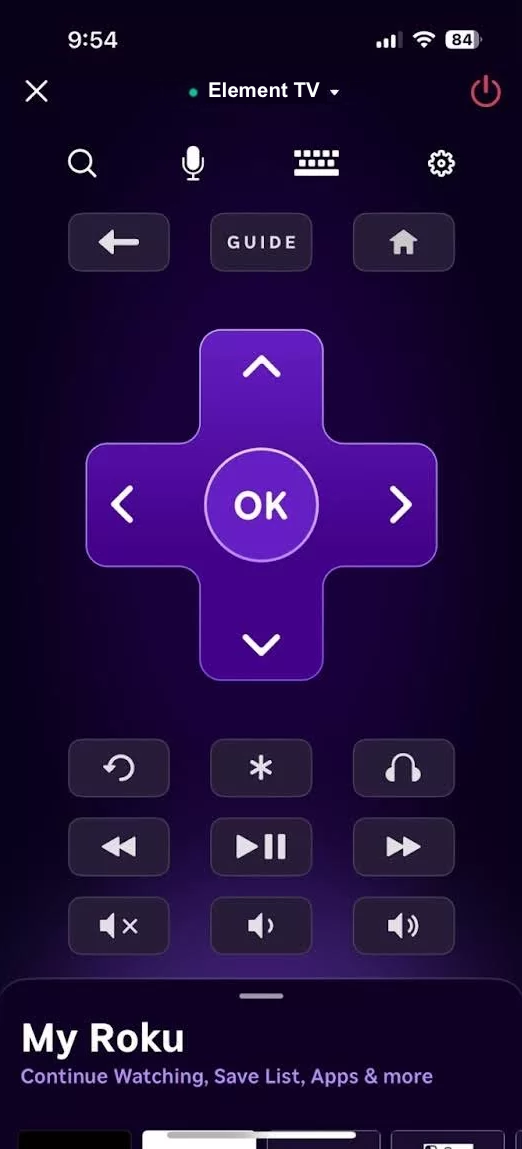
- The Roku App – works with Element Roku TVs. Offers remote control, private listening (audio through your headphones), keyboard search, and voice input. Free. Requires a Roku account. A solid choice if your Element TV is a Roku model and you’re already in the Roku ecosystem.
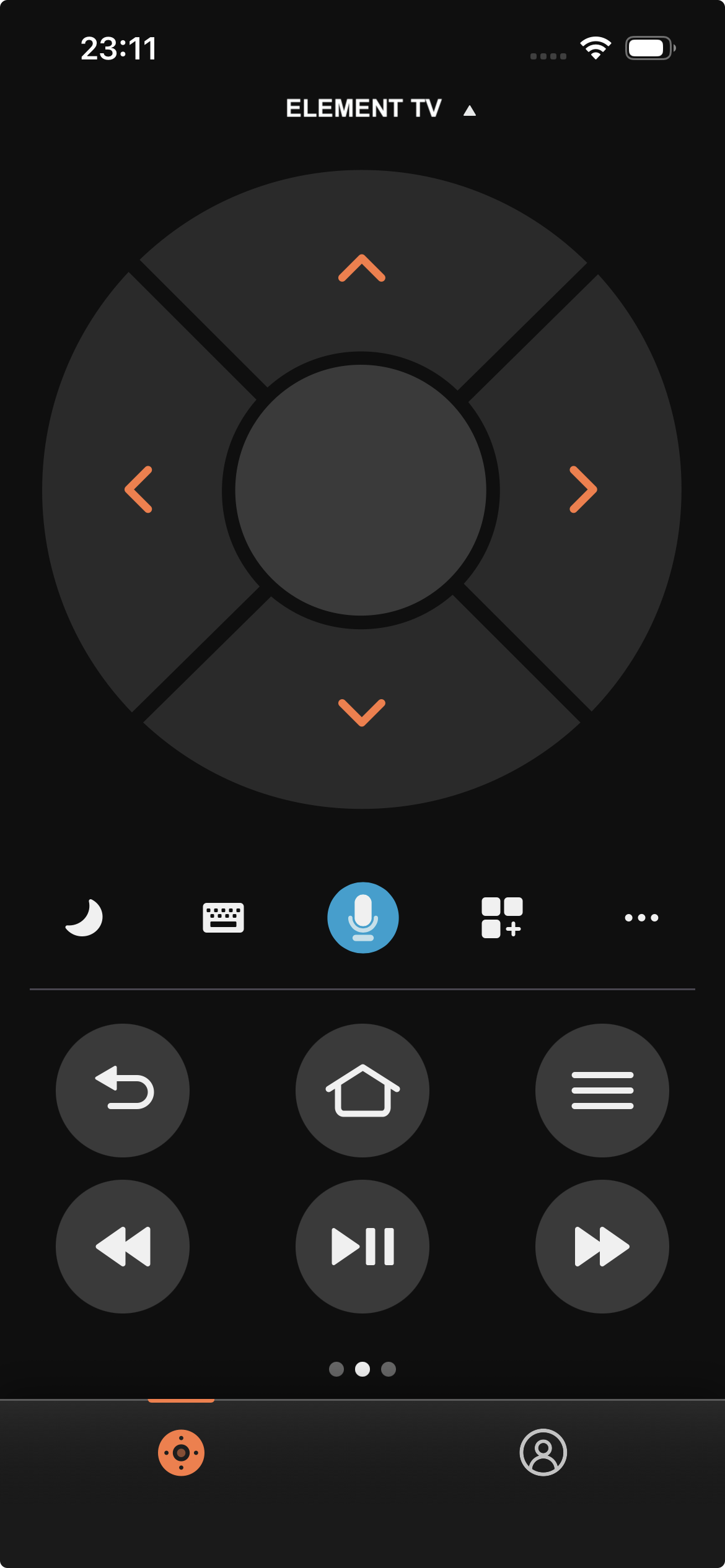
- Amazon Fire TV App – works with Element Fire TV models. Includes Alexa voice control, keyboard input, and full remote navigation. Free. Requires an Amazon account.
Both of these are platform-locked – they only work with their respective TV ecosystems. If you ever switch models or use a different brand, you’ll need a different app. That’s the main reason a Universal Remote App for Element TV, like TVRem, is more practical for most users.
How to Choose the Right Remote App for Your Element TV
With several options available, here’s what to focus on:
📌 Identify your Element TV’s platform first. Check the TV’s settings or the model number on the back to find out if it runs Roku, Fire TV, Xumo, Android TV, or Google TV. This narrows your options significantly.
📌 Decide if you want one app or multiple. Platform-specific apps (Roku, Fire TV) work well within their ecosystem but become useless if you change TVs or add a second device. A free universal remote app for Element TV, such as TVRem, works across all platforms from day one.
📌 Check what the free version actually includes. Some apps are free to download but lock core navigation behind a subscription. TVRem gives full functionality – keyboard, touchpad, app launch, voice – at no cost.
📌 Check recent reviews, as TV firmware updates can sometimes break app compatibility. An app with active, recent reviews is more likely to be maintained and work correctly with the current TV software.
📌 Reliability matters more than features. An app that disconnects every few minutes or requires re-pairing constantly defeats the purpose. TVRem’s consistent 4.8-star rating across hundreds of reviews reflects stable, dependable daily use.
Physical Remote vs. Remote App: Which Wins?
Ultimately, it depends on what you’re looking for; however, a remote application has a clear advantage in almost all scenarios.
Reasons that remote applications are better than physical remotes:
- ✅ You never leave the remote application somewhere else (you always have your phone with you)
- ✅ You will type out something on a normal keyboard, probably 10x faster than trying to scroll through numbers/letters with an IR D-Pad
- ✅ Your phone usually has a microphone built into it, and can perform voice searches for compatible TVs
- ✅ No batteries to replace
- ✅ One remote app can control many televisions and multimedia devices
Reasons that physical remotes still have an advantage over remote apps:
- ✅ Physical remote can function without an Internet connection (in case of ISP malfunctions, etc.)
- ✅ You don’t have to unlock your phone in order to change the volume level
- ✅ Some functions, such as IR blasters for older televisions, will only function with the remote hardware
- ✅ Physical buttons are easier to use in the dark without looking
For most people who have a reliable home Wi-Fi network, a TV remote app on iPhone replaces a physical remote almost entirely. The keyboard input alone makes searching for content so much faster that most users don’t want to go back. A physical remote remains a good backup – but for daily use, the app wins.
Conclusion
The right Element Smart TV remote app depends on which platform your TV runs – but if you want one app that handles everything without restrictions, TVRem is the clear choice. It’s free, universally compatible with Roku, Fire TV, Android TV, and other platforms found in Element TVs, and takes seconds to set up.
The Xumo app works for Xumo-based Element TVs but has reliability issues that make it hard to recommend as a primary remote.
Platform-specific apps like the Roku or Fire TV app are solid picks within their ecosystems, but fall short if your setup ever changes.
Frequently Asked Questions
You have a few options. First, most Element TVs have a physical power or menu button on the side or bottom of the unit – check along the bezel edges. Second, you can use a Remote App for Element TV on your iPhone: download TVRem, connect to the same Wi-Fi as your TV, and you’ll have full control within a minute. Third, if your Element TV runs Xumo OS, you can use the official Xumo TV App – though pairing it for the first time does require that the TV already be accessible.
Yes, TVRem is genuinely free. Unlike many remote apps that advertise a free download but restrict core features behind a subscription, TVRem gives you full remote functionality – navigation, touchpad, keyboard input, voice control, and quick-launch app buttons – at no cost. There’s no trial period, no paywalled features, and no account required to use it.
Yes, but only on specific models. Element TVs running Xumo OS – such as the E550AE50C, E550AE55C, and E550AE65C – support Apple AirPlay, which lets you stream content from your iPhone, iPad, or Mac directly to the TV. However, Element Roku TVs and older models do not support AirPlay natively. If AirPlay is important to you, look for an Element Xumo TV specifically, or check the product specs before purchasing.