

Free Fire TV Remote App
for iPhone

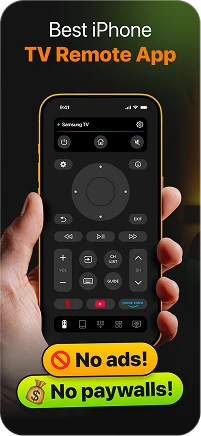
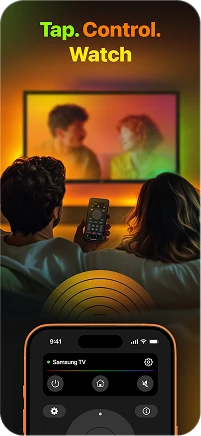
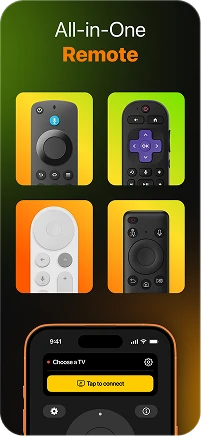

Your iPhone as an
Amazon Fire TV
remote
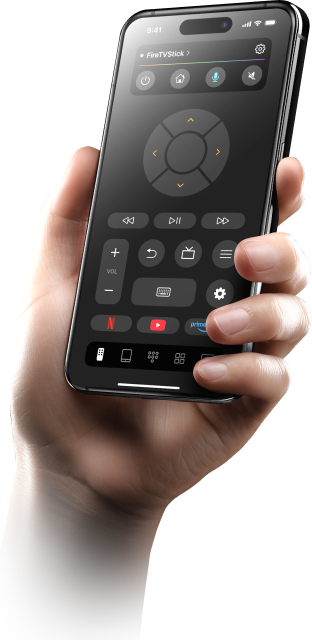

Full Fire TV control
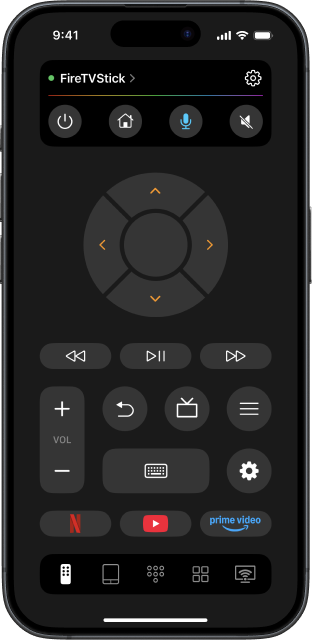

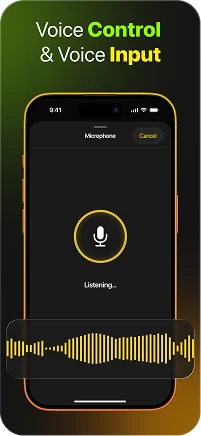
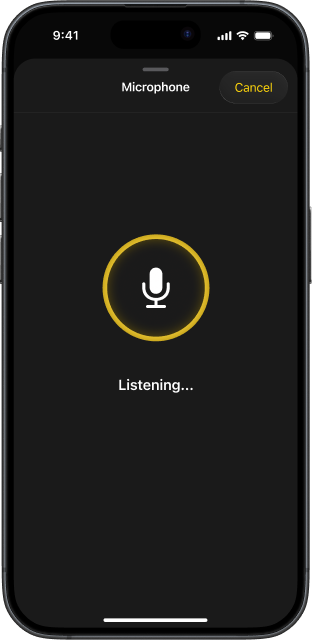
Ask Alexa —
right from your
iPhone

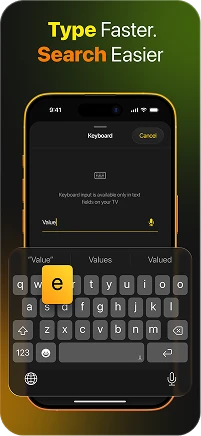
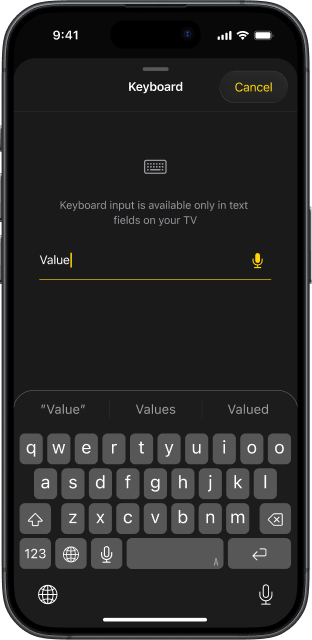
Search faster with
your iPhone
keyboard

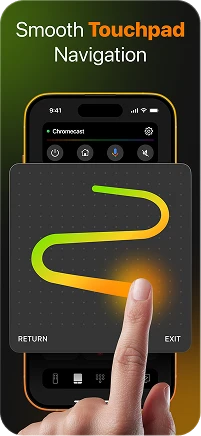
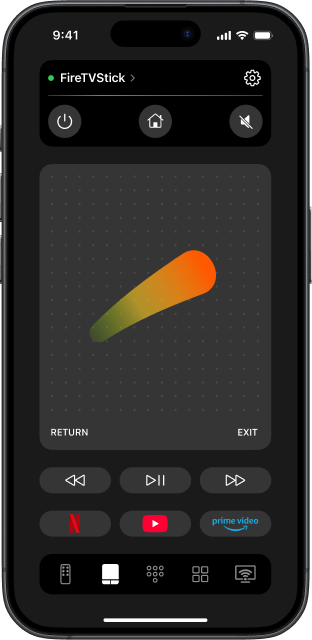
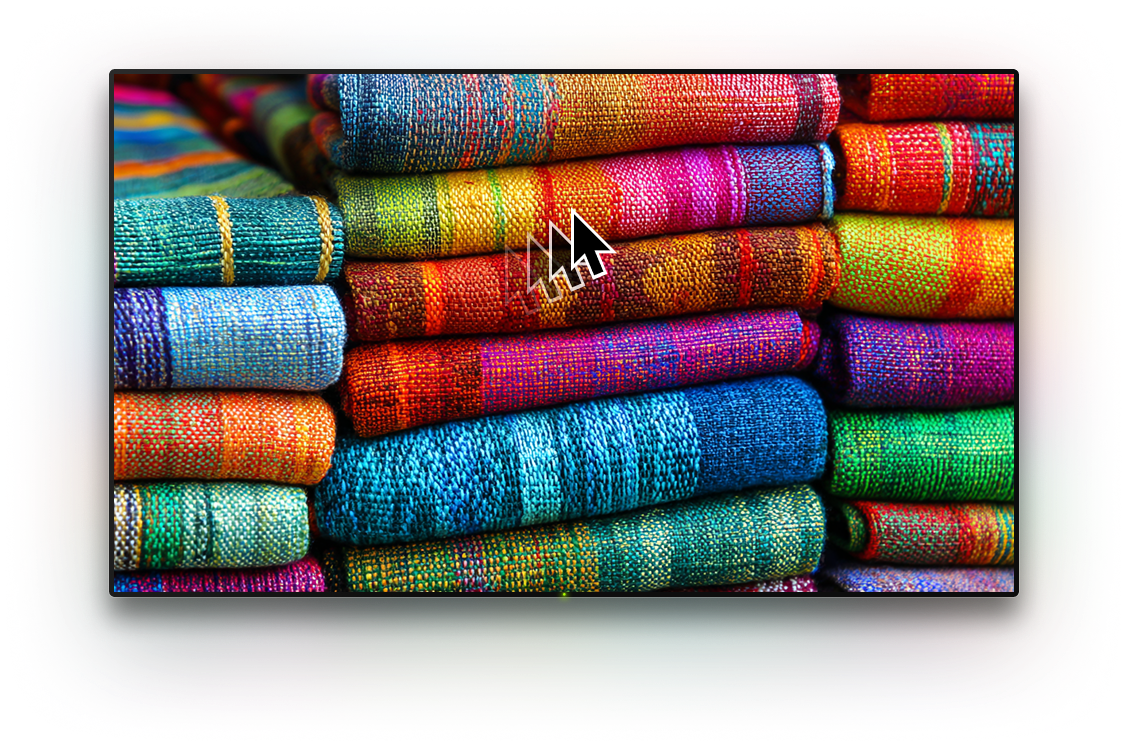
Navigate Fire TV
with swipe gestures

Access to your
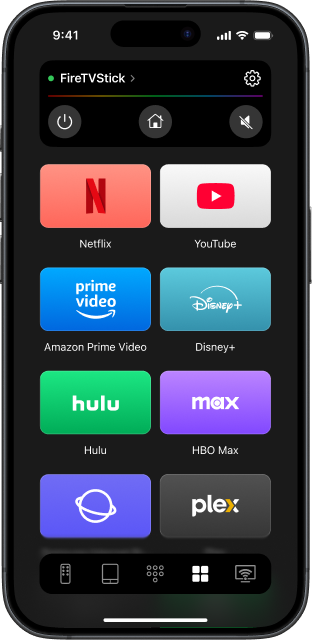
apps with one tap

Works with
a lot of smart TVs
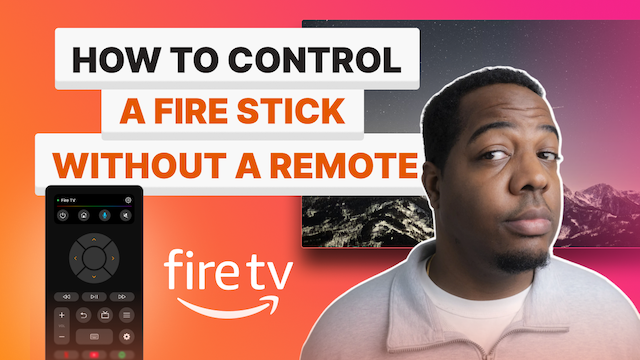
See how to use TVRem
with your Fire TV
in under a minute.

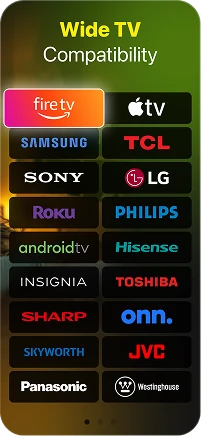
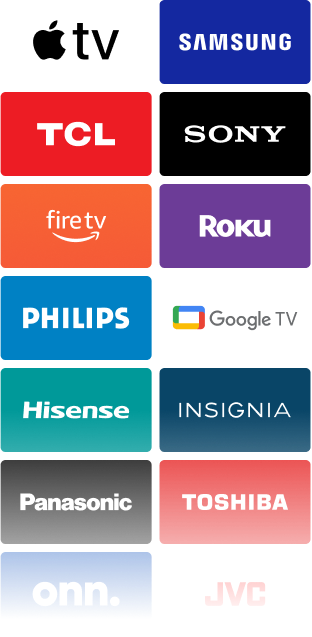
Works with a wide range of TVs























Frequently asked questions
In most cases, the Amazon Fire TV app can’t find your TV because of a network or permission issue. First, make sure your iPhone and Fire TV are connected to the same Wi-Fi network, not a guest network or a separate 2.4 GHz/5 GHz band.
Next, check that the app has permission to find devices on your network: go to Settings > Privacy & Security > Local Network on your iPhone and turn the toggle on for the app. Turn off any VPN, since it can block local device discovery. If the app still doesn’t work, restart your Fire TV, update the app to the latest version, and sign in with the same Amazon account you use on your Fire TV. If you’re still stuck, try a third-party remote app like TVRem. It connects to Fire TV over Wi-Fi and doesn’t require an Amazon account.
Besides Amazon’s own Fire TV Omni, 4-Series, and 2-Series smart TVs, several manufacturers sell TVs with Fire TV built in. In the US, the most common ones are Insignia, Toshiba, TCL, Hisense, Pioneer, and Panasonic.
In Europe and the UK, you can also find Fire TV models from Panasonic, Grundig, and JVC. Keep in mind that brands like TCL, Hisense, and Toshiba also sell TVs running Roku TV, Google TV, or VIDAA, so not every TV from these brands has Fire TV. The easiest way to check is to look at the home screen: if you see the Fire TV logo and a row of apps at the top, your TV runs Fire TV. TVRem works with all TVs that have Fire TV built in, along with Fire TV Stick and Fire TV Cube.