





TVRem
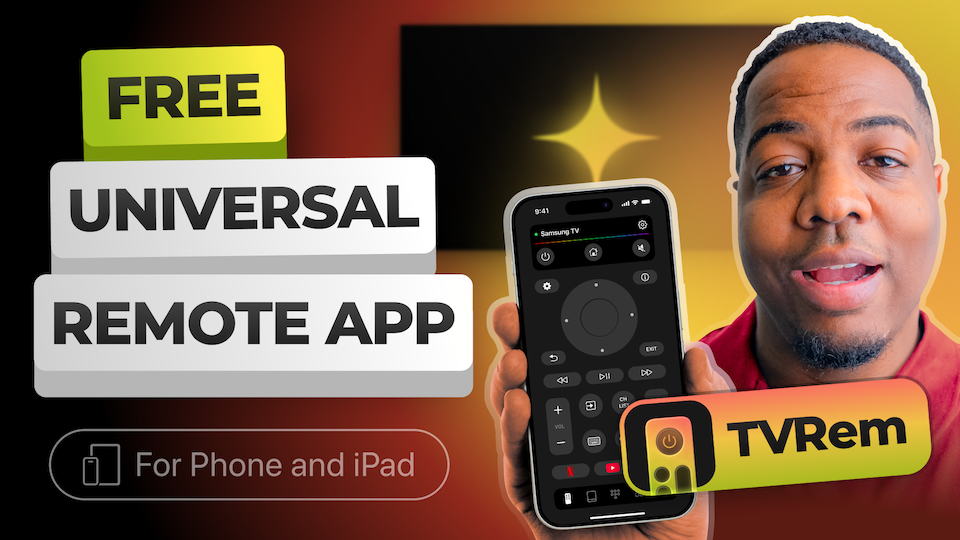
Free Sony TV Remote
App for iPhone


Universal TV Remote
for your Sony Bravia
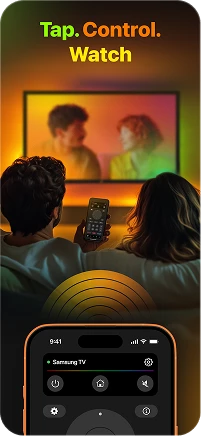
Sony Bravia TVs running Google TV are built for a smooth, intelligent viewing experience, and TVRem matches that standard. This Sony universal remote app connects over Wi-Fi in seconds and gives you full control without fumbling for the physical remote.

Full control over
your Sony TV
– no remote required
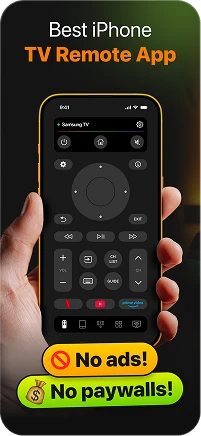
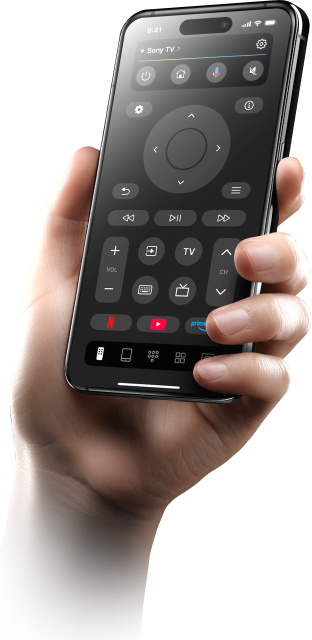
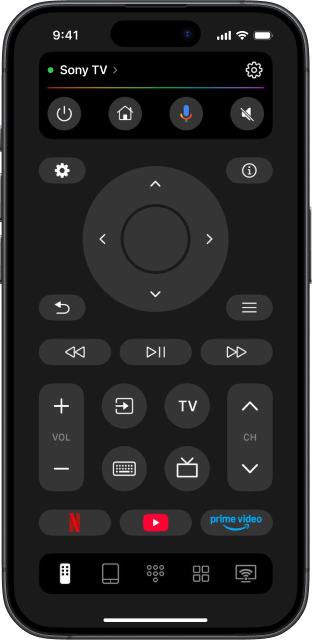
Control Sony TV with TVRem and get core remote functionality without needing an infrared blaster. Navigate the Google TV interface, switch inputs, adjust volume, manage playback, and access your settings – all from your iPhone. This Sony TV remote control app replaces the original remote, without compromising on a single function.

Search by voice –
find anything in
seconds
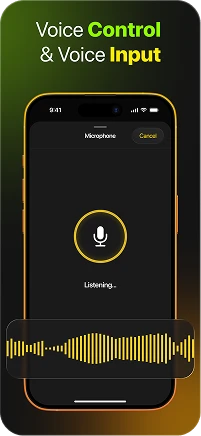
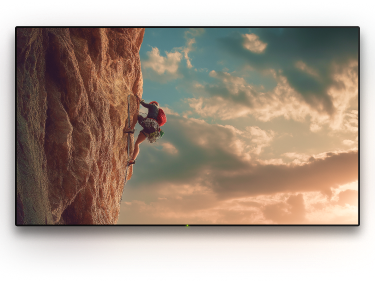
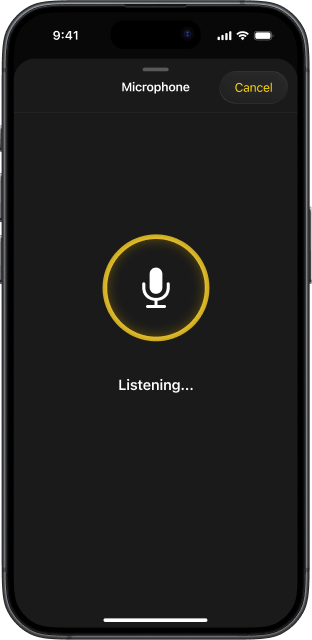
Sony Bravia Google TV spans dozens of streaming services at once. TVRem lets you speak your search directly from your iPhone – find a title across Netflix, YouTube, Prime Video, and more without typing a single letter. Just speak, and your Sony finds it.

Type on your Sony
TV from your iPhone
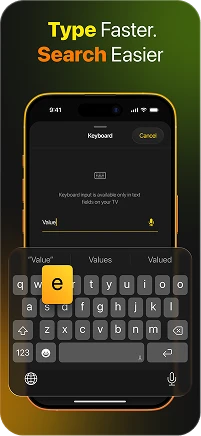
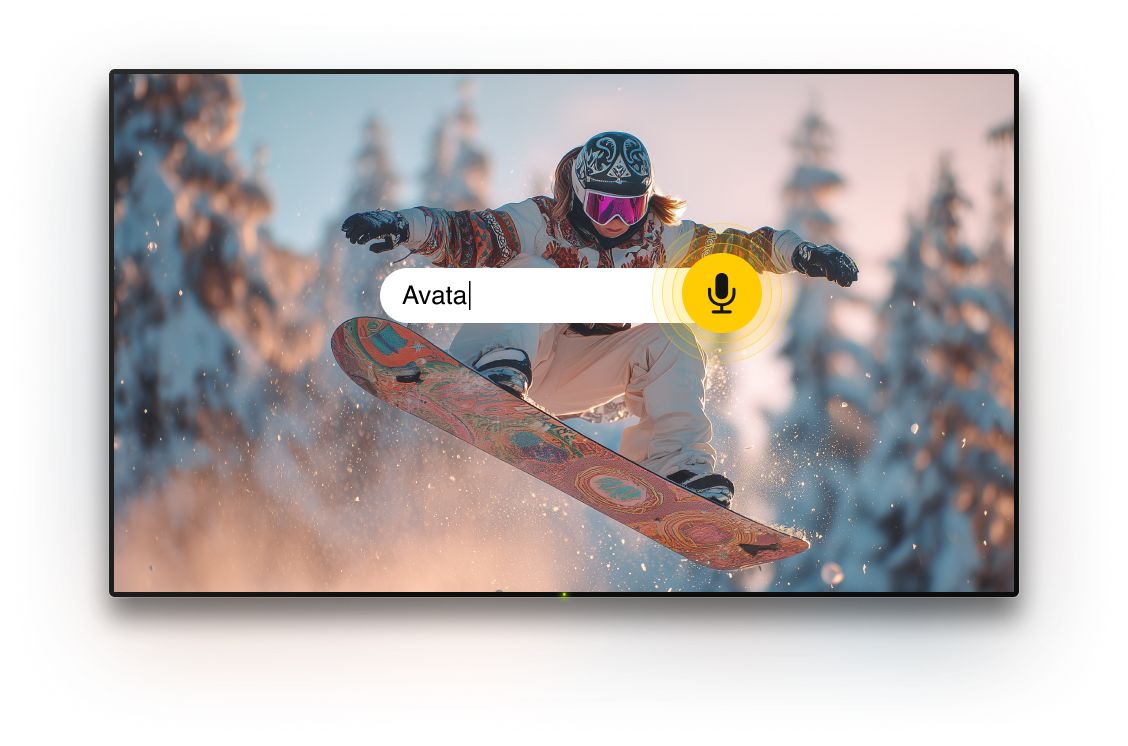
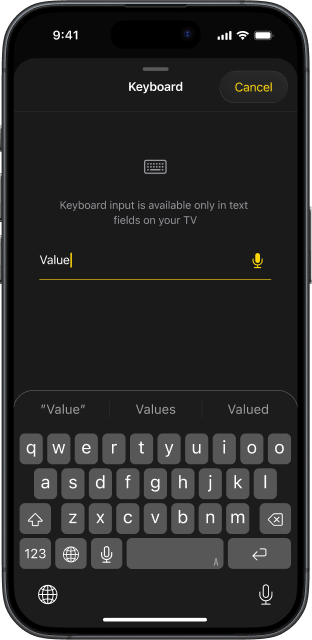
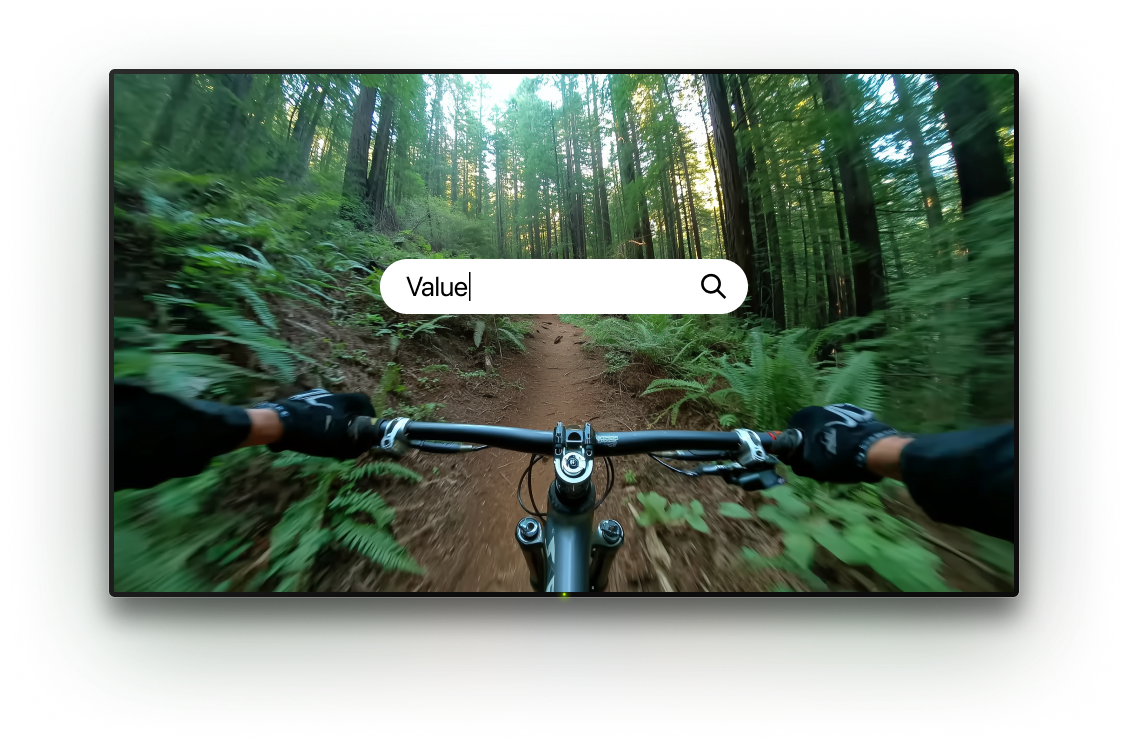
Forget navigating an on-screen keyboard with directional buttons. TVRem lets you type directly from your iPhone – the text appears on your Sony TV screen instantly. Searching for a show, entering a password, or naming a playlist takes seconds instead of minutes. This free Sony TV remote app makes every text input effortless.

Navigate Google TV
with natural swipe
gestures
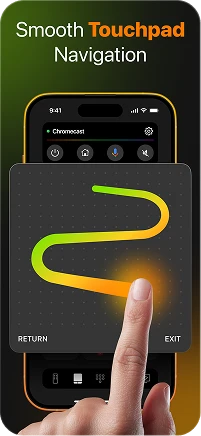
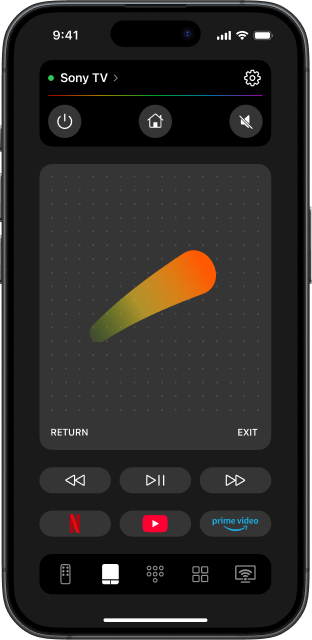
Google TV's card-based layout responds perfectly to swipe navigation. TVRem's touchpad mode lets you move through rows of content with a swipe, jump between categories, and tap to open – just like you'd navigate your phone. This Sony Google TV remote app makes the interface feel as fluid as it was designed to be.

Every streaming
service, one tap
away
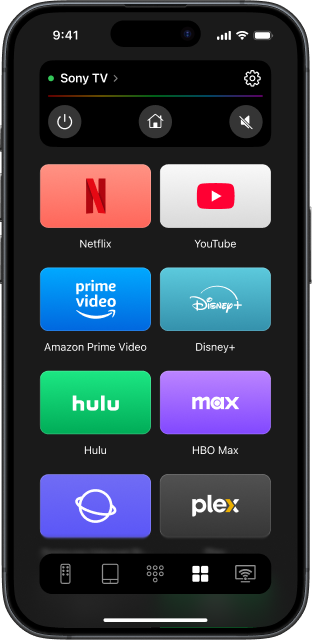
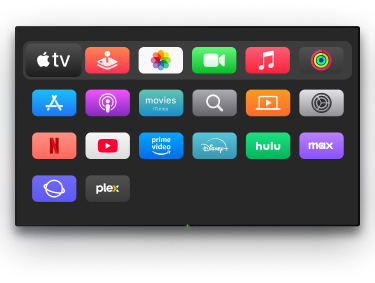
Sony Bravia Google TV puts Netflix, YouTube, Disney+, Prime Video, and more front and centre – and TVRem puts them on your iPhone too. Launch any app with a single tap, skip the home screen entirely, and get straight to watching. Fast, clean, without hunting for the remote.

TVRem as a
universal remote
app for Sony TV
and beyond
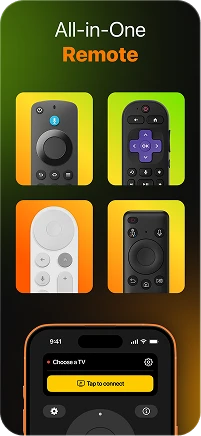
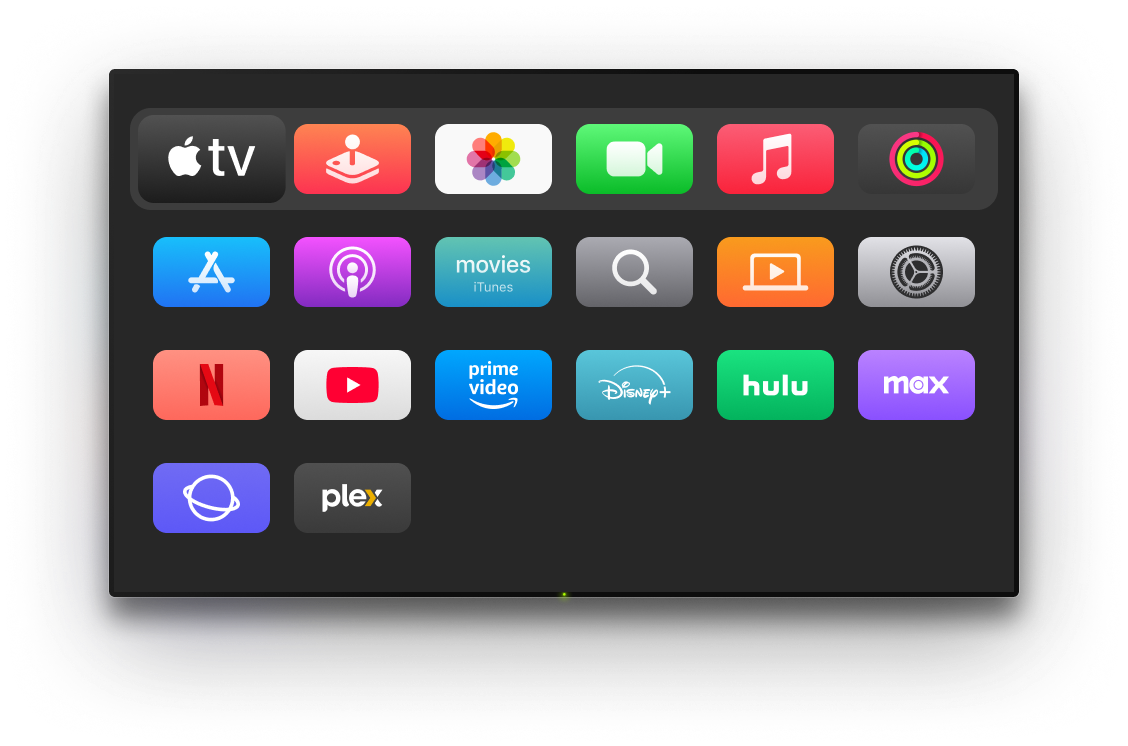
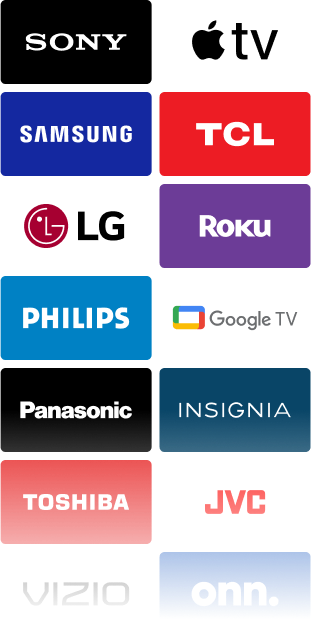
TVRem is a free universal TV remote that goes well beyond Sony. Got a Samsung in the bedroom, a Roku in the kitchen, or an Apple TV in the living room? One TV remote for every screen in your home – without ads, without limits.
How to set up TVRem
with your Sony TV
Watch how to connect your iPhone to your Sony Bravia and get full remote control in under a minute – without remote, without cables.

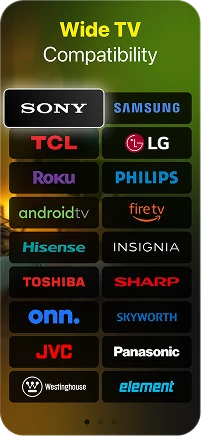
Built to work with many popular TVs and streaming devices
TVRem works with Android TVs, Google TV devices, and Chromecast with Google TV, including support for voice control via Google Assistant where available.


Use TVRem with Fire TV streaming players, Amazon Smart TVs, and other TVs with Fire TV built in. Control your device directly from one iOS app.




Compatible with Roku streaming players, Roku TVs, and TVs powered by Roku OS. It gives you an easy way to control your TV when the original remote is lost, broken, or out of reach.


TVRem also supports Samsung and LG Smart TVs running their own operating systems, along with Apple TV models such as Apple TV 4K, Apple TV HD, and Apple TV 3rd generation.


Frequently asked questions
Yes. TVRem is fully compatible with Sony Bravia Google TV models. Connect your iPhone and Sony TV to the same Wi-Fi network, open TVRem, select your TV from the device list, and you're in control. It also works with older Sony Android TV models.
Yes, completely free. No subscription, no ads, no locked features. TVRem is a free Sony remote control app that gives you full access to every feature from the moment you install it.
TVRem uses your iPhone's microphone for voice input, which lets you search and navigate your Sony Google TV hands-free. For full Google Assistant smart home commands, Google's own app works alongside TVRem.
Ensure that your iPhone is connected to the same router and Wi-Fi network as your TV. If the issue persists, visit our Help Page for specific troubleshooting steps.
Yes. TVRem supports both Sony Bravia Google TV and older Sony Android TV models. If your Sony TV runs Android TV or Google TV, TVRem will work with it.
Yes. TVRem is a free universal TV remote that works with Samsung, LG, TCL, Hisense, Roku, Fire TV, Apple TV, and more. Add all your devices and control everything from one app — no extra remotes needed.
TVRem supports a wide range of Smart TVs and streaming devices, including Sony, Samsung, LG, TCL, Hisense, Roku, Fire TV, Android TV, and Google TV (including Chromecast with Google TV). It also supports Apple TV 4K, Apple TV HD, and Apple TV (3rd generation). Compatibility may vary based on the specific model.
Yes. TVRem works identically on iPhone and iPad. Touchpad, voice input, keyboard, and app shortcuts are all fully available on both devices.
TVRem for iOS
A Free Universal Remote App to Control Your Smart TV
This iOS application is fully compatible with iOS 17+.
Latest version 1.10
released 19 Oct, 2026