





TVRem
Free Panasonic TV Remote App
for iPhone


Panasonic TV
remote app that
keeps up with every
model
Panasonic has been quietly shifting platforms over the years – older models run Android TV, while newer Panasonic TVs from 2023 onwards run Fire TV OS. TVRem is a remote app for Panasonic TV that works across both. Connect your iPhone over Wi-Fi and take full control.

Total TV control
from your iPhone
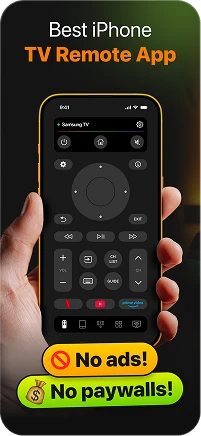
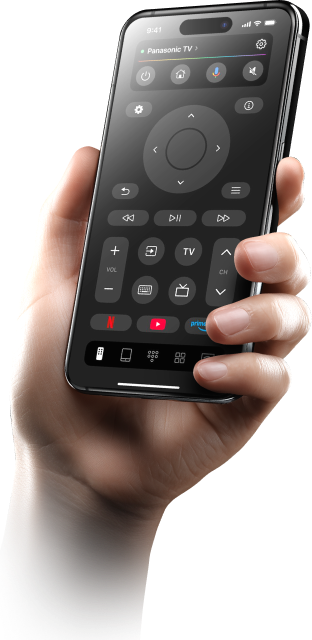
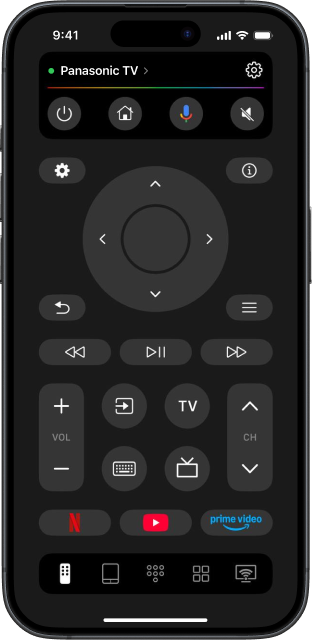
TVRem is a complete Panasonic TV remote control app with full remote functions – navigate menus, switch HDMI inputs, adjust volume, and manage playback all from your iPhone screen. Whether you're watching a film on your Panasonic OLED or browsing through streaming apps, this Panasonic smart TV remote app puts everything within reach. Control your TV without a remote and never go looking for one again.



Voice control built
for how Panasonic
TVs actually work
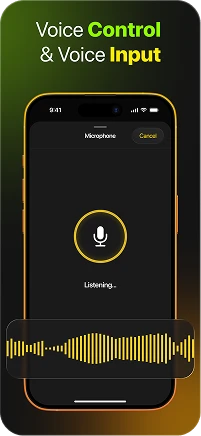
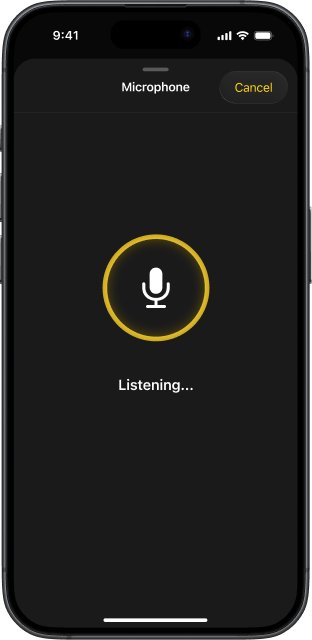
Panasonic Android TV models work with Google Assistant, while newer Fire TV OS models support Alexa. TVRem uses your iPhone's microphone to tap into whichever voice platform your Panasonic runs – search for titles, jump to apps, or control playback out loud. Speak once, watch instantly.

Stop pecking – type
on your Panasonic
from your iPhone
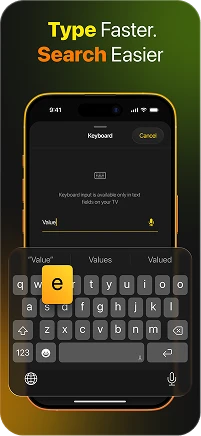
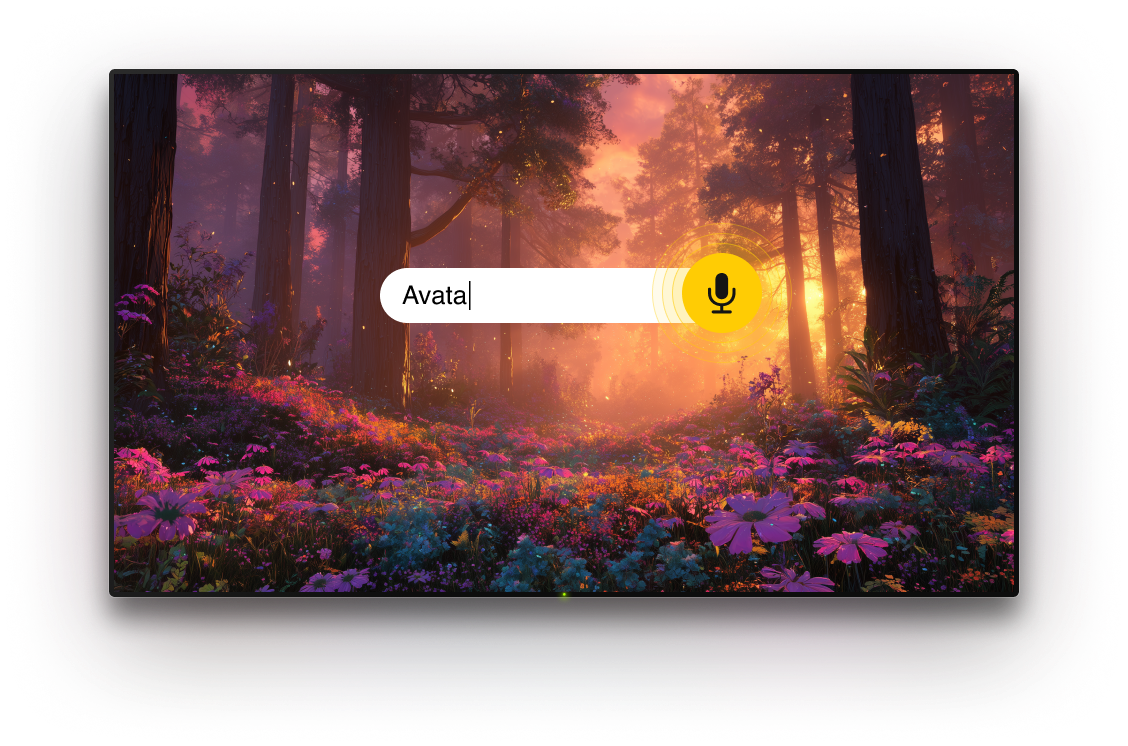
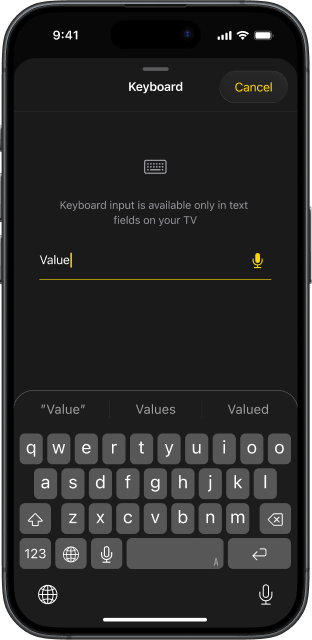
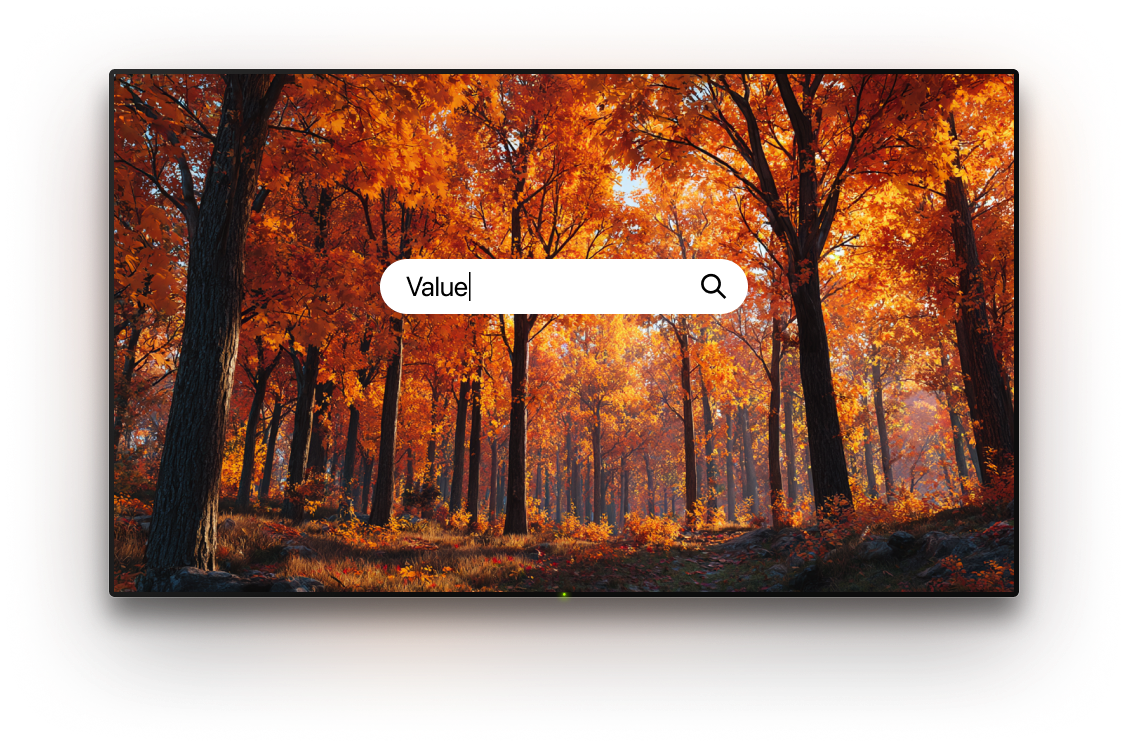
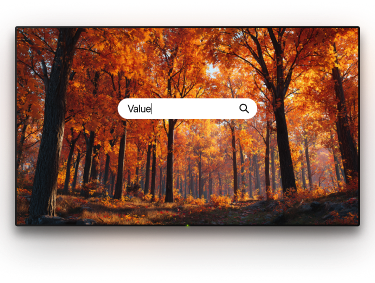
Entering a streaming password or searching for a title on a Panasonic TV with the original remote is a slow, button-by-button process. TVRem replaces that entirely. Type from your iPhone and the text appears on your Panasonic TV screen instantly – fast, accurate, and completely effortless. This free remote control app handles text input the way it should have always worked.

Touchpad
navigation – swipe
through your
Panasonic like a pro
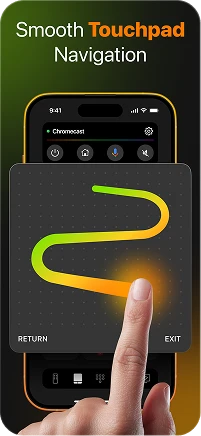
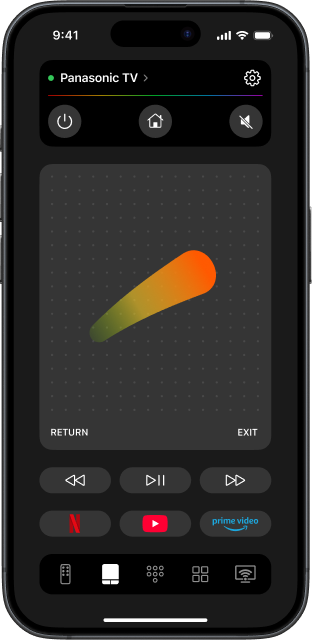
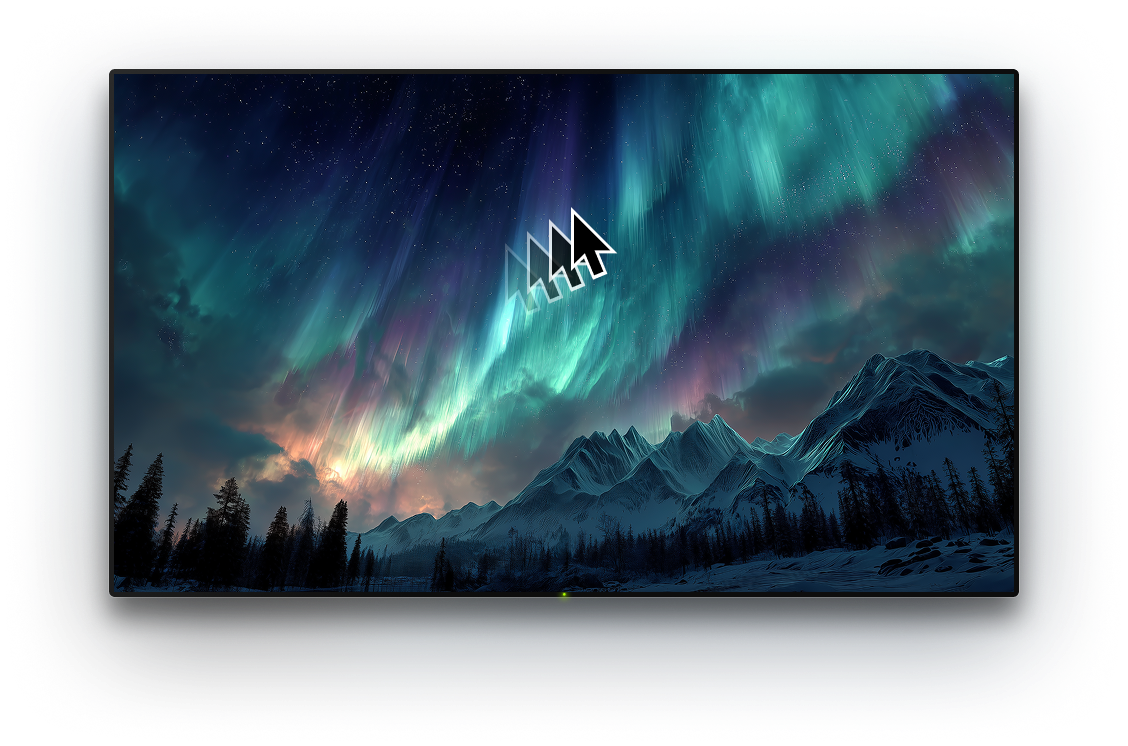
Panasonic's TV interfaces – whether Android TV's app grid or Fire TV's content rows – are built for directional navigation. TVRem's touchpad mode turns your iPhone screen into a gesture controller: swipe to browse, tap to open, scroll through recommendations without pressing a single button. Smooth, responsive, and more intuitive than any physical remote.

Every app on your
Panasonic, one tap
from your iPhone
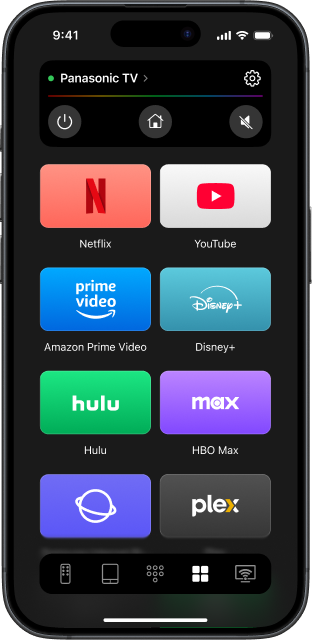
Netflix, Prime Video, Disney+, YouTube – TVRem surfaces every app installed on your Panasonic TV directly on your iPhone. One tap and you're in, without navigating the home screen. TVRem remote app for iPhone makes switching between streaming services faster than it's ever been.

Panasonic universal
remote app – and
beyond
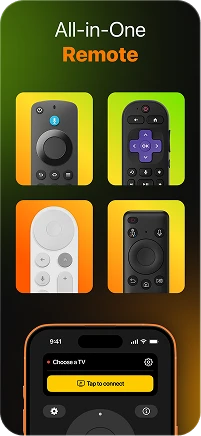
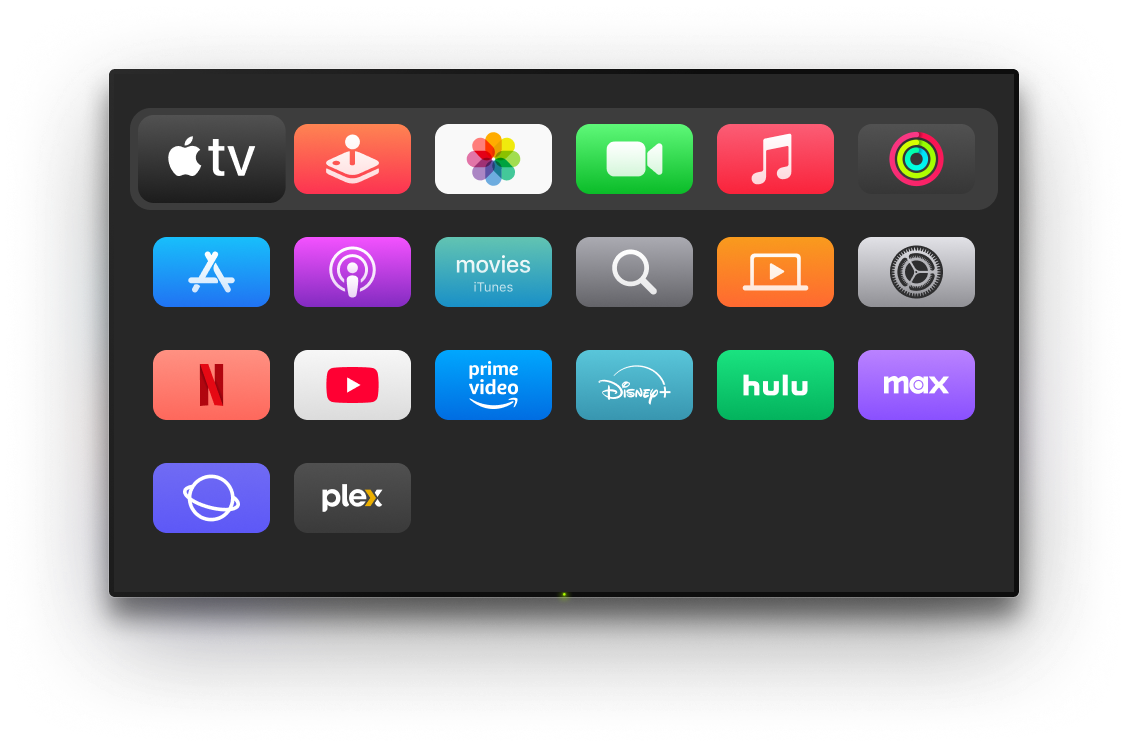
TVRem works as a Panasonic universal remote control for your whole home. Samsung in the living room, Sony in the bedroom, Apple TV in the kitchen – add every device and switch between them without leaving the app. One free remote app, every screen, zero remotes on the coffee table.
How to connect TVRem
to your Panasonic TV
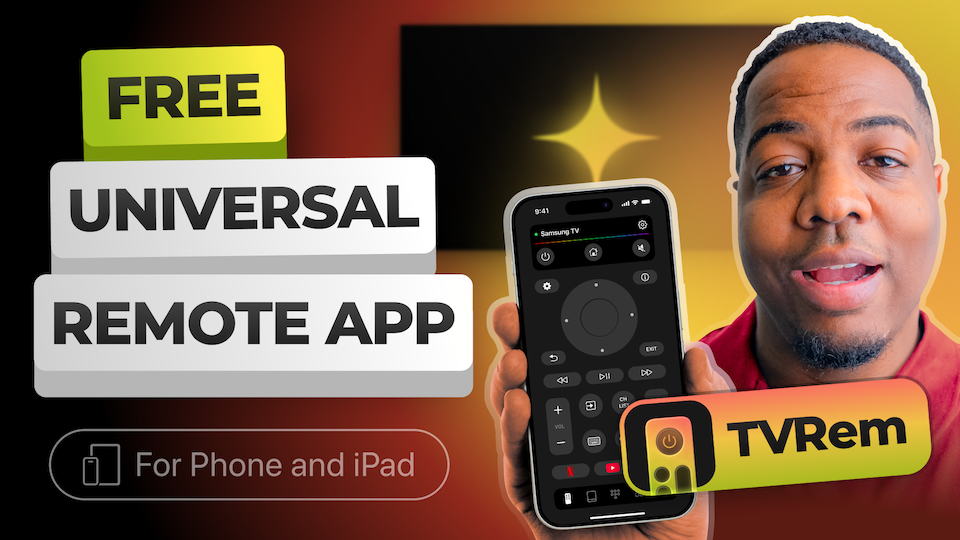
Watch how to pair your iPhone with your Panasonic Android TV or Fire TV model and get full remote control in under a minute.

Works across major TV platforms
Supports Android TV and Google TV devices, including Chromecast streamers. Voice control with Google Assistant is available on compatible models.







Works with Fire TV streaming players, Amazon Smart TVs, and TVs with Fire TV built in, so you can manage everything from one iOS app.




Compatible with Roku players, Roku TVs, and Roku-powered devices. Use your iPhone as a remote when the original one is missing or unavailable.






Also supports Samsung and LG Smart TVs with their own operating systems, as well as Apple TV 4K, Apple TV HD, and Apple TV 3rd generation.






Frequently asked questions
TVRem supports Panasonic Smart TVs running Android TV and newer Panasonic models running Fire TV OS, which includes most Panasonic TVs released from 2023 onwards. Not sure which platform your Panasonic runs? If the home screen shows a Google-style card layout, it's Android TV. If it shows Fire TV's horizontal app rows with an orange icon, it's Fire TV OS. TVRem works with both.
Yes. Panasonic's OLED lineup runs Android TV or Fire TV OS, depending on the model year, and TVRem works with both platforms.
Download TVRem on your iPhone and connect both devices to the same Wi-Fi network. Open the app, find your Panasonic in the device list, and tap to connect. Depending on your model, you may see a confirmation prompt on your TV screen. After that first pairing, TVRem connects automatically – no physical remote ever needed again.
Yes, completely free. No subscription, no ads, no hidden costs. TVRem is a free remote app with full functionality available from the moment you install it – keyboard, touchpad, voice input, and app shortcuts included.
TVRem uses your iPhone's microphone for voice input and control on both platforms. On Panasonic Android TV models, this works alongside Google Assistant. On Panasonic Fire TV OS models, it works with Alexa. In both cases, you speak into your iPhone and your Panasonic responds.
If your TV doesn't appear, please visit our Help Page, where you'll find detailed troubleshooting instructions, connection tips, and model-specific setup steps to help you connect your TV.
TVRem is currently available for iPhone and iPad – a full Panasonic TV remote app for iOS running iOS 17 or later. Whether you're on the latest iPhone or an older iPad, TVRem works the same on both.
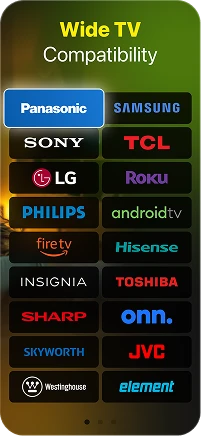
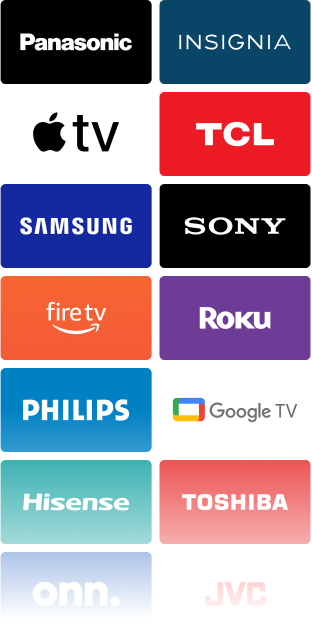
TVRem supports a wide range of Smart TVs and streaming devices, including Panasonic, Samsung, LG, Sony, TCL, Hisense, Philips, Roku, Fire TV, Android TV, and Google TV (including Chromecast with Google TV). It also supports Apple TV 4K, Apple TV HD, and Apple TV (3rd generation). Compatibility may vary based on the specific model.
TVRem for iOS
A Free Universal Remote App to Control Your Smart TV
This iOS application is fully compatible with iOS 17+.
Latest version 1.10
released 19 Oct, 2026