





TVRem
Free Onn TV Remote App
for iPhone


Your iPhone as an
Onn Roku TV
remote – ready in
seconds
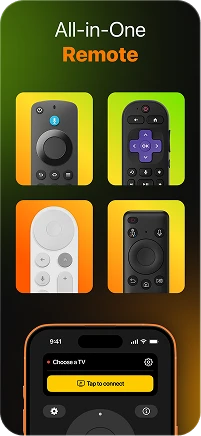
Onn TVs run Roku OS, and TVRem connects to them instantly over Wi-Fi. No Bluetooth, no complicated setup – open TVRem, find your Onn TV in the device list, tap to connect, and you're in full control. The easiest way to remote control your TV when the original remote isn't in reach.

Complete Onn
TV remote control from
your iPhone
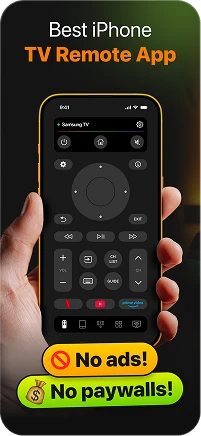
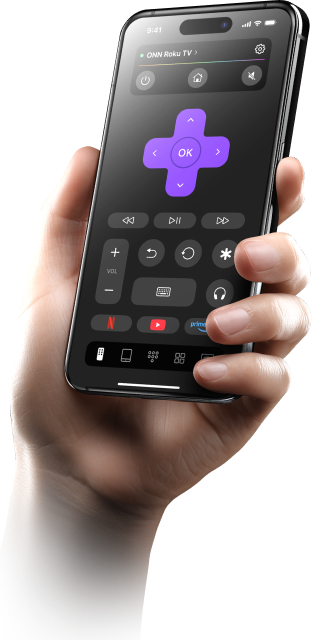
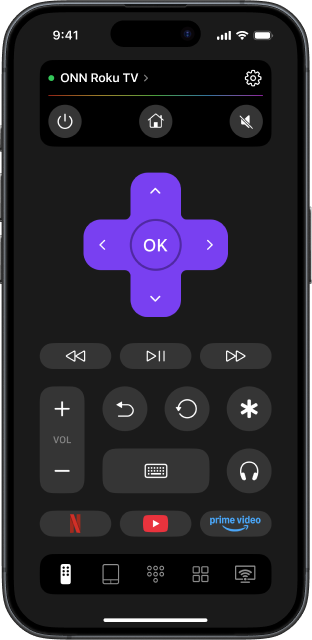
TVRem is a full Onn TV remote app – navigate the Roku interface, switch inputs, adjust volume, and manage playback without touching the original remote once. Everything is on your iPhone screen, laid out cleanly and without ads. TV control that just works, every time you open the app.

Voice input on your
Onn Roku TV –
speak to search
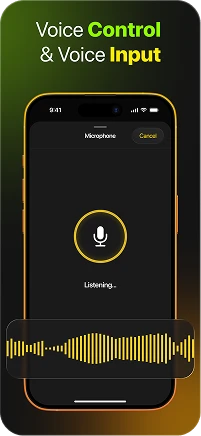
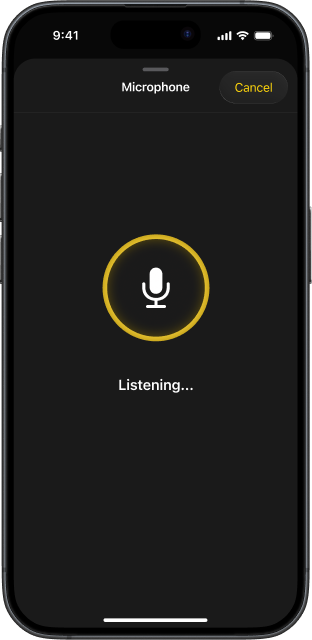
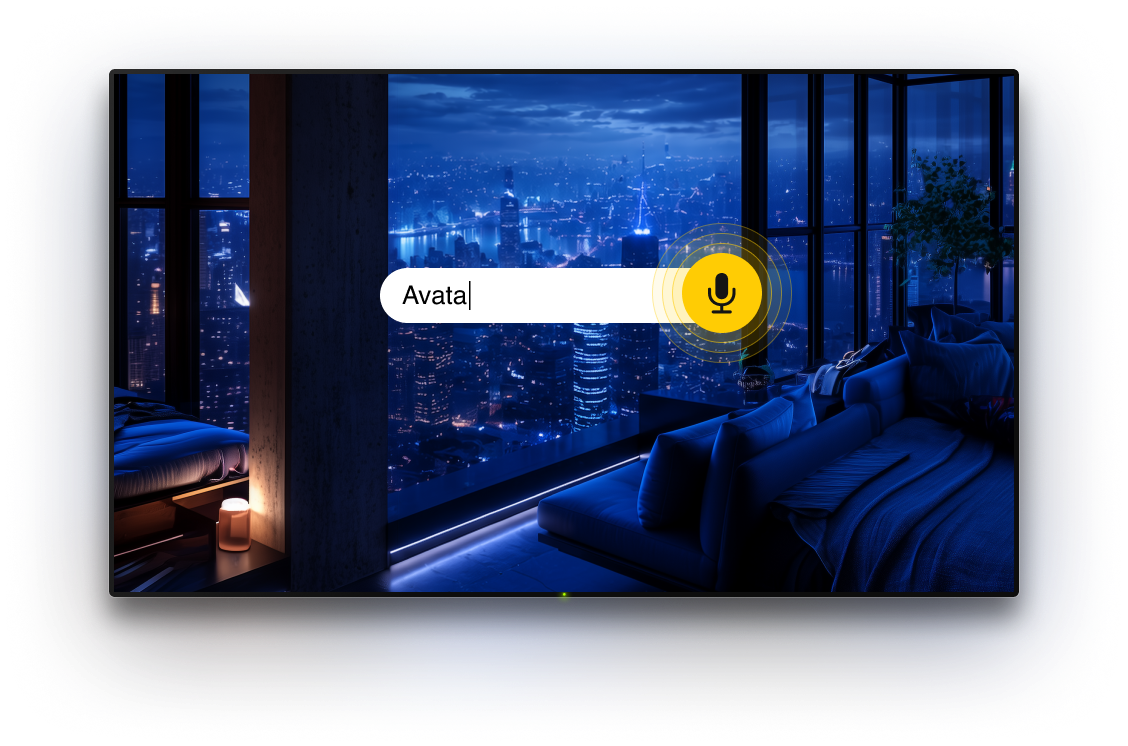
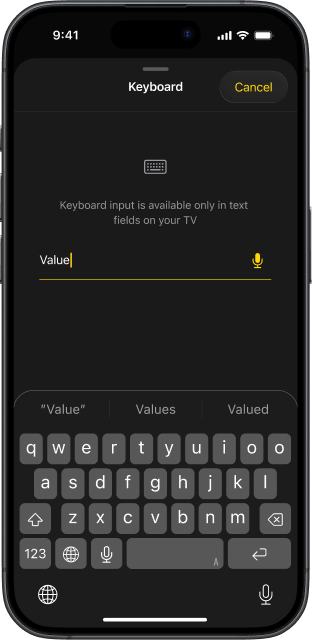
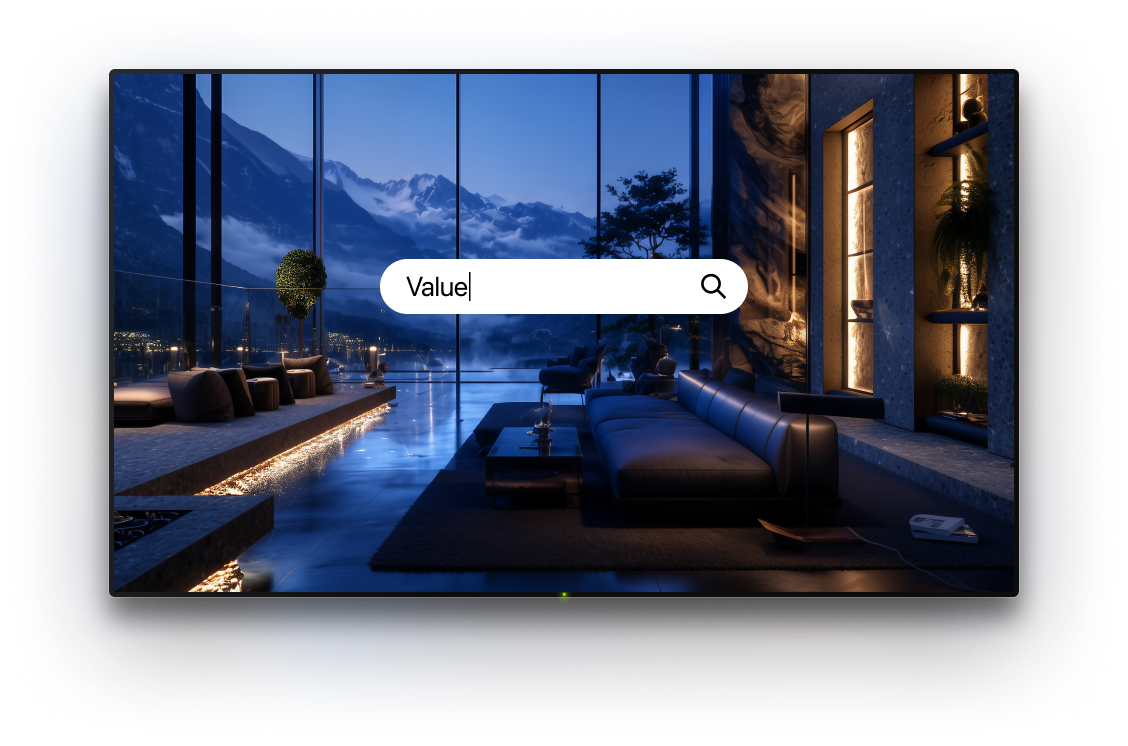
TVRem supports voice input on Onn Roku TVs – instead of typing letter by letter through the on-screen keyboard, just speak your search term into your iPhone, and it fills in the text field instantly.

Type from your
iPhone directly onto
your Onn TV
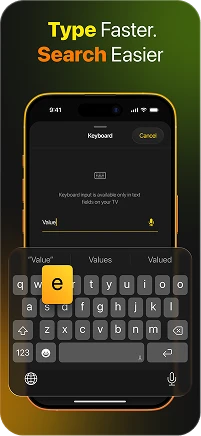
Whether you're searching for a title or entering a streaming password, TVRem lets you use your full iPhone keyboard on your Onn Roku TV screen. Fast, accurate, and a massive improvement over navigating an on-screen keyboard with a directional pad. This free Onn Roku TV remote app handles text input the way it should.

Swipe through Roku
on your Onn TV with
natural gestures
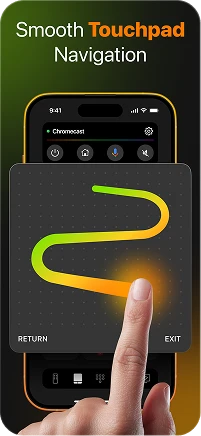
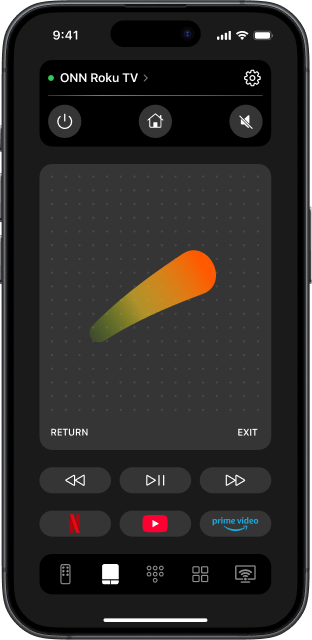
TVRem's touchpad mode maps perfectly to Roku's app grid layout. Swipe left and right through rows, scroll up and down through categories, tap to open – all with natural finger gestures on your iPhone screen. Control your TV using your phone the same way you'd browse any other app.

Every app on your
Onn Roku TV, one
tap away
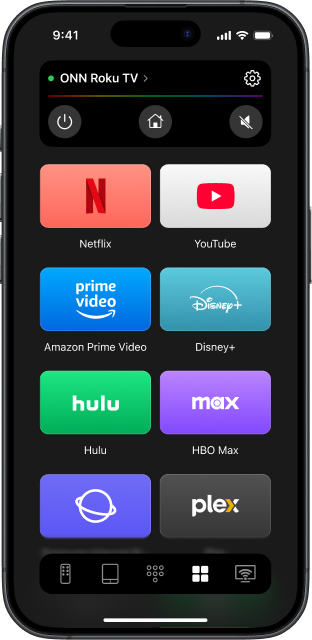
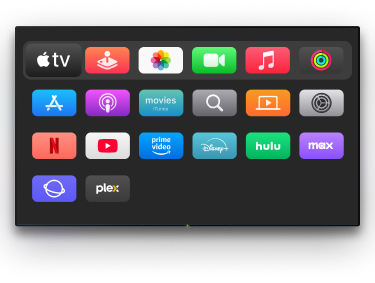
Netflix, YouTube, Disney+, Prime Video – TVRem puts every app installed on your Onn TV directly on your iPhone. Tap once to launch, skip the Roku home screen entirely, and get straight into watching. A free Onn TV remote app for iPhone that saves you time every single day.

One app for your
Onn TV and every
other screen at
home
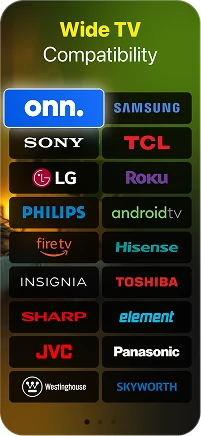
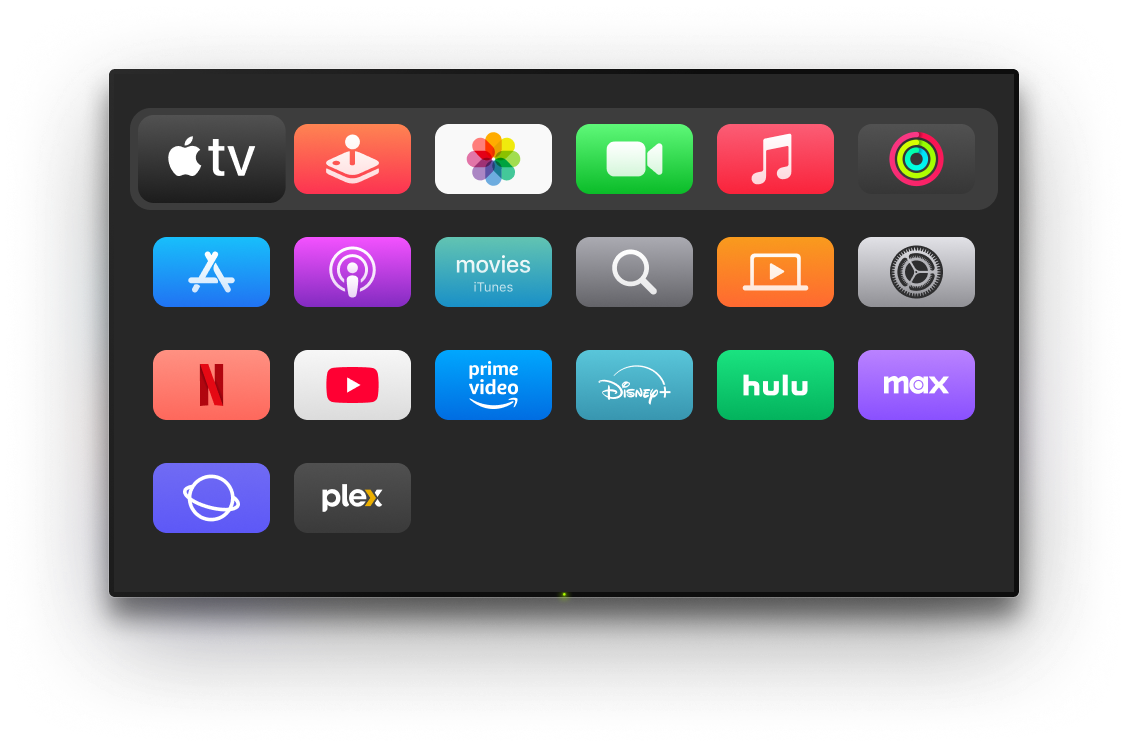
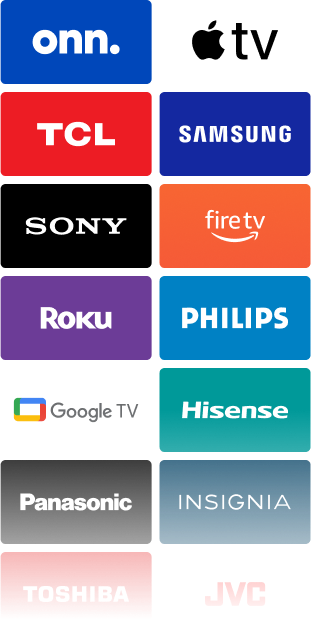
TVRem doesn't stop at Onn. Add your Samsung, LG, Sony, Hisense, TCL, Sharp, Fire TV, Apple TV, or any other device and manage them all from one place. With TVRem, you can control compatible TVs throughout your home from one free app, with quick switching between TVs in different rooms — all without needing a physical remote.


How to set up TVRem
with your Onn TV
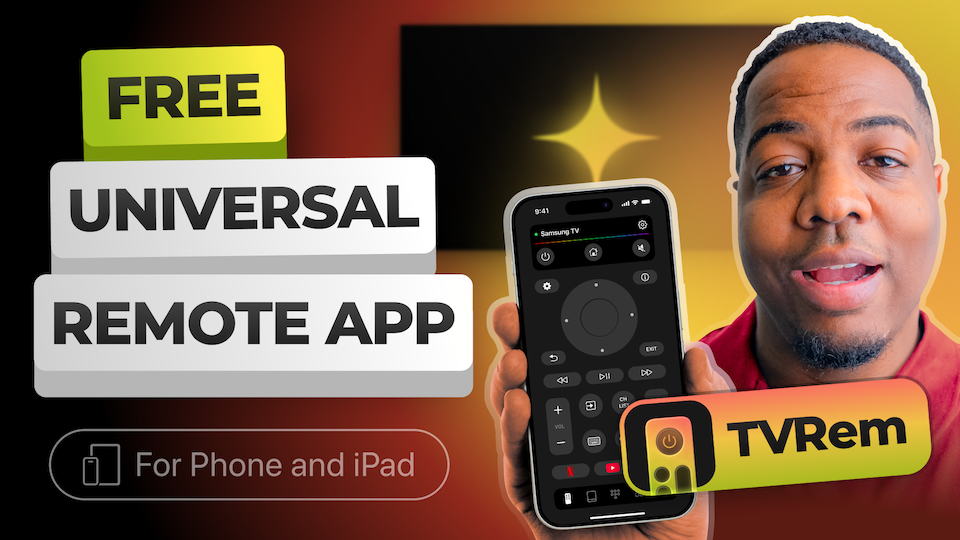
Watch how to connect your iPhone to your Onn TV and get full remote control in under a minute.

Compatible with a broad range of TVs
Works with Android TV, Google TV, and Chromecast streaming devices, with Google Assistant voice control supported.





Supports Fire TV players, Amazon Smart TVs, and TVs that come with Fire TV built in.




Works with Roku streaming players, Roku TVs, and other Roku-powered devices.





Also compatible with Samsung and LG Smart TVs, as well as Apple TV 4K, Apple TV HD, and Apple TV 3rd generation.






Frequently asked questions
Yes. TVRem is a remote app for Onn Roku TV that works across all Onn TV models running Roku OS. Connect your iPhone and Onn TV to the same Wi-Fi network, open TVRem, and select your TV from the device list – no code needed, no extra configuration required.
Completely free. No subscription, no ads, no locked features. TVRem is a free Onn TV remote app that gives you full control of your TV from the moment you install it — touchpad, keyboard, voice input, and app shortcuts all included.
No. Onn TVs run Roku OS, and TVRem connects to Roku devices without any code. However, to use TVRem with your Roku device, you need to allow mobile app control on your Roku. You can read our guide to know how to do it.
The most common reason is that your iPhone and Onn TV are on different Wi-Fi networks — double-check that both are connected to the same one, and allow mobile app control on your Roku. If that's not the issue, visit our Help Page for further guidance.
TVRem's touchpad maps directly to Roku's interface. Swipe right to move through app rows, swipe down to go deeper into categories, and tap to open anything. It's the same gesture logic you use on your iPhone every day – just applied to your Onn TV screen.
Yes. After the first connection, TVRem remembers your Onn Roku TV and reconnects automatically every time both devices are on the same Wi-Fi network. Open the app, and you're in control – no re-pairing needed.
TVRem supports a wide range of Smart TVs and streaming devices, including Onn, Samsung, LG, Sony, TCL, Hisense, Sharp, Philips, Panasonic, Roku, Fire TV, Android TV, and Google TV (including Chromecast with Google TV). It also supports Apple TV 4K, Apple TV HD, and Apple TV (3rd generation). Compatibility may vary based on the specific model.
TVRem for iOS
A Free Universal Remote App to Control Your Smart TV
This iOS application is fully compatible with iOS 17+.
Latest version 1.10
released 19 Oct, 2026