Toshiba TV Remote Apps to Control Your TV in 2026

What OS Does Your Toshiba TV Run?
Before choosing a remote app, it helps to know what operating system your Toshiba TV runs, because the right app depends on the platform.
Toshiba has used several different operating systems across its TV lineup over the years:
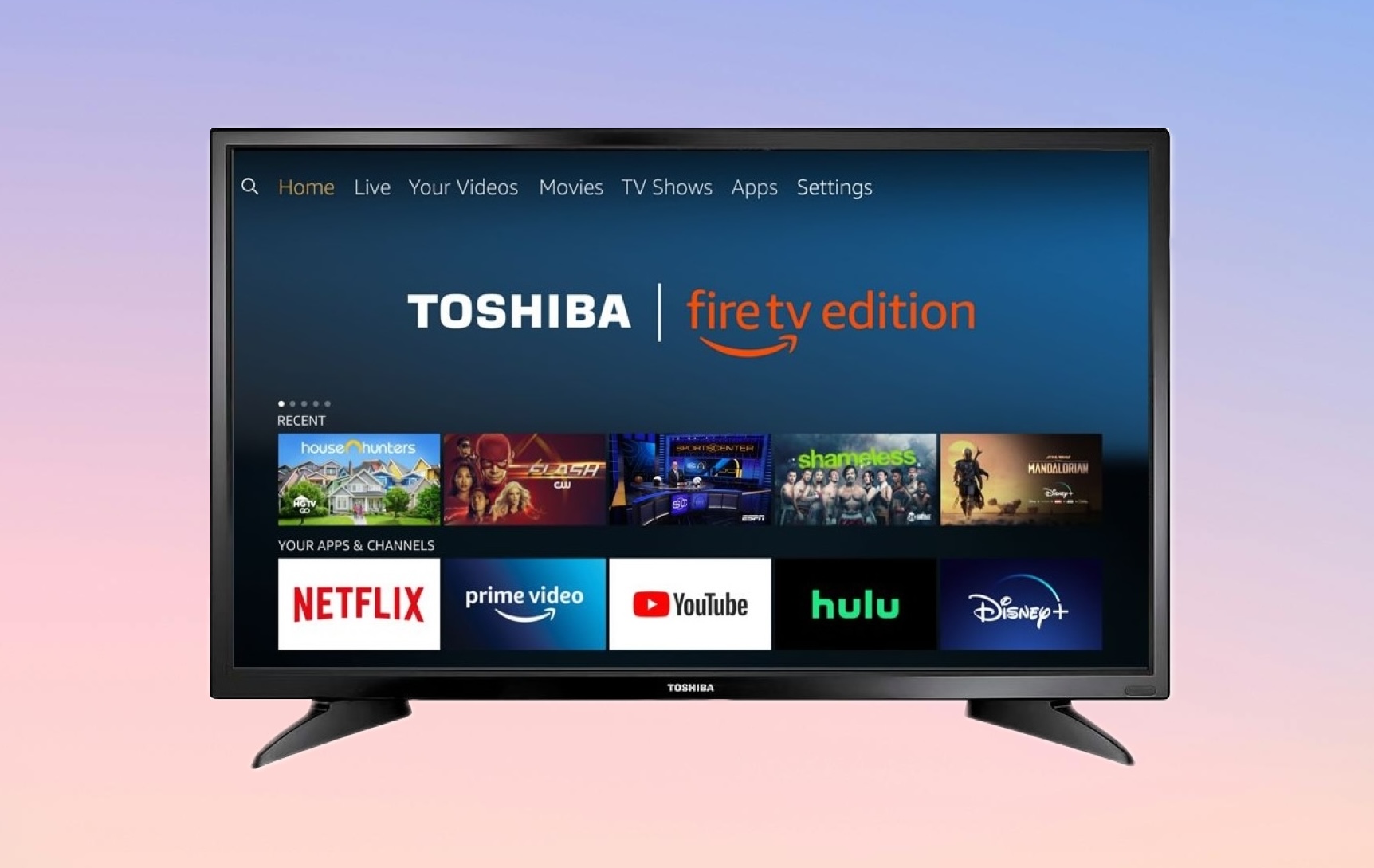
- ✅ Fire TV (Amazon Fire OS) is the most common platform on current and recent Toshiba Smart TVs sold in the U.S. Amazon and Toshiba have partnered since 2018 to produce Fire TV Edition televisions, with Fire TV built directly into the set. Well-known examples include the Toshiba 4K UHD Fire TV (2022), the Toshiba M550 Series Smart Fire TV (55″, 65″, and 75″), and a wide range of 32″ and 43″ HD and FHD models dating back to 2018. These TVs support Alexa, the full Fire TV app ecosystem, and Wi-Fi-based remote control apps.
- ✅ Android TV powers part of Toshiba’s lineup, especially models sold in international markets and some older U.S. models. Android TV provides access to the Google Play Store and Google Assistant.
- ✅ Toshiba Places (proprietary OS) is found on older Toshiba Smart TVs, typically pre-2019 models, that predate the Fire TV partnership. These TVs have more limited remote app support.
- ✅ VIDAA OS (international & european models): many Toshiba Smart TVs sold outside the U.S. (especially in Europe, the UK, and Australia) run on VIDAA OS. You can use the official Toshiba TV Smart Center app or the VIDAA app (listed as “VIDAA Smart TV” on Google Play).
If your Toshiba TV was purchased in the U.S. in 2019 or later, it almost certainly runs Fire TV. That is the most important thing to know when choosing a Toshiba Fire TV remote app.
1. TVRem — Universal TV Remote App (Best Overall)
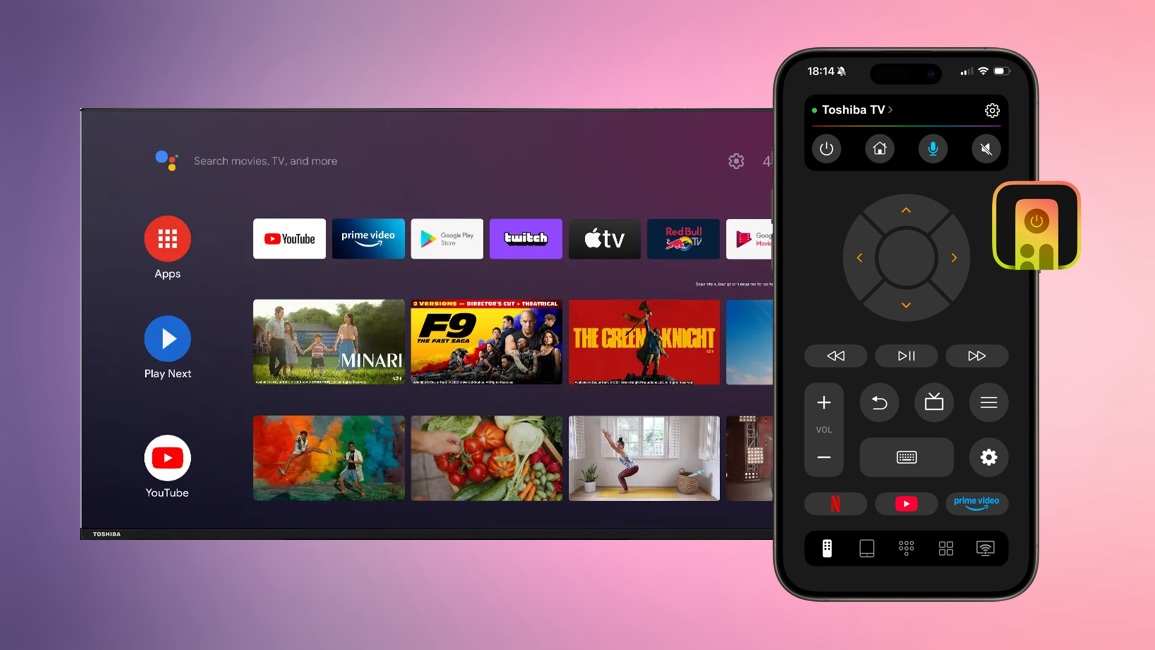
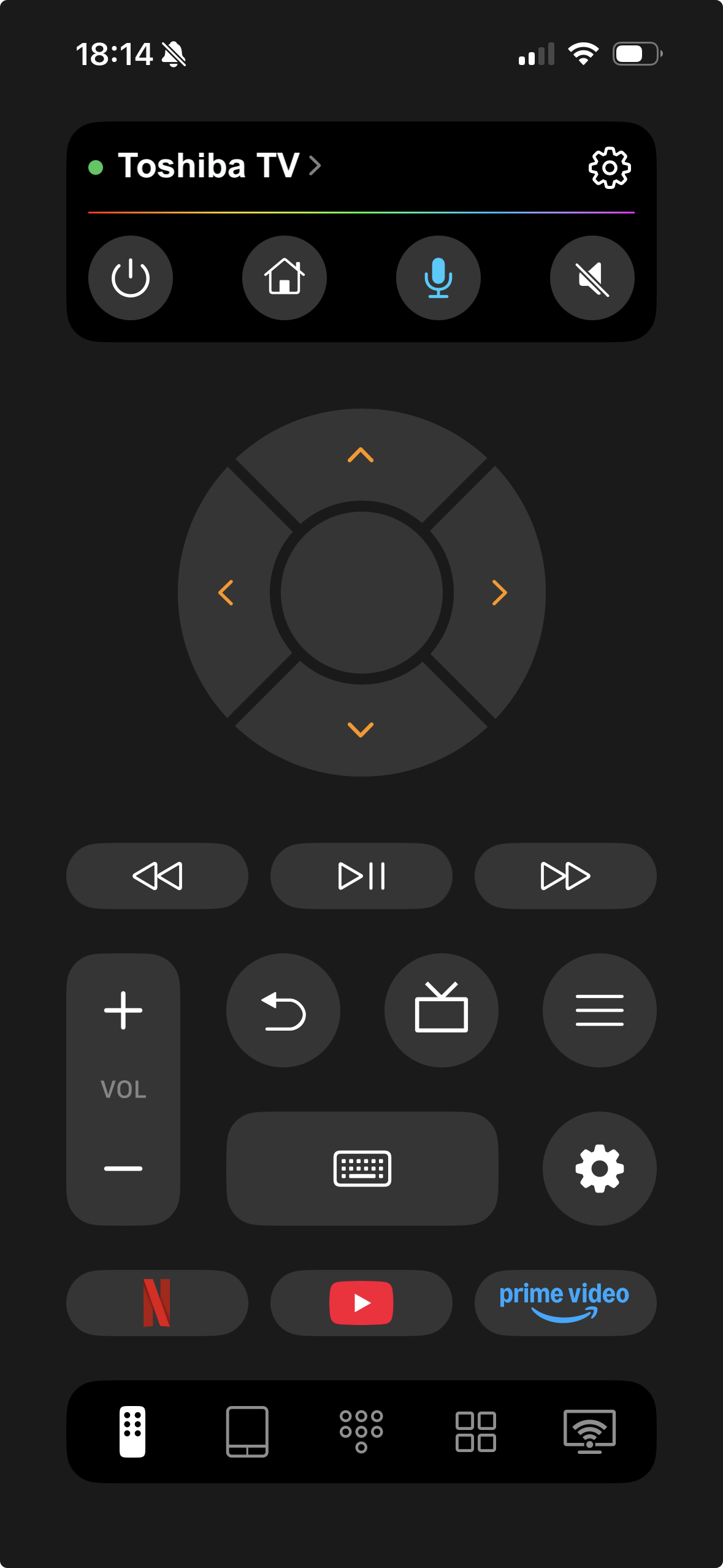
TVRem is the best free Toshiba TV remote app for iPhone overall. It is a universal remote that works with Fire TV, Android TV, Roku, Samsung, LG, Google TV, and more, all from a single app. For Toshiba TV owners, this is especially useful because TVRem supports both the Fire TV models that dominate the current lineup and older Android TV sets, without requiring a separate app.
TVRem is also one of the most consistently well-reviewed remote apps on the App Store. Users frequently note that it works where other apps fail, including volume control on Fire TV setups that the official Amazon app does not handle well.
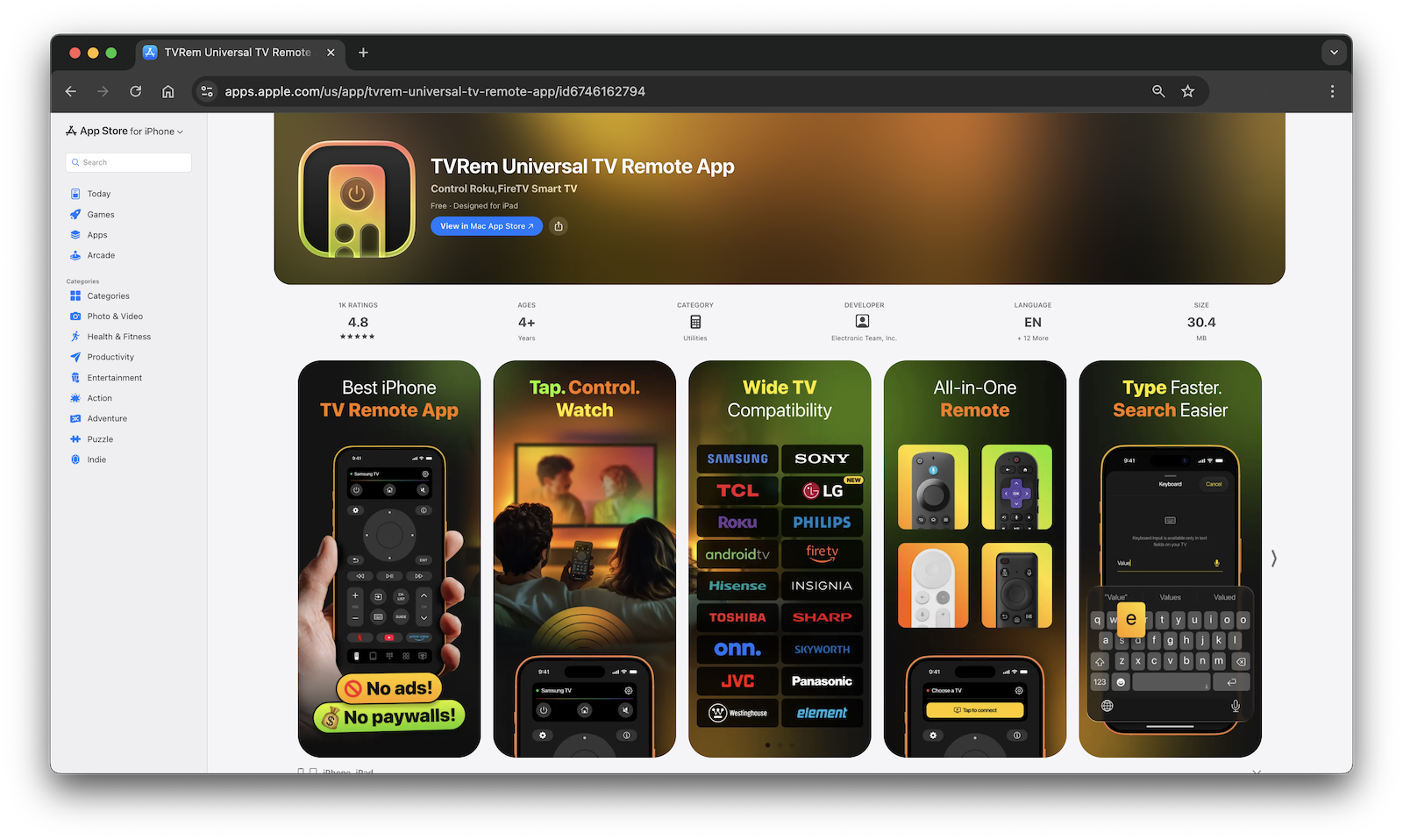
✔️ Key features:
- Full remote navigation – volume, channels, playback
- Touchpad control – swipe and tap like you would on a trackpad
- Smart keyboard – type search queries and passwords using your iPhone’s keyboard instead of the on-screen TV keyboard
- Voice control support via Google Assistant and Alexa on compatible models
- Quick-launch buttons for Netflix, YouTube, Prime Video, Disney+, and more
- Automatic device detection – no manual IP setup required
How to Set Up TVRem with Your Toshiba TV
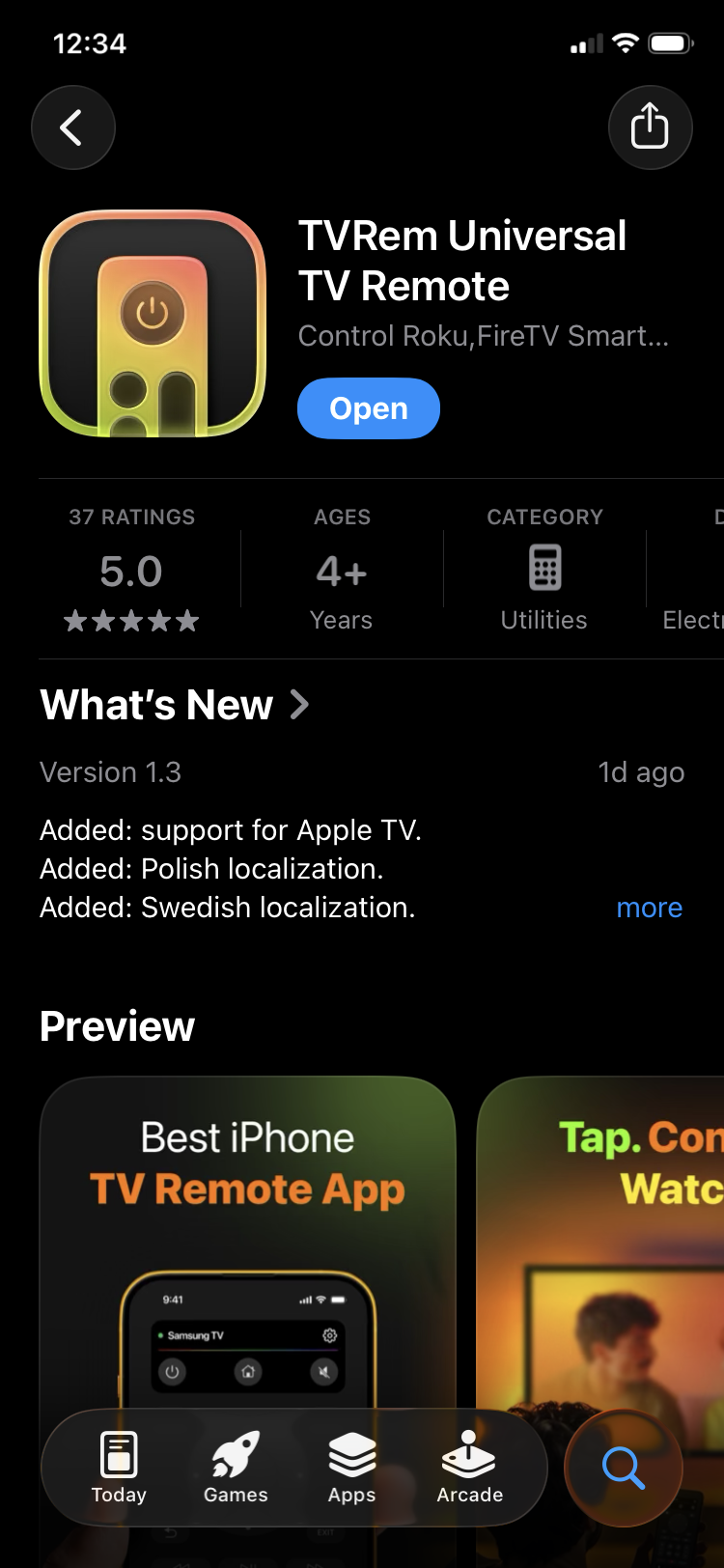
1. Download TVRem from the App Store.
2. Connect both devices to the same Wi-Fi network – your iPhone and Toshiba TV must be on the same network.
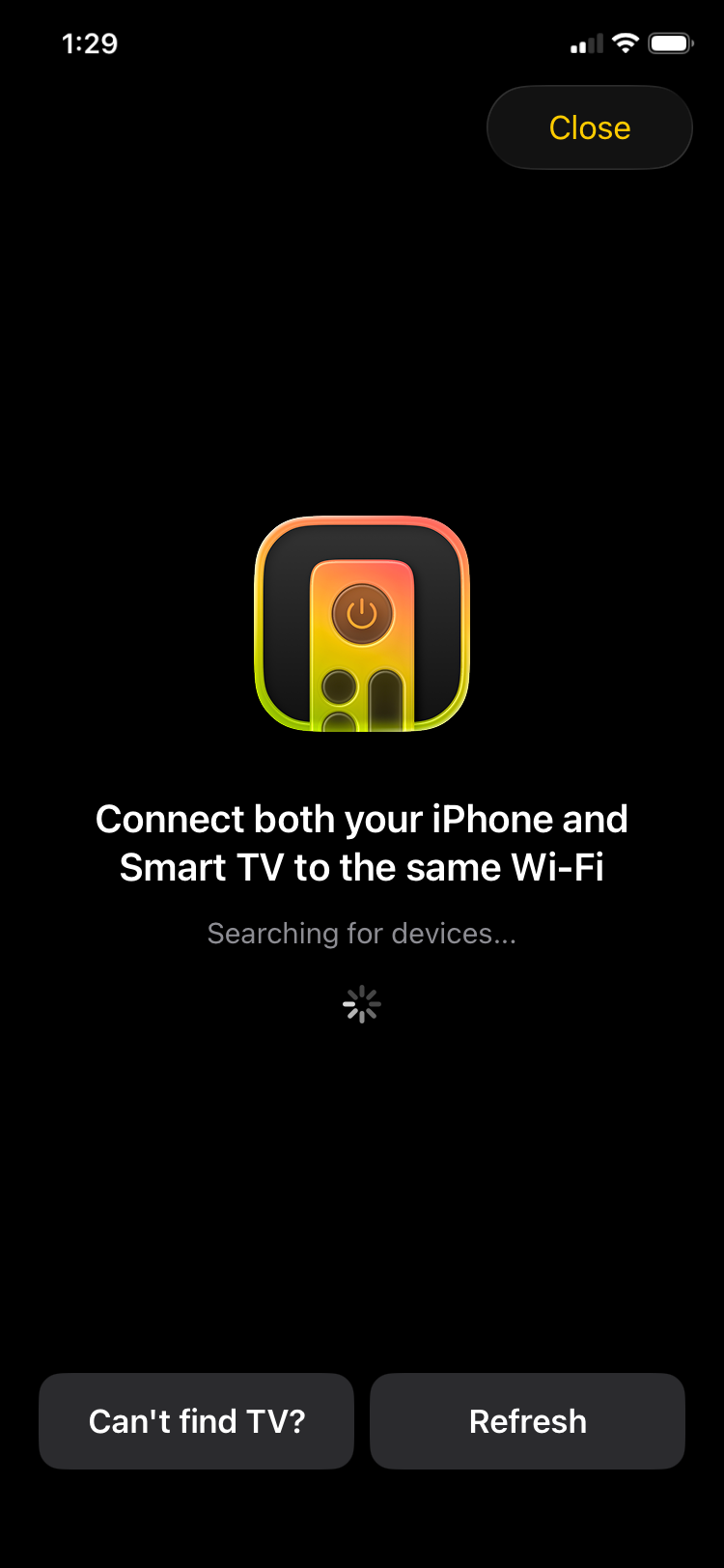
3. Open TVRem – the app will automatically scan your network and detect connected smart TVs.
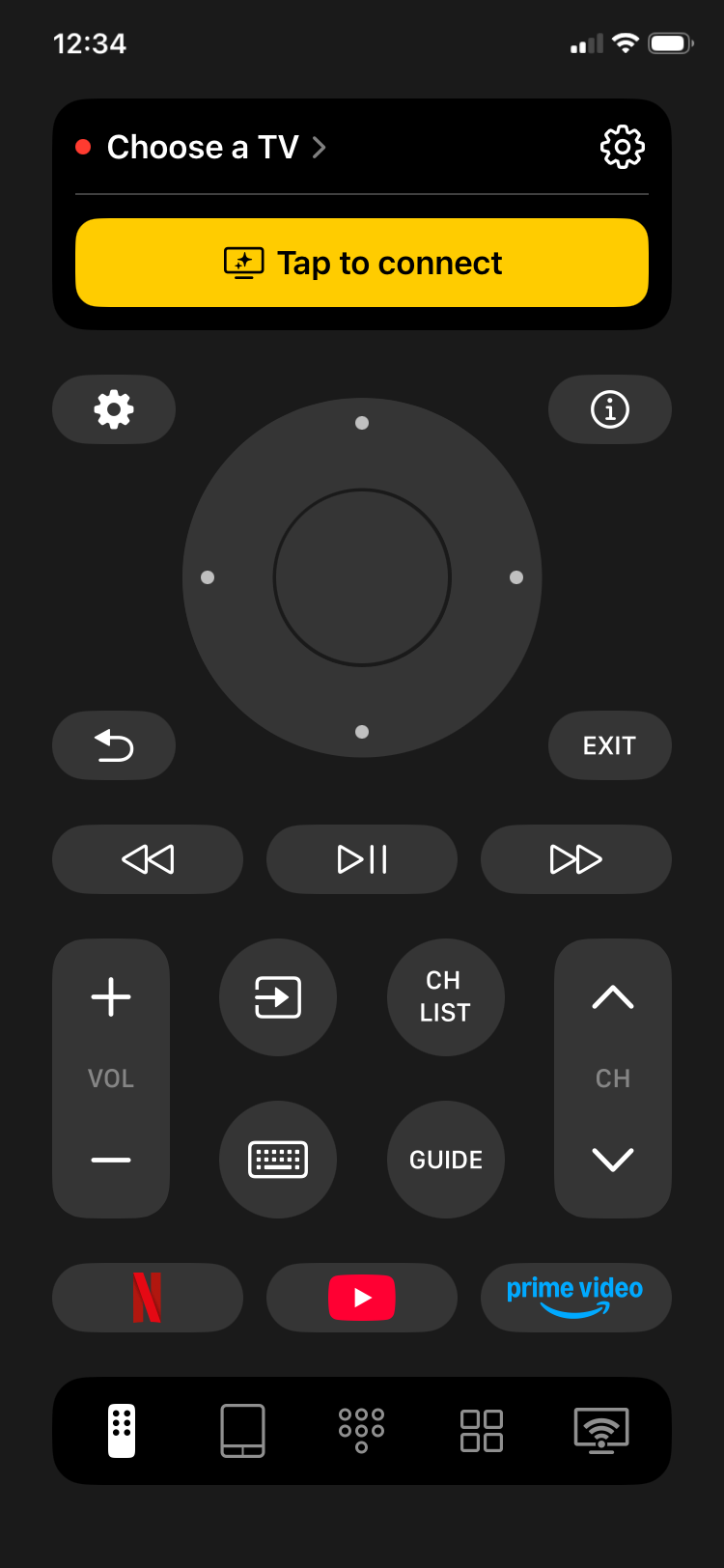
4. Tap your Toshiba TV in the list of detected devices, then enter the code if prompted.
5. Start controlling your TV – use the touchpad, keyboard, or streaming shortcuts right away.
2. TV Remote — Universal Remote
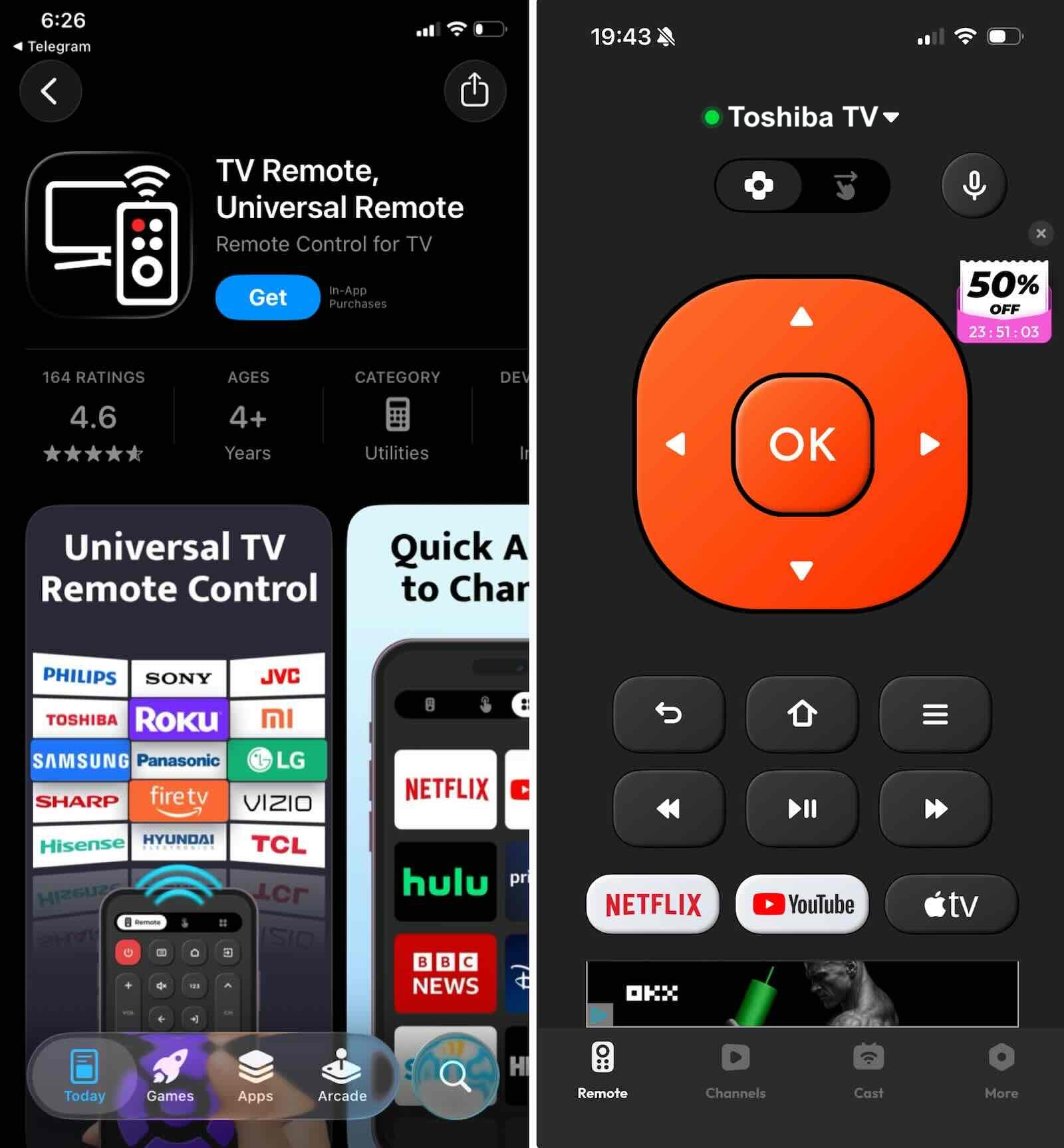
TV Remote Universal Remote is another option in the Toshiba TV remote control app category. It supports more than 1,000 TV models across 100+ countries and is designed for quick, one-tap setup.
✔️ Key features:
- Power, volume, mute, and channel navigation
- Direct channel number entry
- AV/TV mode switching and menu access
- Simple brand-selection setup
3. Universal Remote TV Smart
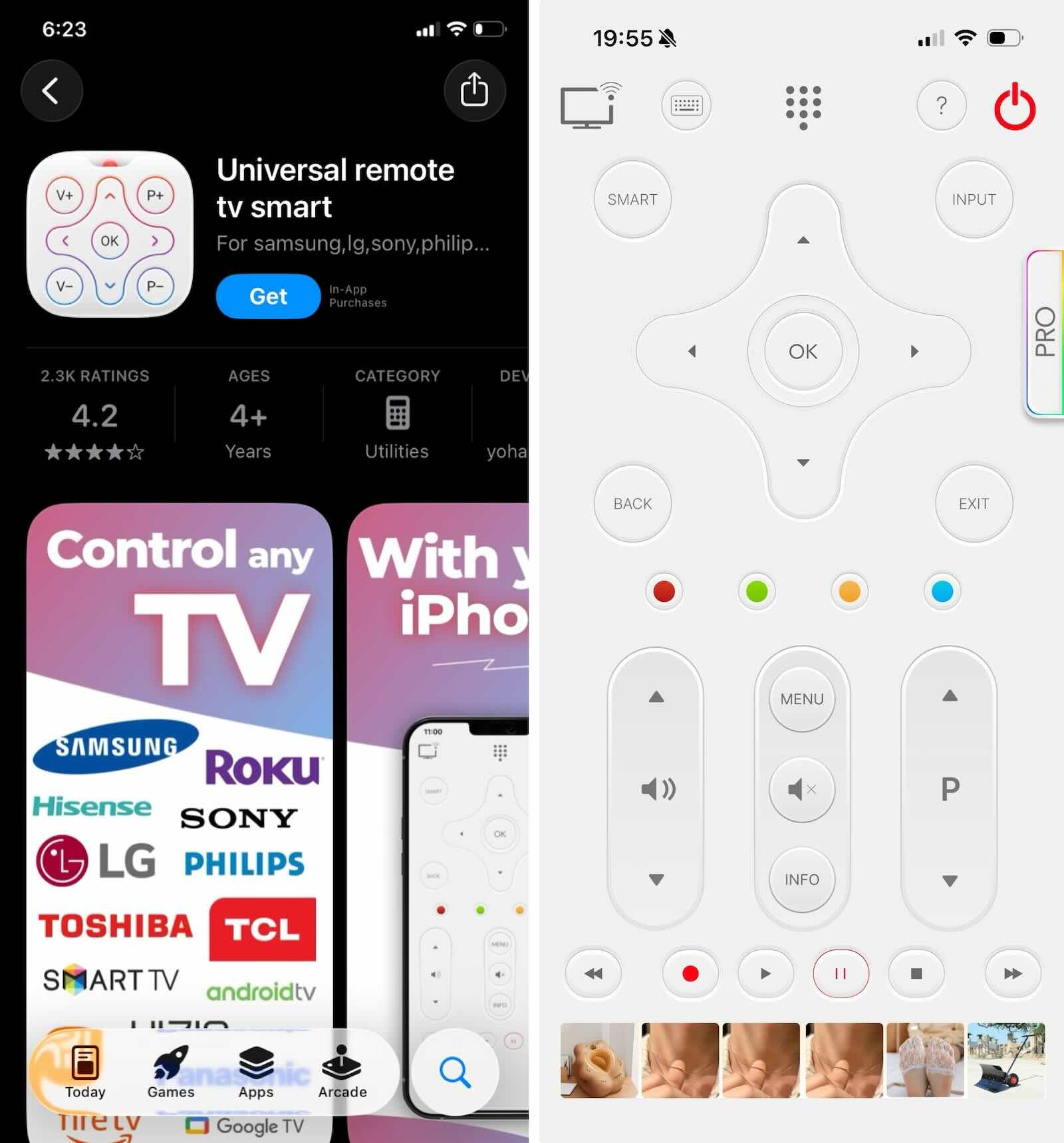
Universal Remote TV Smart is another popular App Store Wi-Fi remote app for smart TVs. It supports many TV brands, including Samsung, LG, Sony, Roku, Fire TV, and more.
✔️ Key features:
- Auto Detection – Automatically finds and connects to TVs on the same Wi-Fi network
- Touchpad Navigation – A large touchpad area for smoother cursor control while navigating and scrolling
- Smart Keyboard – Makes it easier to enter search terms, log in to accounts, and type other text
- App Launchpad – Direct buttons for launching streaming services such as YouTube, Netflix, and Hulu
- Full Control Suite – Power, volume, mute, and channel controls