Choosing the right Mac apps can completely change how you work, create, and manage everyday tasks. With thousands of macOS apps out there, figuring out which ones are actually worth installing can feel overwhelming.
This guide brings together the best Mac apps across seven categories. It also highlights user favorites, new releases, and powerful tools that will shape how people use macOS in 2026. Whether you want to boost productivity, stay secure, explore new creative tools, or tap into the latest in artificial intelligence, you will find the top Mac apps to upgrade your setup here.
Must-Have Mac Apps for a Smoother Workflow
The apps you choose can change how you work and how easily you handle daily tasks. Mac users often point to certain tools that improve speed, organization, and the overall experience of using a Mac. The Apple community regularly highlights must-have Mac apps that make everyday work easier and more productive.
Reddit is one of the best places to see what real users actually think. Subreddits like r/mac, r/apple, and r/macapps are full of long-time Mac owners sharing honest opinions, good recommendations, and useful tips. You will find different apps, powerful productivity tools, and underrated gems that barely appear in mainstream lists.
Here are some categories and the most popular apps that we believe are worth exploring:
| What’s for | Apps |
| Productivity |
|
| Security |
|
| Media Playback & Streaming |
|
| Optimization |
|
| Creativity |
|
| Writing & editing |
|
| AI |
|
Productivity
Your macOS setup can feel a lot more practical and easier to use when you pick the right productivity apps for Mac. These tools help cut down on repetitive tasks, tighten up your workflow, and remove the usual annoyances that slow you down. The best Mac apps offer great options for managing projects, keeping information organized, and creating shortcuts that save time and keep you on track.
Raycast
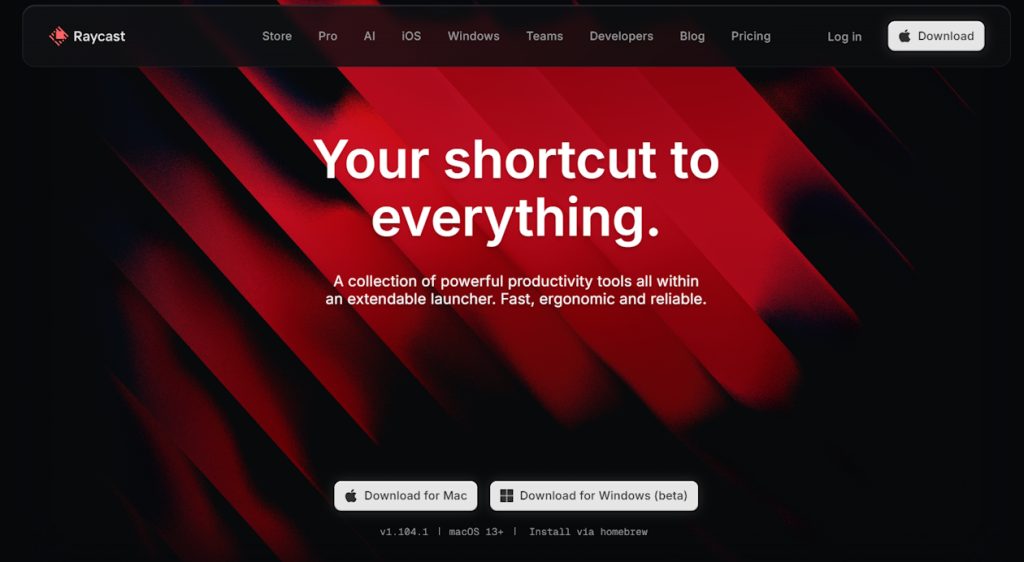
With Raycast, you can quickly access apps, files, commands, and AI tools to speed up your Mac workflow. It has a sizable library of extensions that help with things like handling code, keeping track of clipboard history, and organizing to-do lists.
According to Reddit users, Raycast is one of the best AI apps for Mac they’ve used, especially for things like automation, text snippets, clipboard history, and fast conversions. To expedite daily tasks, many users also rely on its window management, text expansion shortcuts, and small shell scripts.
Price: Free; Raycast Pro – $8/month; Pro + Advanced AI – $16/month
App Store Rating: 5.0
Todoist
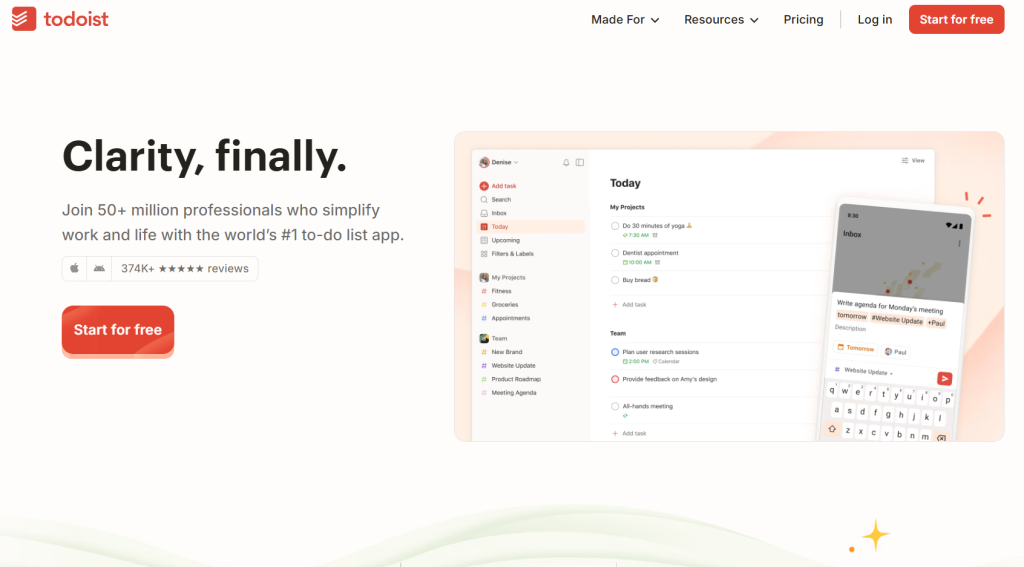
Todoist is a simple, user-friendly task manager made to keep you organized for long-term objectives, personal projects, and work. Labels, filters, natural language task entry, and cross-device syncing are just a few of its strong features. The Pro plan is perfect for individuals and small teams because it includes collaboration tools, advanced views, and reminders.
This application is a flexible task manager that aids in project organization, priority setting, and deadline compliance. Its natural language due dates, time blocking, and smooth syncing between Mac, iPhone, Windows, and iPad are praised by users.
Todoist is one of those apps that just gets out of your way and lets you get stuff done. You can keep things simple with quick lists, or turn on extras like boards and calendars when you need them. The clean layout makes it easy to focus, and that’s why so many busy people stick with it. It keeps your day organised without adding unnecessary stress.
Price: Beginner – Free; Pro – $5 per user/month or $60 yearly
App Store Rating: 4.9
Security
Basic antivirus tools are not enough for macOS anymore. Modern security apps offer password managers, encrypted storage, recovery options, identity checks, and safer browsing. The best Mac software helps protect your data, block threats, and keep your digital life stable and private when unexpected issues show up on your Mac.
1Password
1Password is a safe and easy-to-use password manager that keeps sensitive data, documents, passkeys, and logins in an encrypted vault. It has many features, including secure notes, password sharing, Watchtower alerts, and cross-device syncing. You can access the cloud and get updated security features with a subscription.
Reddit users often praise 1Password for its dependability, simplicity of migration, and robust design. Some have expressed concerns over changes since moving to a subscription model, but most agree the app is one of the safest password managers out there. The general sentiment is that 1Password still leads in usability and security.
Price: Beginner – Free; Pro – $4 per user/month or $48 yearly
App Store Rating: 3.8
Norton 360
With its antivirus scanning, real-time monitoring, VPN capabilities, and cloud backup options, Norton 360 provides full-spectrum protection. One of the best free Mac apps, it provides device coverage, identity protection, and safe browsing tools for users seeking an all-in-one security suite.
Discussions on Quora reveal a mix of opinions, but generally positive sentiments regarding how Norton 360 has improved since its inception. People love the VPN and backup extras that offer full protection. Overall reviews indicate that the Norton 360 is reliable, modern, and much more sophisticated than earlier models, even though some people still favor lighter options.
Price: 7-day free trial, Standard (3 devices) – $94.99/year, Deluxe (5 devices, more features + 50 GB backup) – $119.99/year
Media Playback & Streaming
The best applications for Mac handle almost any file type and make streaming, watching movies, or listening to music easier. They improve playback quality, help you organize your media, and offer multiple ways to enjoy content across different platforms and devices. Here are two options worth exploring:
Elmedia Player
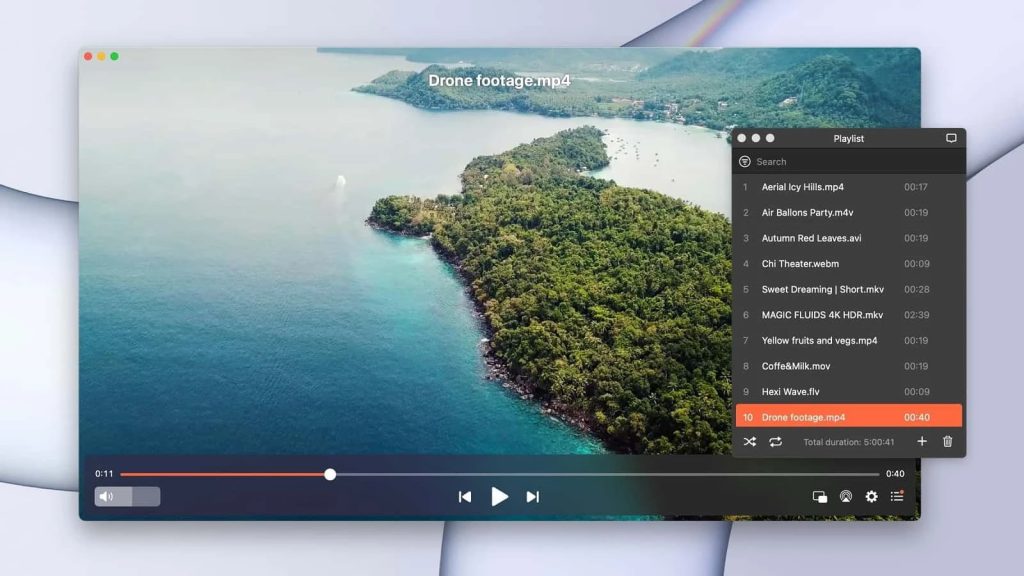
Elmedia Player is a versatile macOS app that supports almost any video or audio format. It includes features like streaming to external devices, DLNA, AirPlay, and subtitle syncing, making it a complete media solution for Mac users. The PRO upgrade adds more formats, advanced controls, and extra streaming options.
Reddit users often highlight Elmedia’s easy setup for casting and reliable playback, calling it a strong alternative to IINA. It handles files without extra codecs and stays lightweight, which makes it one of the most popular choices for everyday media on macOS.
Price: Free, $19.99 for the PRO version
App Store Rating: 4.7
MirrorMeister
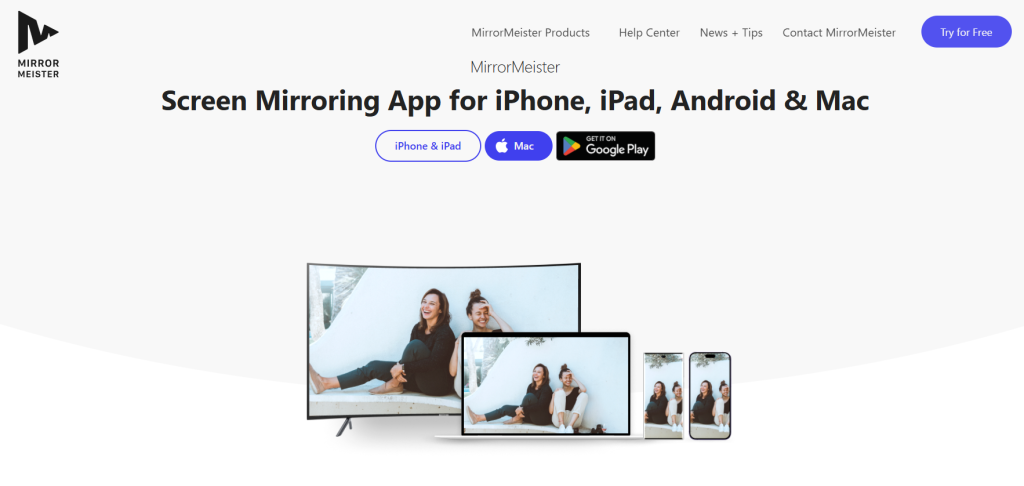
MirrorMeister lets you cast your Mac screen to TVs and streaming devices like Samsung, LG, Roku, and Fire TV without extra hardware. It offers controls for quality and audio sync, which makes it easy to watch videos, present slides, or play games on a bigger screen.
Many users list MirrorMeister among their favorite apps for mirroring. The app handles video and audio reliably, and it’s especially useful when your TV doesn’t support AirPlay. People often use it for work demos, casual streaming, or sharing content with friends.
Price: Free, Offers in-app purchases: $13.49 (Annual Plan), $2.99 (Monthly Plan), 69.99 (Lifetime)
App Store Rating: 3.3
Optimization
The right tools give you advanced file management, remove clutter, and free up storage. Professionals and power users who want more control over their Mac will benefit the most. Here are the top apps to get on MacBook, featuring file managers, cleanup tools, and maintenance apps to keep your device running at its best.
Commander One
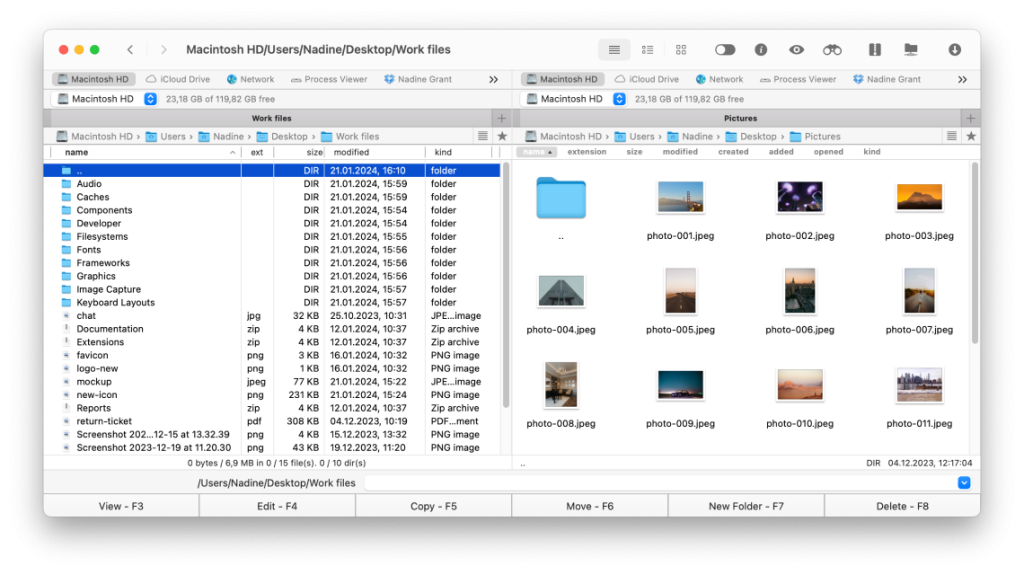
Commander One is a dual-pane file manager that takes file navigation, organization, and transfers to a whole new level compared to the default Finder. It gives power users control over large file structures, with support for FTP, cloud storage, archives, and handy shortcuts. The PRO version adds even more connectivity and deeper integrations.
Reddit users have praised Commander One’s dual-pane setup for moving files quickly and call it a strong alternative to Finder on Mac. Its speed and flexibility make it a top choice for managing files every day.
Price: Free, $34.99 for Commander One PRO
App Store Rating: 4.5
CleanMyMac
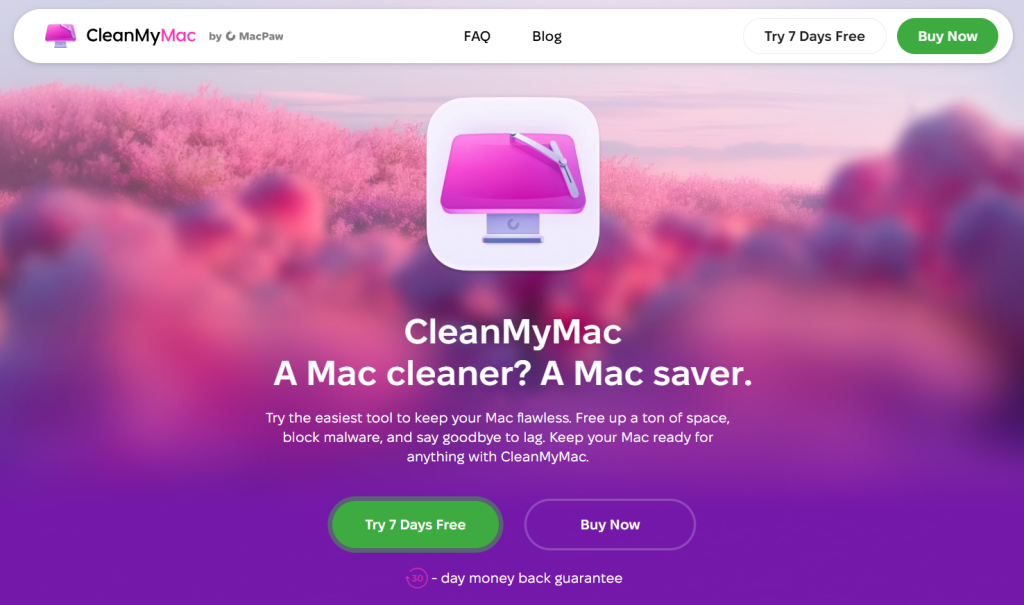
CleanMyMac keeps your macOS system organized by removing junk files, tracking performance, and spotting large or unnecessary data. Its tools include RAM management, malware detection, optimization, and app uninstallation. The interface makes tricky maintenance tasks easy for both beginners and experienced users. Features like Space Lens help find hidden or oversized folders in seconds.
The app has a loyal following, with many users praising its reliability and usefulness. It can free up huge amounts of storage, speed up older Macs, and maintain system performance over time. With CleanMyMac, you can keep your Mac running efficiently and extend its lifespan without constant manual upkeep.
Price: Starting at $3.35/month
App Store Rating: 4.7
Creativity
Whether you’re writing, designing, sketching, or managing big projects, creative apps for macOS turn your ideas into reality. With intuitive interfaces, customizable workspaces, and powerful tools, they support both beginners and professionals. The applications below help you stay inspired, organized, and confident at every step of your creative journey.
Craft
Craft is perfect for writing and document creation, with blocks for notes, tasks, and media that keep things structured. It supports multimedia, real-time collaboration, and cross-platform syncing, which makes it the perfect tool for planning projects or producing polished documentation. Its spatial layout system gives users more freedom than traditional note apps.
On Reddit, users praise Craft for its clean design, flexible layout, and strong calendar integration. People use it for research, personal planning, and managing knowledge, noting that it offers powerful features without the complexity of heavier tools like Notion or Obsidian.
Price: Free, Plus – $5.99/month
App Store Rating: 4.9
Canva
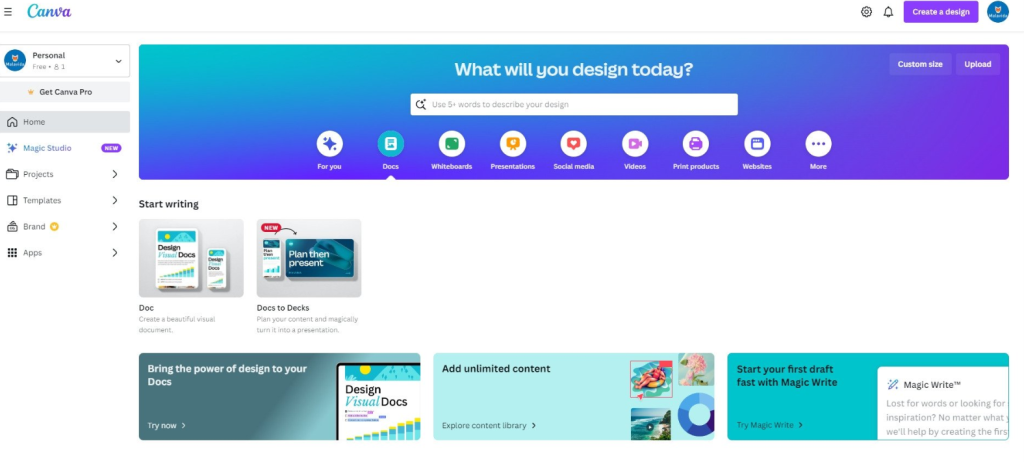
Canva lets anyone create social graphics, presentations, posters, and videos without a steep learning curve. Its huge template library, drag-and-drop tools, and cloud syncing make it easy to handle both personal and professional projects. The Pro plan adds more assets, advanced editing tools, and branding kits.
On Quora, users rave about how Canva simplifies design tasks. Paid features like one-click resizing for different social platforms make it even more versatile. Many people now use it instead of traditional design software for everyday projects, from social posts to presentations.
Price: Free, Pro – $12.99/month (billed monthly),
App Store Rating: 4.9
Writing & editing
Writing tools can improve clarity, tone, and structure for emails, blog posts, essays, or books. The apps below help users draft, edit, and organize content more efficiently. With features like document management, distraction-free editors, and grammar checks, these apps save time while improving the quality of your work.
Grammarly
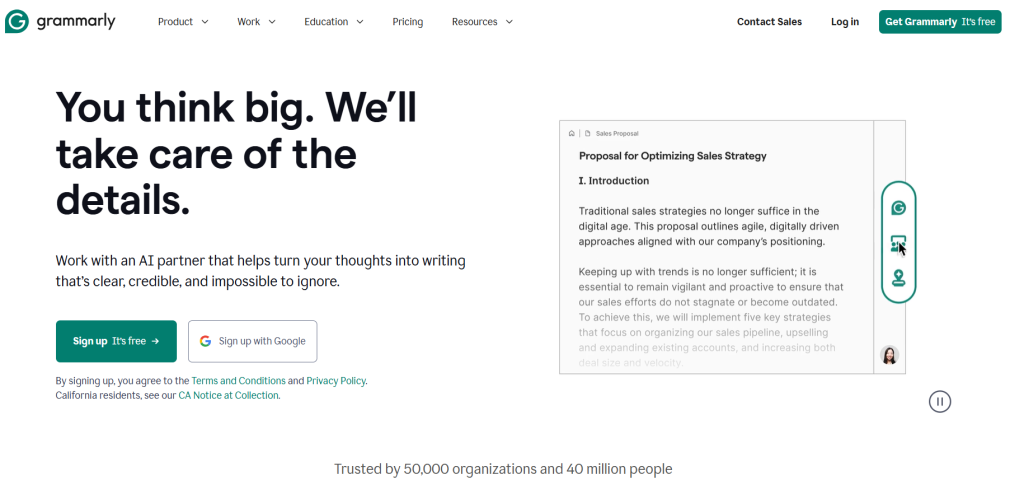
Grammarly gives writers AI-powered suggestions, tone guidance, grammar checks, and clarity improvements. It works with desktop editors, email, and browsers, which makes it useful for everything from quick messages to long documents. The PRO version adds deeper feedback and advanced rewriting tools.
Reddit users often note that Grammarly catches mistakes they would normally miss. Many rely on it to improve clarity and speed up writing, while non-native English speakers find it especially helpful as a reliable writing companion.
Price: Free, Grammarly PRO – $29.99/month, $139.99/year
App Store Rating: 4.3
Ulysses
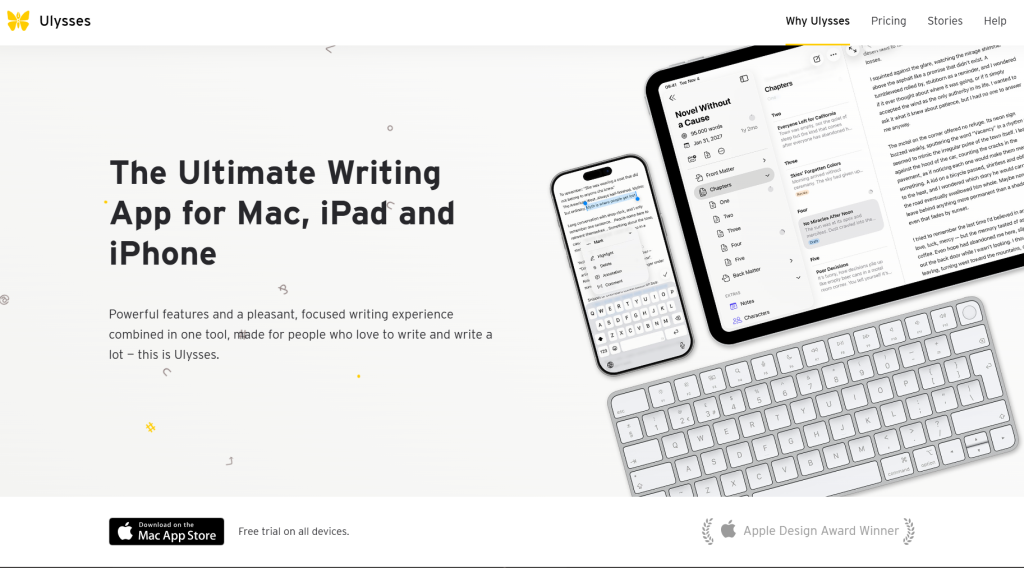
Ulysses is a focused writing app built for long-form content. With support for Markdown, sheets, filters, and customizable exports, it helps writers organize large projects and sync content across Apple devices. Its clean interface keeps you on task and makes drafting and editing straightforward.
Writers online praise Ulysses for its minimalist design and strong project management tools. While some dislike the subscription model, most stick with it for the efficiency and structure it brings to their writing workflow.
Price: $39.99/year, $5.99/month
App Store Rating: 4.7
Which AI apps are best for Mac users?
AI apps have become essential for Mac users, integrating into daily workflows to save time, spark creativity, and handle routine tasks. They can draft text, generate images, and automate processes, turning complicated work into manageable steps. As AI advances in 2026, these tools continue to help users work smarter and explore new creative possibilities.
ChatGPT
ChatGPT brings advanced AI support straight to your Mac, helping with writing, brainstorming, coding, research, and everyday tasks. Its versatility makes it one of the most powerful productivity tools for both work and personal projects.
Reddit users praise ChatGPT for its accuracy and usefulness in professional tasks, often calling it a “daily tool.” It saves time and streamlines workflows, though some caution against depending on it too heavily.
Price: Free, Plus – $20/month, Pro – $200/month
DiffusionBee
DiffusionBee is a fully local AI image generator that allows you to create, edit, and transform images using Stable Diffusion, right on your Mac, without cloud services. The best part of the app is that it’s entirely free to use.
Reddit users love that DiffusionBee runs entirely offline, offering both privacy and speed. With this app, many people enjoy experimenting with styles and prompts, while others mention that the results look quite professional for a free Mac app. Some users note that performance varies by Mac model, but the consensus is that it’s one of the easiest AI art tools to use.
Price: Free
Conclusion
The right apps from the Mac App Store can transform how you work, create, and stay organized. We looked at some of the best options for 2026 in this guide, including must-have productivity tools, AI-powered software, creative platforms, and media utilities.
Which apps you choose is up to you. We recommend trying a variety and seeing which ones fit your workflow, boost your creativity, and make your Mac experience more productive and enjoyable.