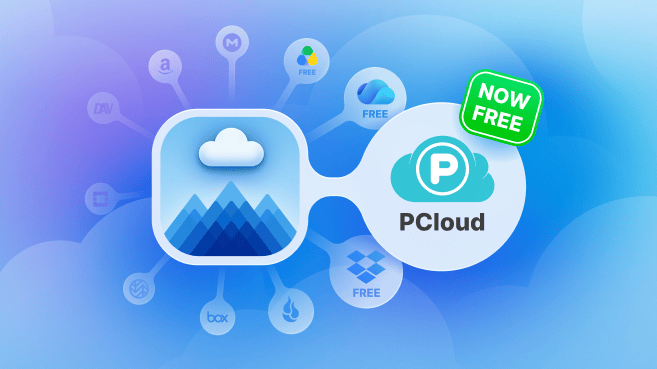
We’re happy to introduce CloudMounter for Mac version 4.19. This update brings more cloud storage options to our free version, along with useful improvements and bug fixes. The main addition is pCloud support, which gives users even more flexibility when managing their cloud files.
Starting from version 4.19, the free version of CloudMounter for Mac provides unlimited access to the first mounted accounts of pCloud along with Google Drive, Dropbox, and OneDrive. Additional accounts of these services, Dropbox Business, Google Drive Shared drives, and other supported cloud services, are available in read-only mode in the free version of the app.
The update also introduces Traditional Chinese localization, making CloudMounter more accessible to Chinese-speaking users who prefer working with software in their native language. We’ve also made the Activity Log more convenient by adding an option to clear previous entries.
Along with these changes, we’ve fixed several issues related to Dropbox Business connections, WebDAV connections, downloading files from Google Drive, and resuming uploads after restarting the app.
With these improvements, managing your cloud storage on Mac becomes even more convenient. Download CloudMounter for Mac 4.19 and explore the new possibilities!