How to Create the Perfect Instagram Profile Picture (Top Ideas & Tips)

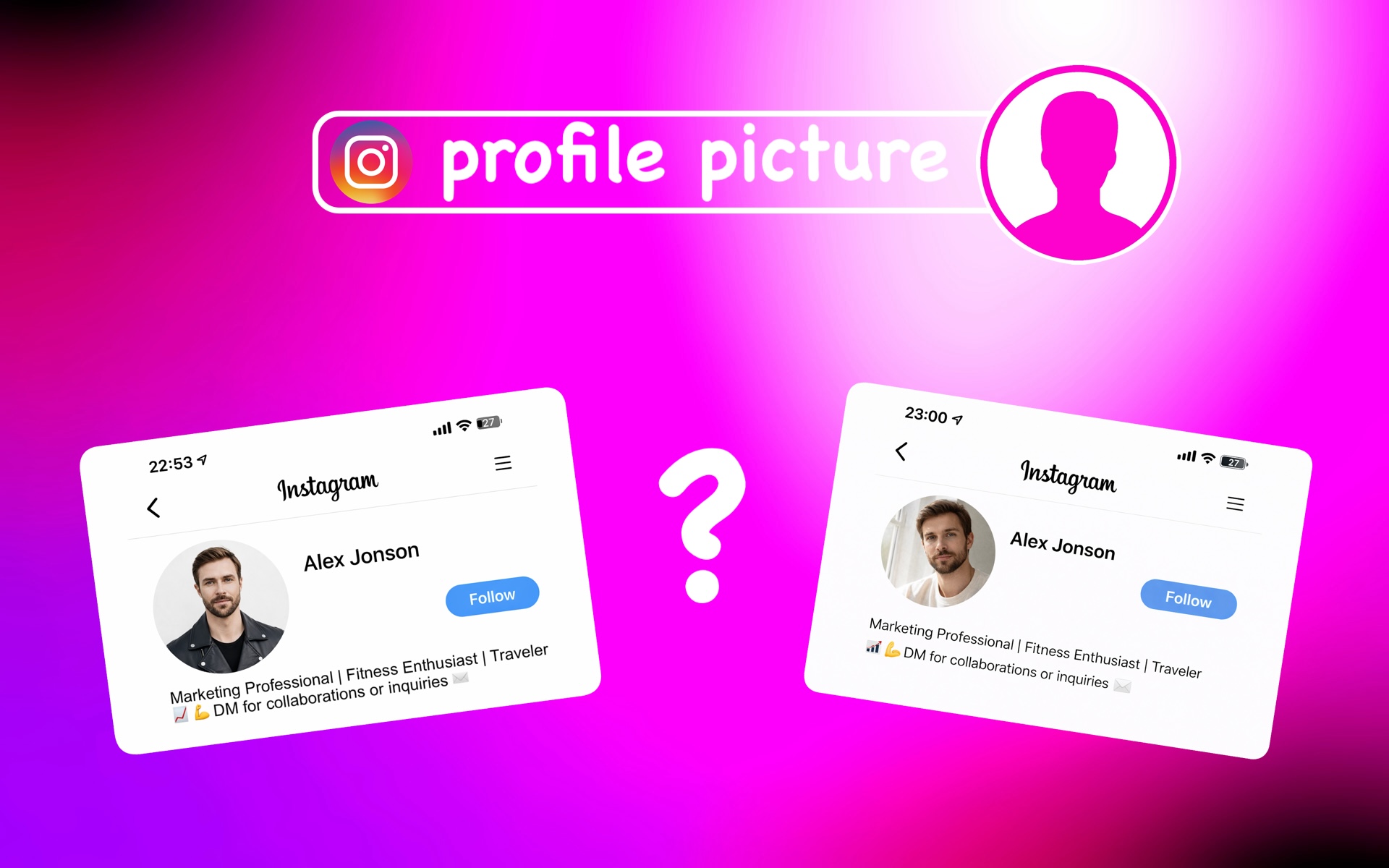
Best Instagram Profile Picture Ideas to Try
If you’re wondering how to take a good Instagram profile picture, the best place to start is by choosing the right style. Having a clear idea of how your photo should look makes the process much easier and helps avoid unnecessary retakes. The options below focus on simple concepts that are easy to recreate and work well for different types of profiles.
1. Use an AI-Generated Profile Picture
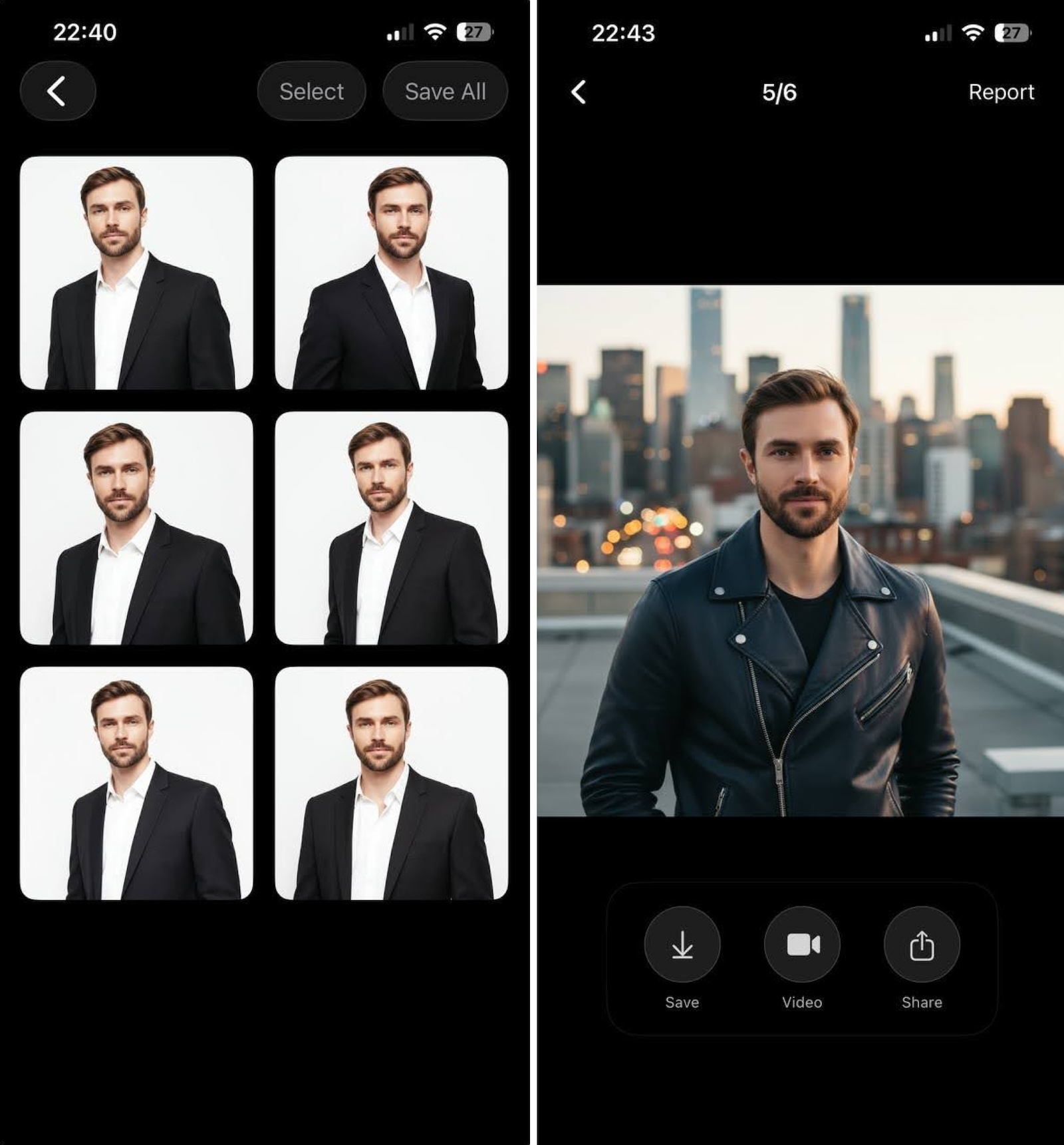
One of the simplest ways to create a profile picture for Instagram today is by using tools like Eltima AI Headshot Generator. Instead of setting up lighting, choosing outfits, or finding the perfect location, AI can generate a balanced, professional-looking portrait in minutes.
This is especially helpful if you do not enjoy taking photos or do not have access to good camera equipment. AI-generated images also allow you to test different styles, backgrounds, and looks without repeating photoshoots. For many users, this approach has become a reliable way to create an Instagram PFP that looks consistent, modern, and visually clean without requiring technical skills.
Just download the app and create your AI profile by following the instructions. Then choose a few selfies, select a style, and you are ready to generate your image.
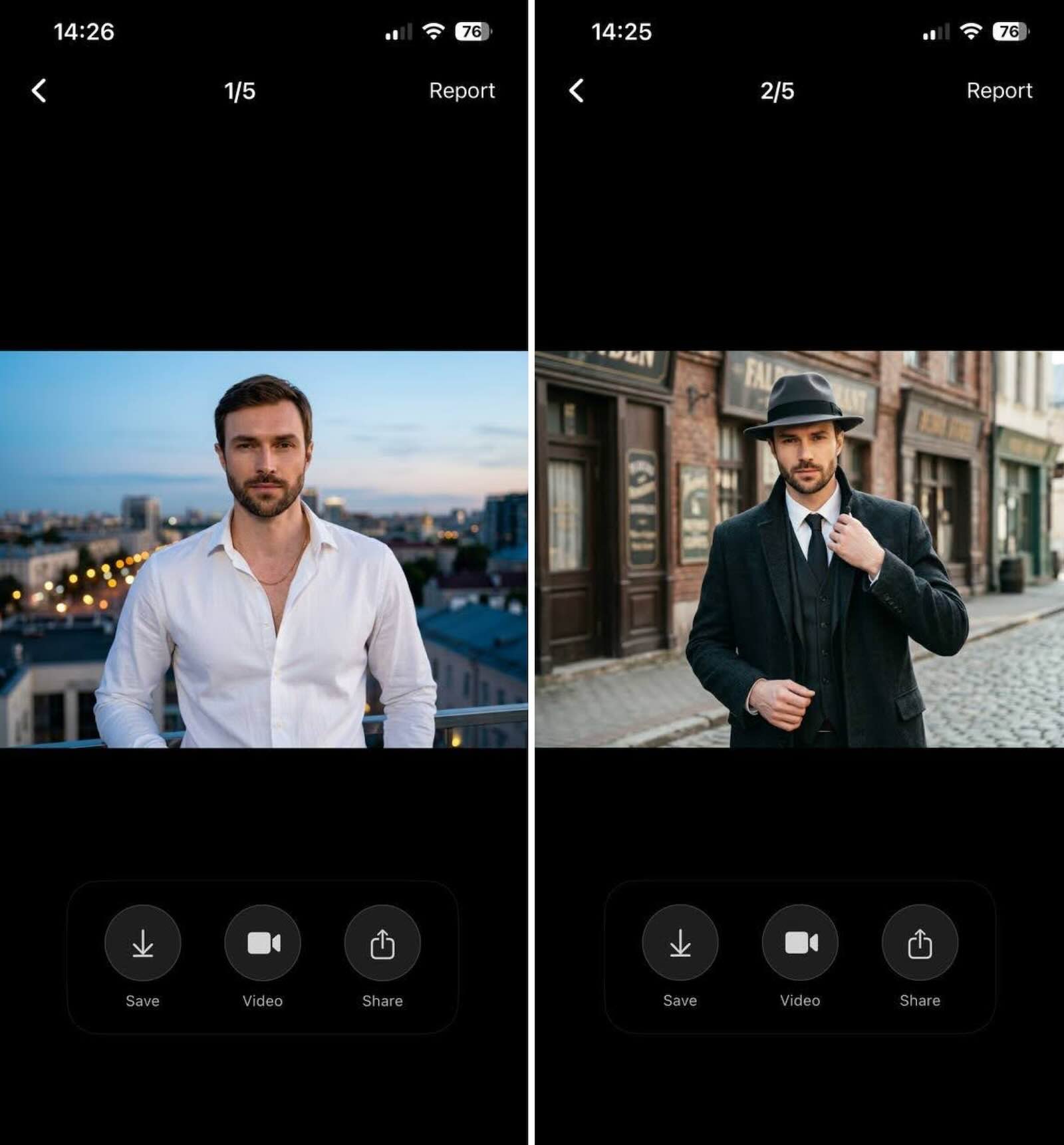
Here are more examples I’ve generated using the app for my Instagram:
2. Clean Portrait with a Simple Background
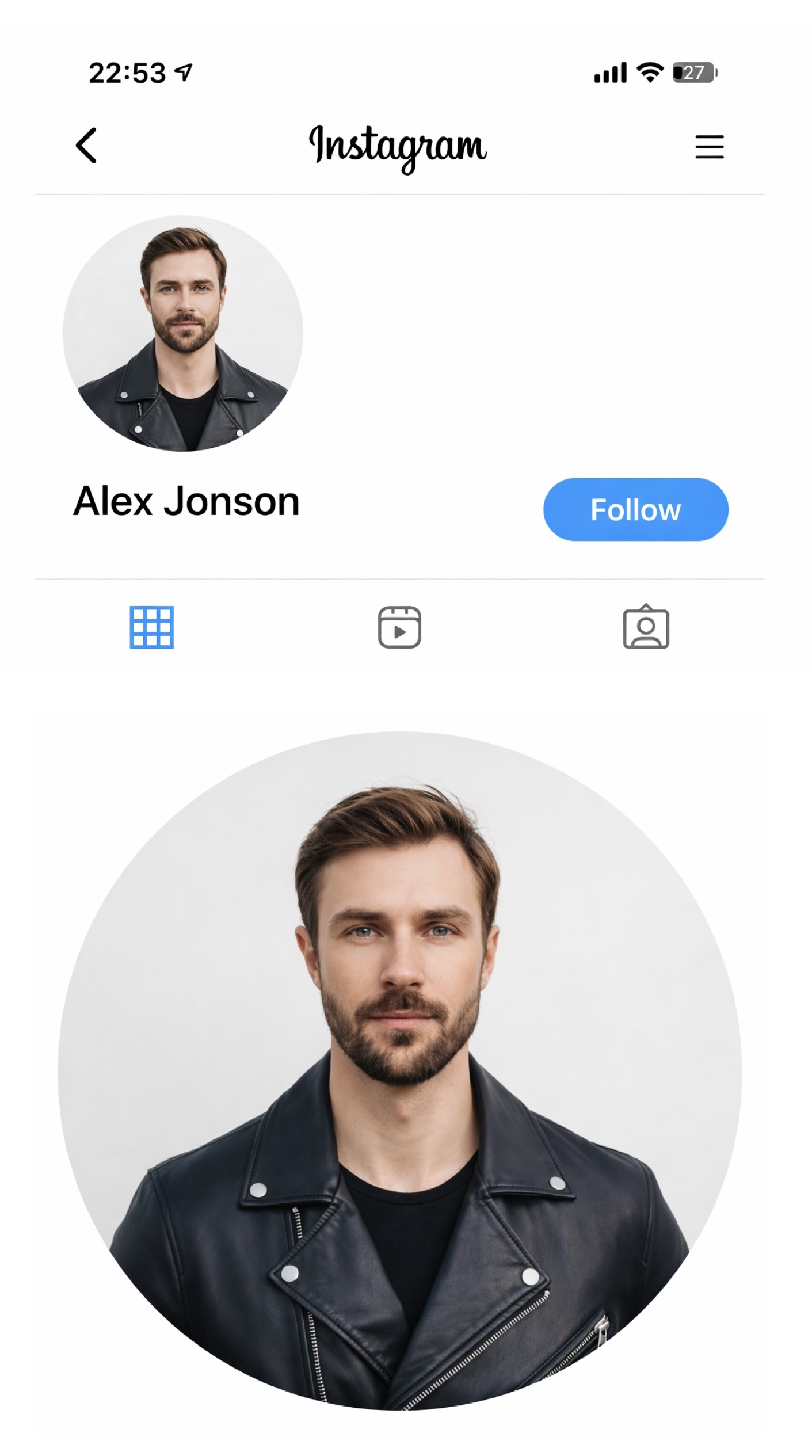
A simple background makes your photo easier to understand at first glance and helps avoid visual clutter. Neutral walls, soft tones, or minimal indoor spaces work well because they do not compete with your face for attention. This makes it easier to create a cool Instagram profile picture that looks balanced even when viewed as a small icon. Busy environments, detailed wallpaper, or crowded scenes often make the image harder to read. If you are not sure what style to choose, starting with a clean portrait is one of the safest ideas, especially for personal or professional profiles that need to look clear and trustworthy.
3. Close-up (Face-Focused Shot)
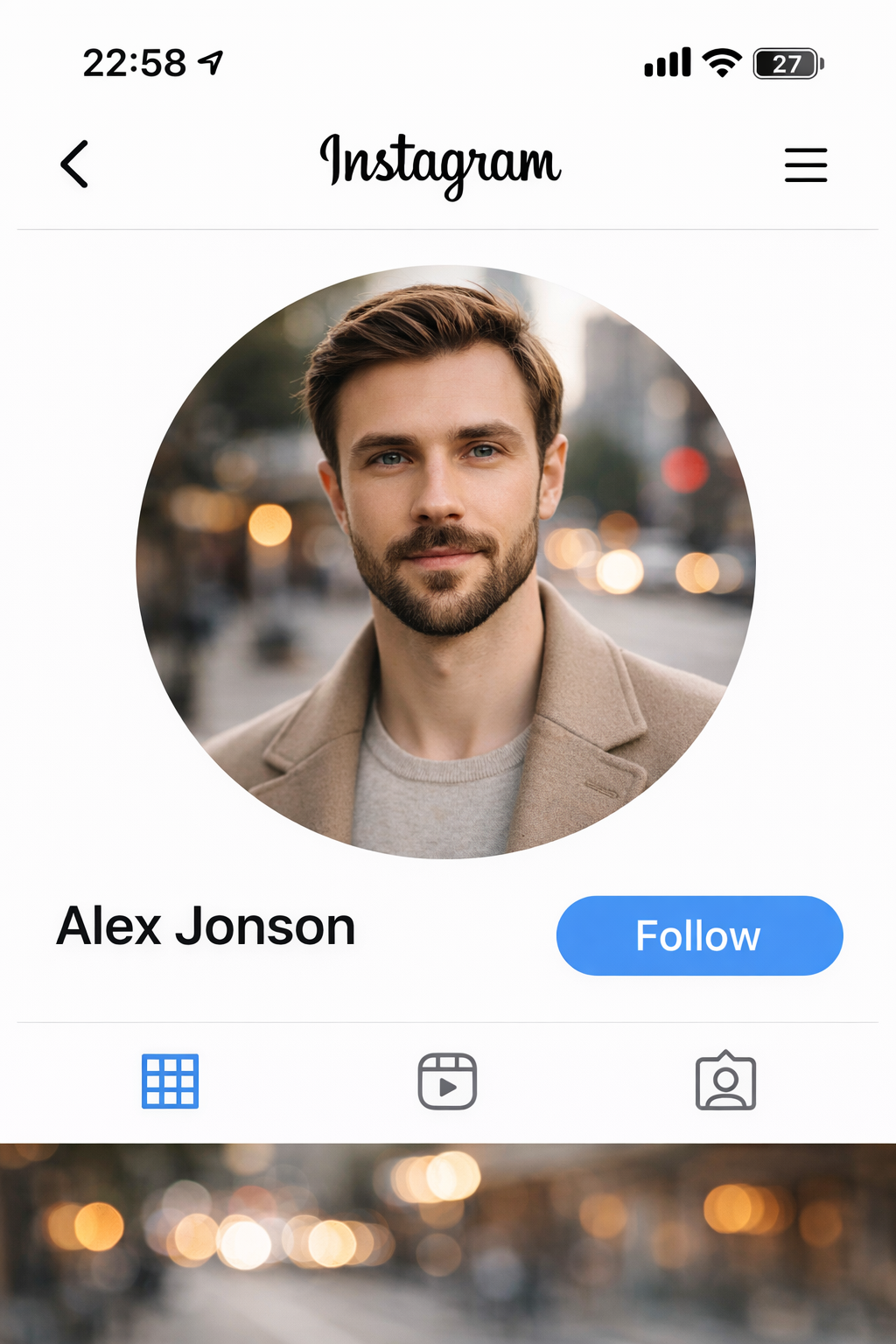
Close-up portraits are one of the most effective ways to keep your face clearly visible in a small profile image. When your face fills most of the frame, important details such as your eyes and expression remain recognizable even after resizing. This makes close-up photos especially useful when creating an IG profile pic that needs to stand out in comments or message threads. Wide shots or full-body images often lose clarity because the face becomes too small. Many cool Instagram profile pics follow this approach, as visibility is one of the key factors in creating a strong and memorable profile image.
4. Strong Contrast Between You and the Background
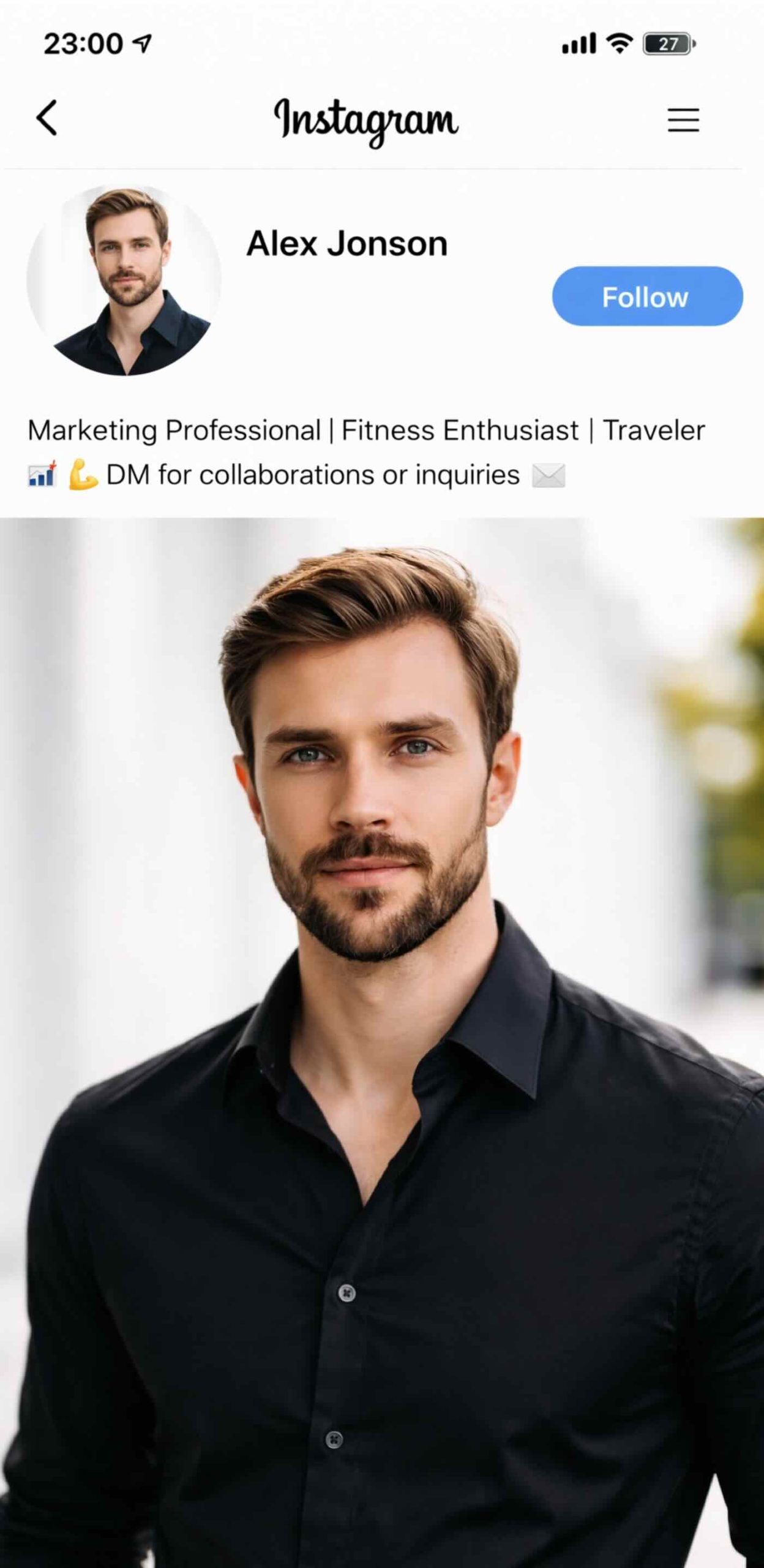
Creating contrast between your outfit and the background helps your image stand out more clearly. This is especially useful when building a cool Instagram style that catches attention quickly. For example, wearing darker colors against a light background can make your silhouette easier to distinguish. Strong contrast is often used in great profile pictures because it improves visibility and overall clarity.
5. Use Natural Light from a Window
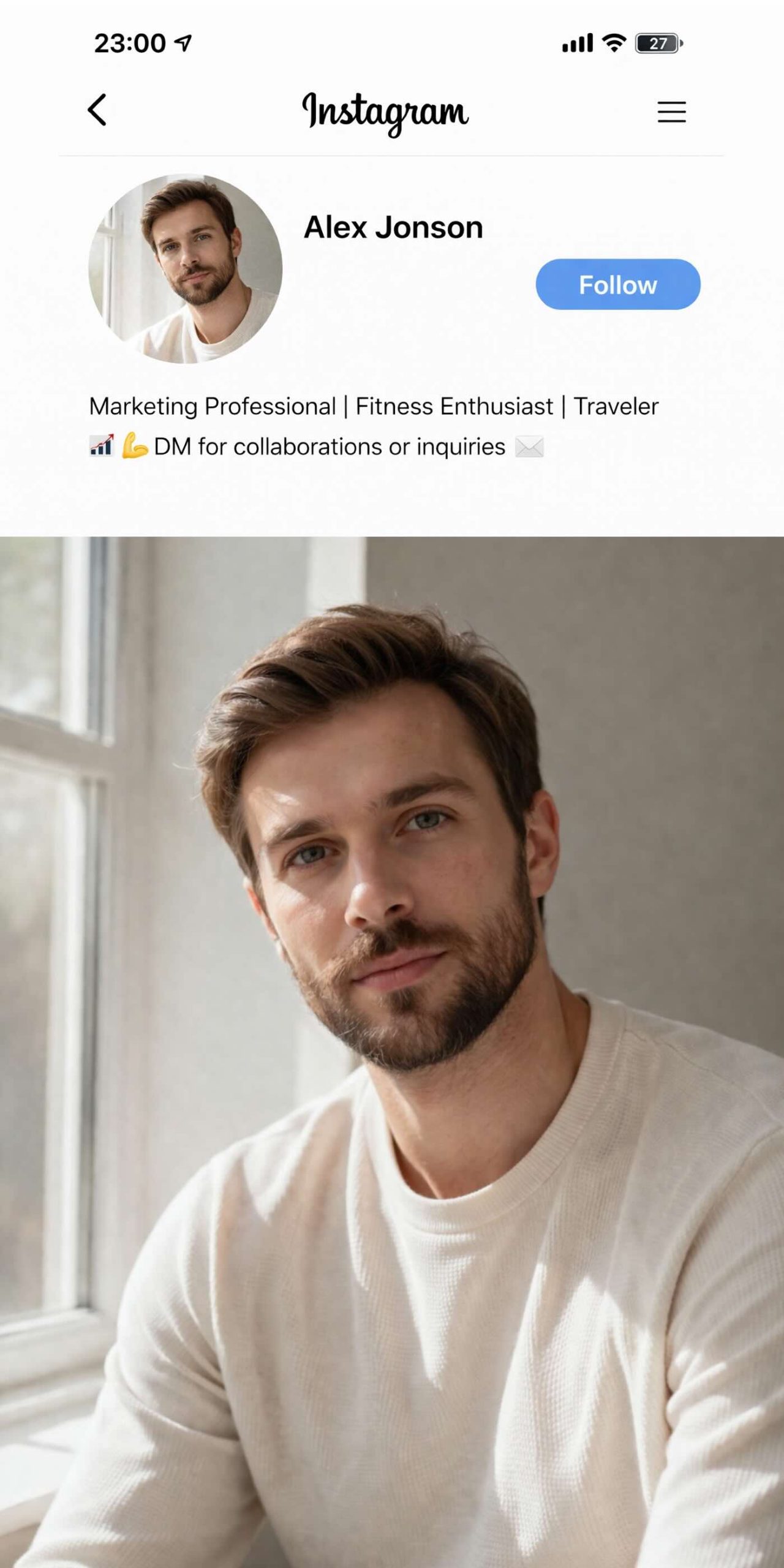
Natural light is one of the most accessible ways to improve a photo without additional equipment. Standing near a window helps create a softer, more balanced look, which is ideal when making a social media profile picture that feels natural. Harsh artificial lighting can create unwanted shadows, while daylight usually produces smoother tones. Many aesthetic Instagram profile picture ideas rely on natural light because it requires no special equipment and works well with most smartphone cameras.
6. Soft, Natural Editing
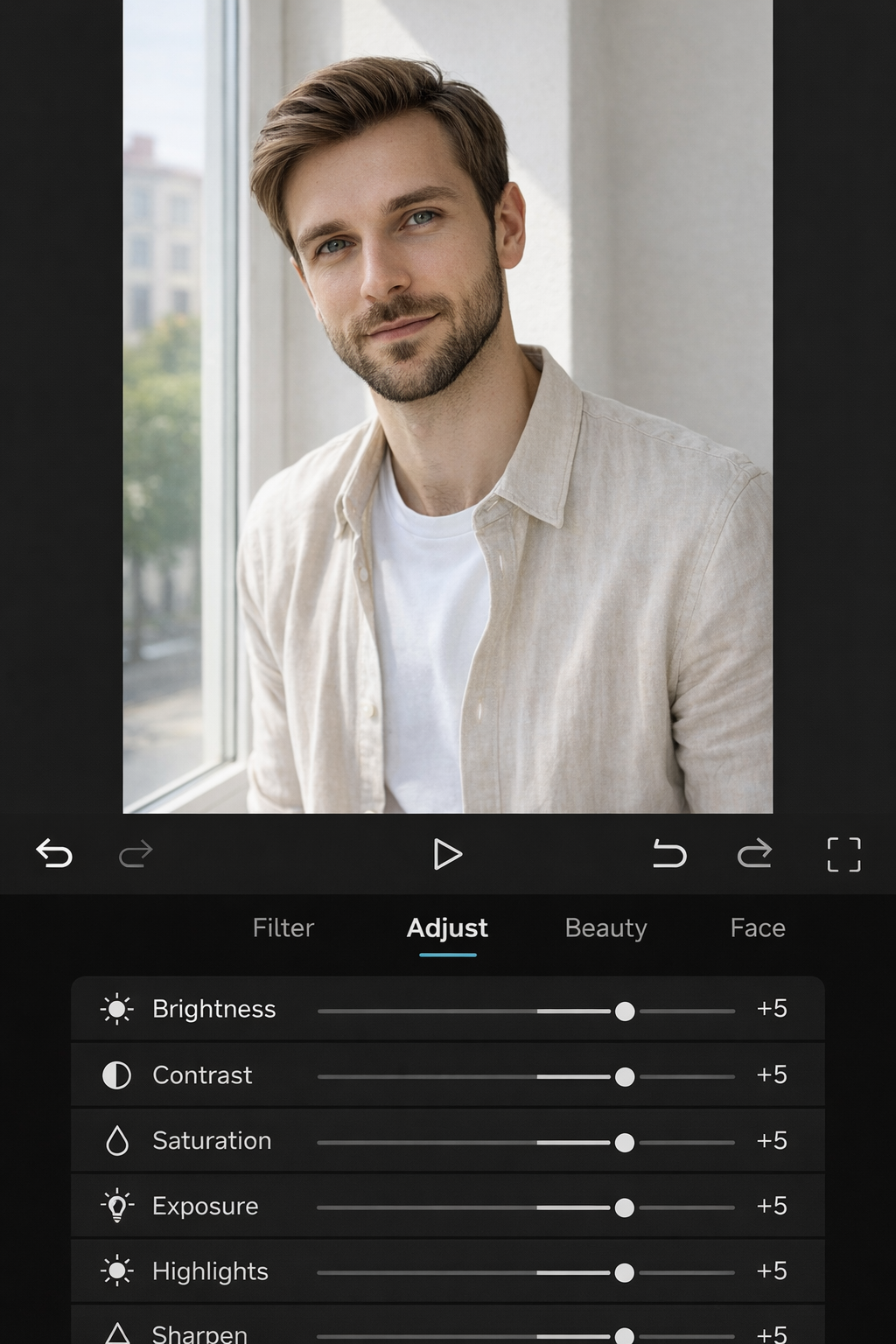
Editing is useful, but subtle adjustments usually produce the best results. Small changes to brightness, contrast, and color balance can improve overall quality without making the image look artificial. Over-editing, heavy filters, or extreme smoothing often reduce realism and make photos look outdated. When creating a media profile picture, it is better to focus on enhancing natural details rather than dramatically changing them.
Technical Tips for a High-Quality Instagram Profile Picture
Even the most stylish photo can look unprofessional if the technical details are wrong. Factors such as size, crop, and clarity directly affect how your Instagram profile photo appears across the platform. Paying attention to these details helps you avoid blurry images, awkward cropping, and lost detail. The tips below focus on practical steps to make your profile picture look sharp, clear, and properly formatted.
Use the Correct Image Size and Resolution
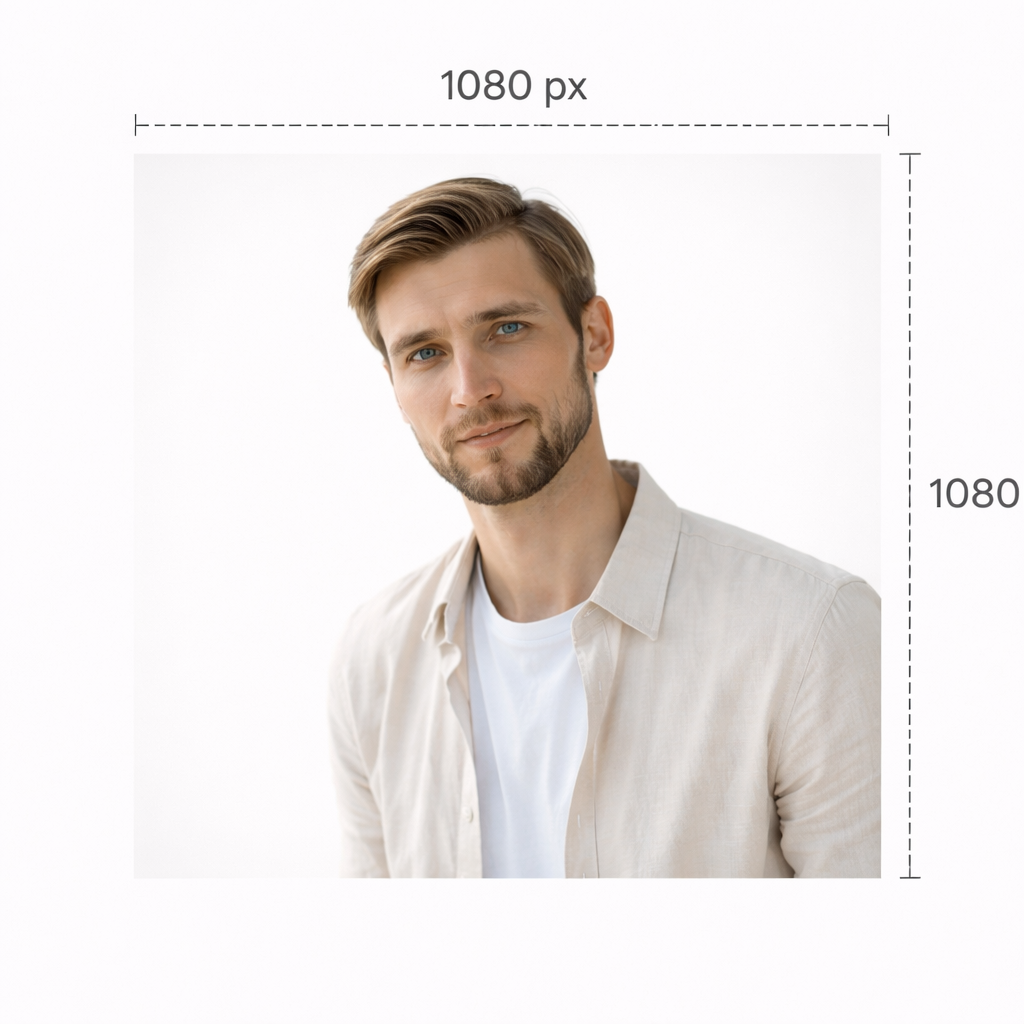
Using the right IG profile pic size is essential for keeping your photo sharp and clear. While Instagram displays profile photos at smaller dimensions, it is always better to upload a higher-resolution image, such as 1080 × 1080 pixels. This helps prevent blur caused by compression and resizing. Low-resolution uploads often appear pixelated or soft, especially on modern high-resolution screens. Choosing the proper profile picture size also helps your image look consistent across different devices, including phones and tablets. Starting with a high-quality file gives you more flexibility when cropping and adjusting your photo later.
Preview How Your Picture Looks in a Small Format
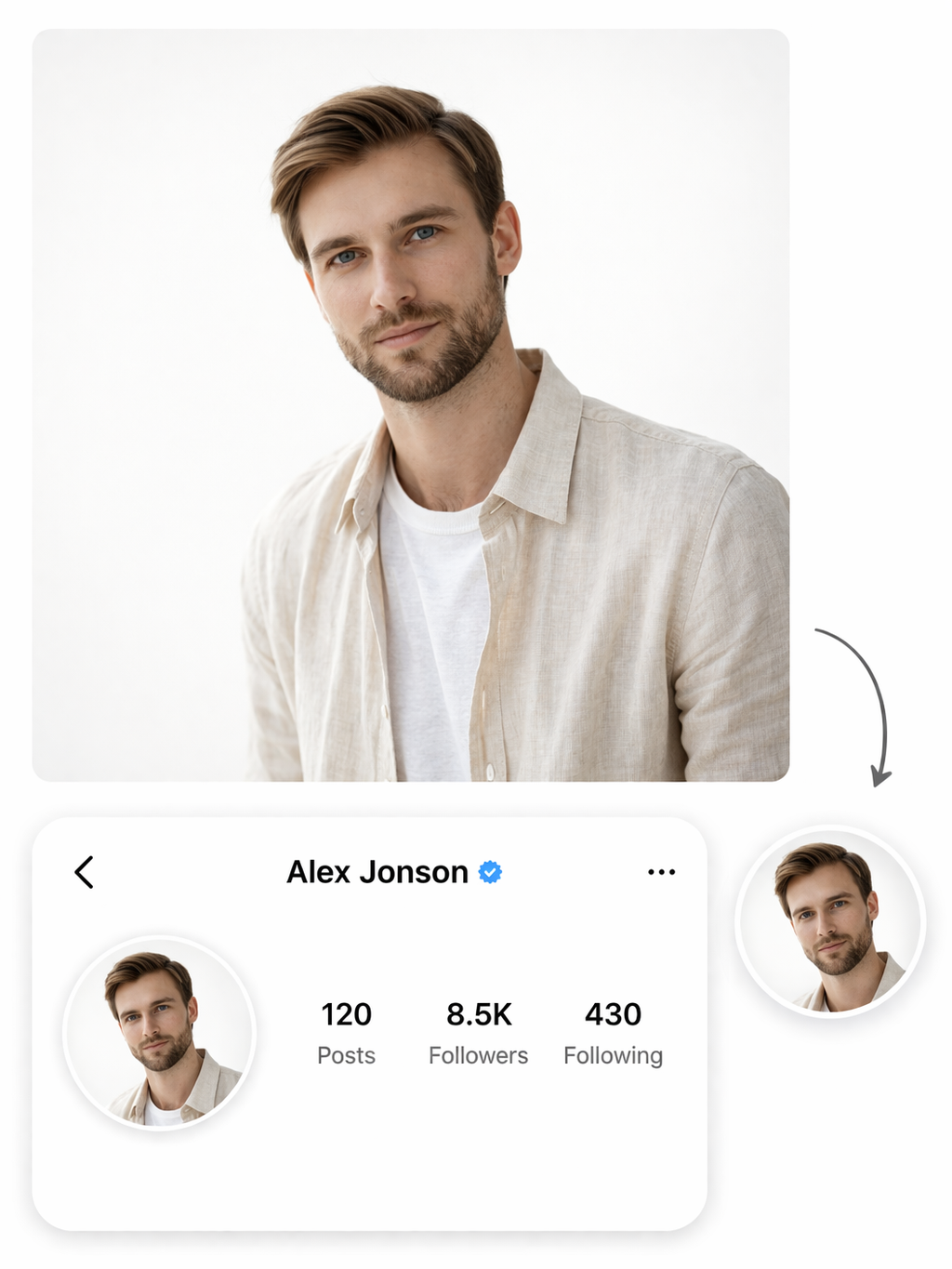
Before uploading your image, it is important to check how it looks when scaled down. Many photos appear detailed at full size but lose clarity when reduced to a small icon. Viewing your image at a smaller scale allows you to spot issues such as unreadable details or distracting elements. This step is especially useful when testing different profile pics and deciding which version works best. Taking a moment to preview the image helps you avoid uploading a photo that looks good in theory but not in practice.