Best Facebook Profile Picture Ideas (Top Ideas and Tips)

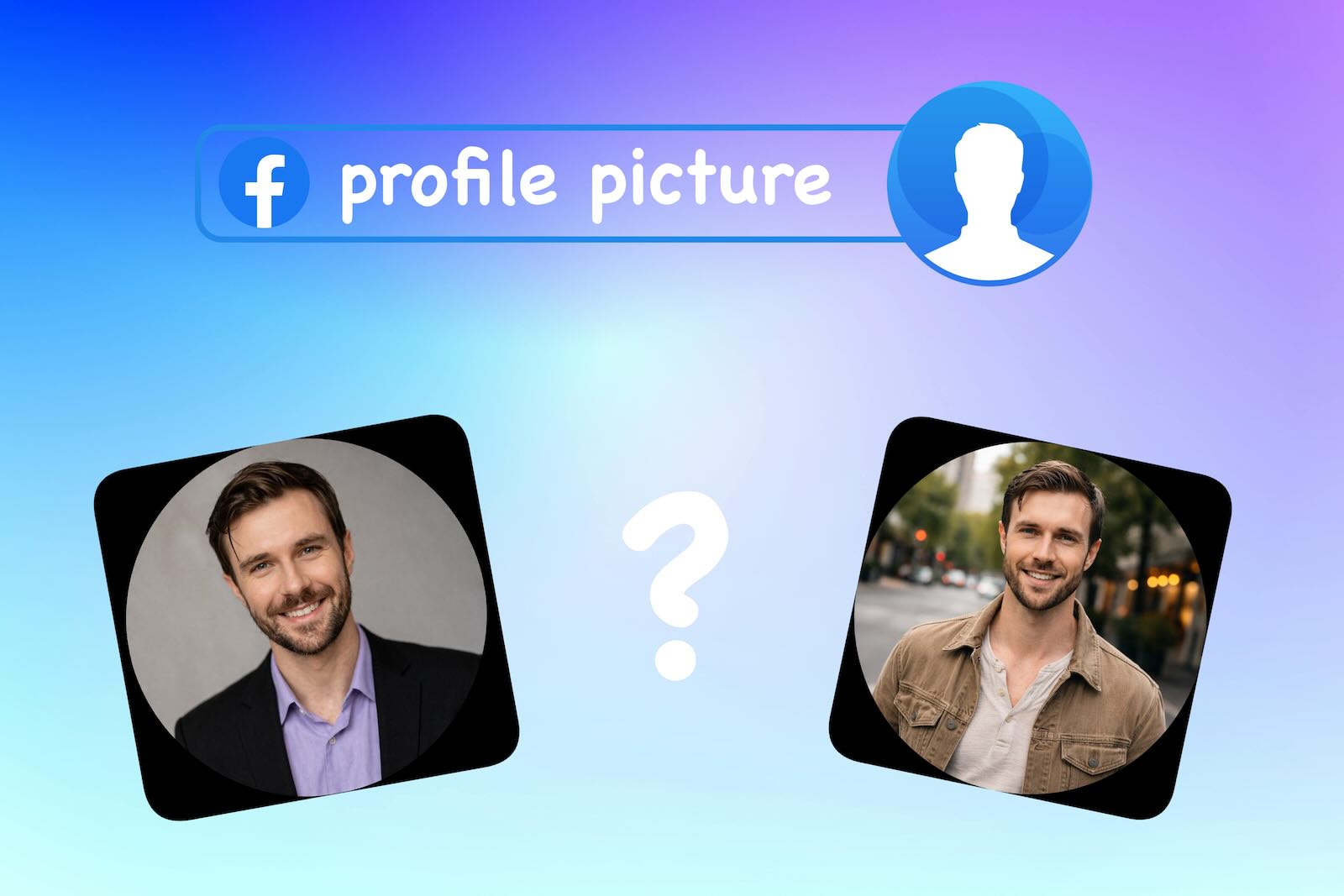
Top 7 Facebook Profile Picture Ideas
1. Use an AI-Generated Headshot (Like Eltima AI Headshot Generator)
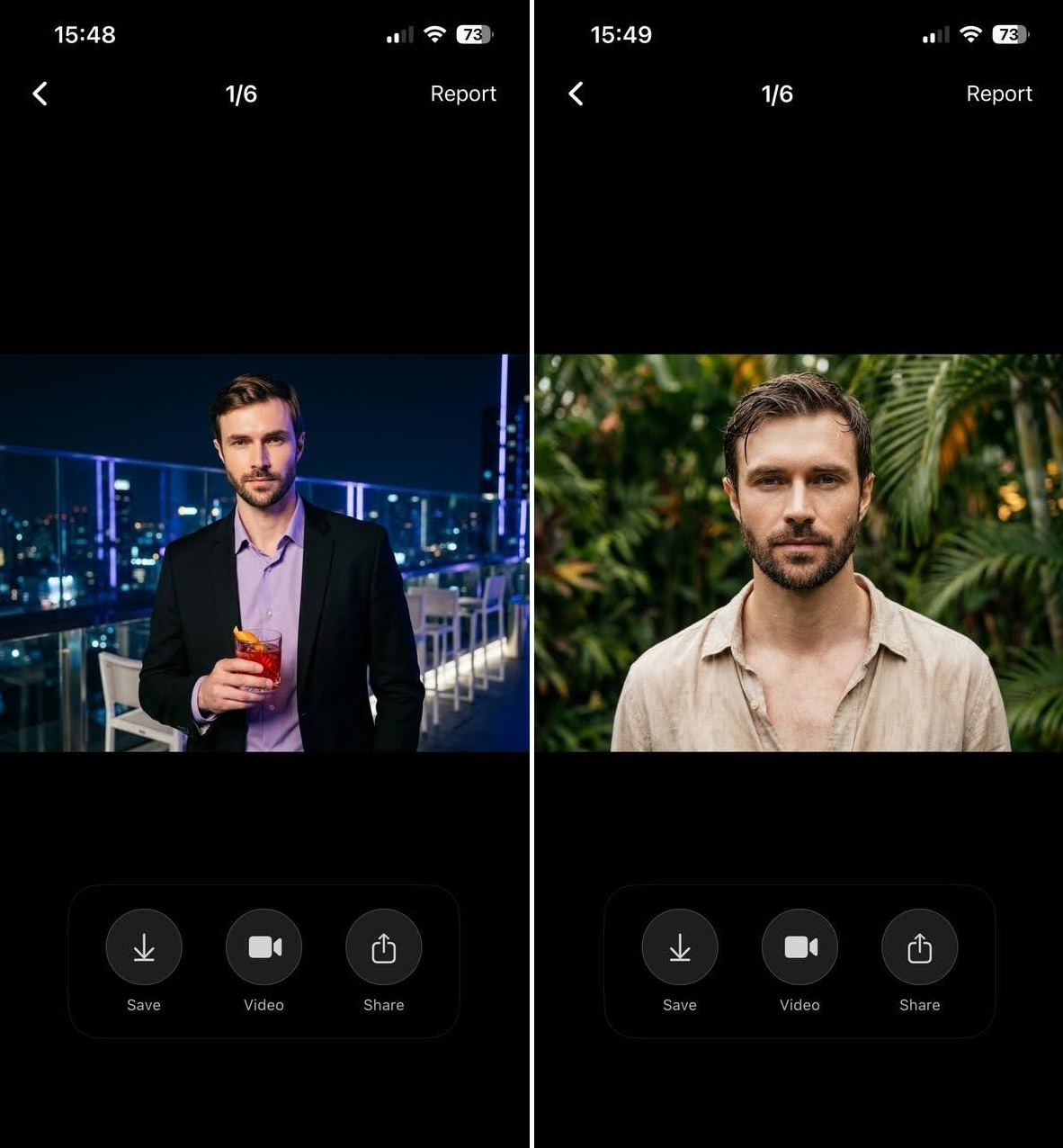
One of the easiest ways to create a polished profile picture for Facebook is by using tools like Eltima AI Headshot Generator. Instead of setting up lighting, choosing outfits, or searching for the right location, AI tools allow you to generate a clean, professional-looking portrait in just a few steps. This is especially useful if you don’t have time for a photoshoot or want to test different styles without retaking photos.
AI-generated portraits can help you create a consistent and modern Facebook profile photo that looks balanced and visually clear. Many users choose this method because it simplifies the process and produces reliable results without requiring photography skills. It’s also a practical option if you want a fresh look but aren’t sure how to change your Facebook profile picture with a new photo that still looks natural.
2. Friendly Smiling Portrait

A friendly expression can make a good profile picture feel more welcoming and approachable. A natural smile helps create a positive impression, especially when people first visit your profile or interact with you in groups. Avoid forced expressions or overly staged poses – the goal is to look relaxed and authentic. This type of photo works well for Facebook because it reflects personality while still keeping the image simple and recognizable.
3. Casual Everyday Photo

A casual photo taken during everyday activities can make your profile feel more natural and relatable. This type of social media profile picture often captures simple moments like walking outdoors, sitting in a café, or spending time in a familiar environment. Since Facebook is commonly used to stay connected with friends and communities, casual photos help maintain an authentic look. The goal is not perfection, but realism – a natural moment often works better than a staged photo.
4. Professional-Looking Profile Photo

If you use Facebook for work, networking, or business communication, a more polished profile picture can help you appear professional and reliable. This doesn’t require a studio photoshoot – a neat outfit, simple background, and confident posture are usually enough. Many people use Facebook for professional communication, so having a clean and structured Facebook profile photo can improve how others perceive your profile.
5. Simple Background Portrait

Using a simple background helps your FB profile picture remain clear and easy to recognize. Busy or cluttered backgrounds can distract from the subject and make the photo harder to read at small sizes. Neutral walls, soft colors, or slightly blurred backgrounds are usually the best choices. Keeping the scene minimal ensures that attention stays on your face rather than the surroundings.
6. Outdoor Natural Photo

Outdoor photos can make your profile look more natural and visually appealing. Natural settings like parks, streets, or open spaces create depth and enhance the overall feel of a social profile image. Outdoor lighting often produces softer shadows and more balanced colors, making photos look more realistic. This type of image works especially well if you want your profile to feel relaxed and approachable.
7. Choose the Right Resolution
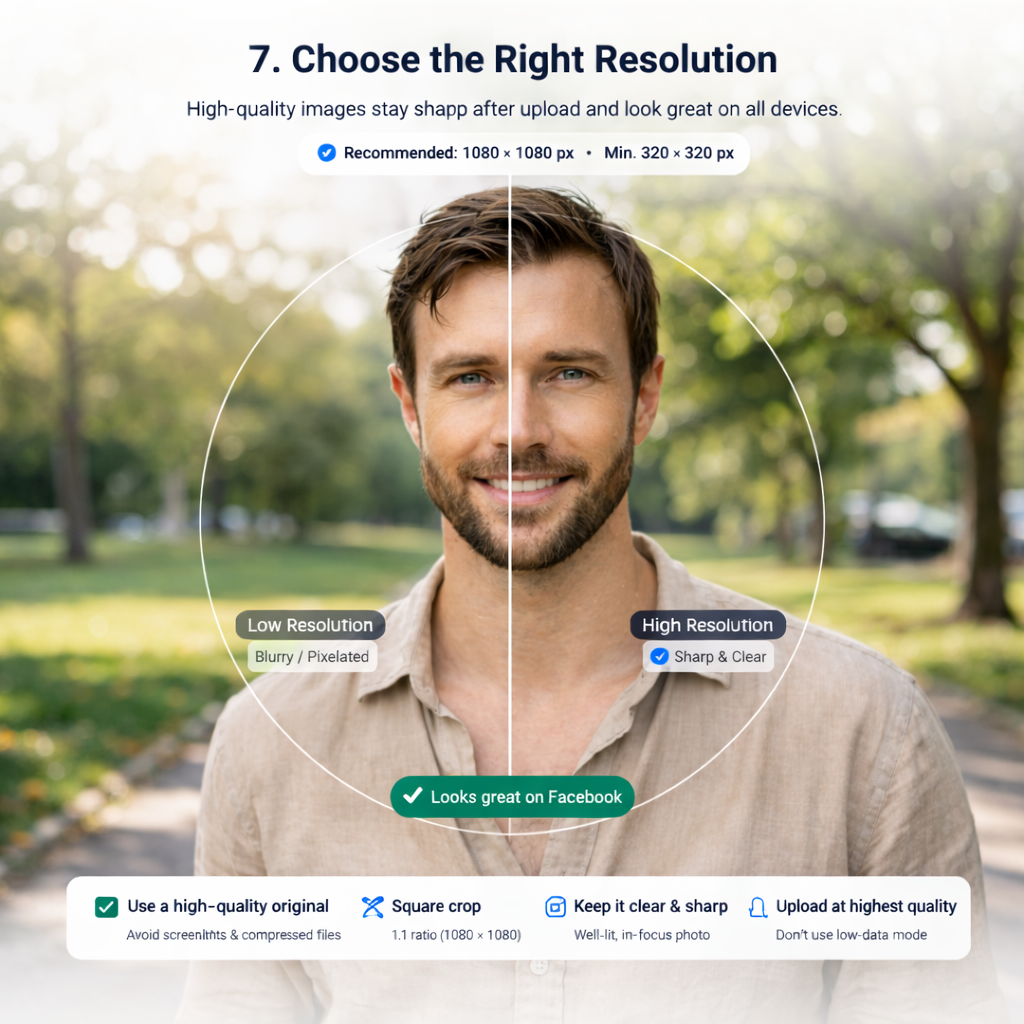
Choosing the correct resolution for your Facebook profile picture is key to ensuring it looks sharp and clear across all devices. Facebook recommends uploading a profile picture with 1080 x 1080 pixels, which ensures the image remains crisp even after compression. The minimum size allowed is 320 x 320 pixels, but using a higher resolution helps maintain detail.
⁉️ Why 1080 x 1080 Pixels?
- Sharpness: A higher resolution prevents pixelation and blur, especially after Facebook compresses the image.
- Device Compatibility: Images at 1080 x 1080 pixels look great on both desktop and mobile devices.
- Cropping: Uploading a square image ensures your face remains centered and avoids cutting out important details.
📌 Avoid Low-Resolution Photos:
Images smaller than 320 x 320 pixels may appear blurry or pixelated. Low-resolution images are especially problematic on modern high-resolution screens.
📌 File Type and Compression:
- JPG is ideal for Facebook profile pictures, but ensure the file size doesn’t exceed 8MB. Keep it under 1MB for faster uploads.
- Avoid low-quality, compressed files, like screenshots, as they lose detail after compression.
By following these tips, you’ll ensure your Facebook profile picture remains clear, professional, and well-optimized for all devices.