Eltima
AI Family Portrait: Beautiful Family Photos Without a Studio
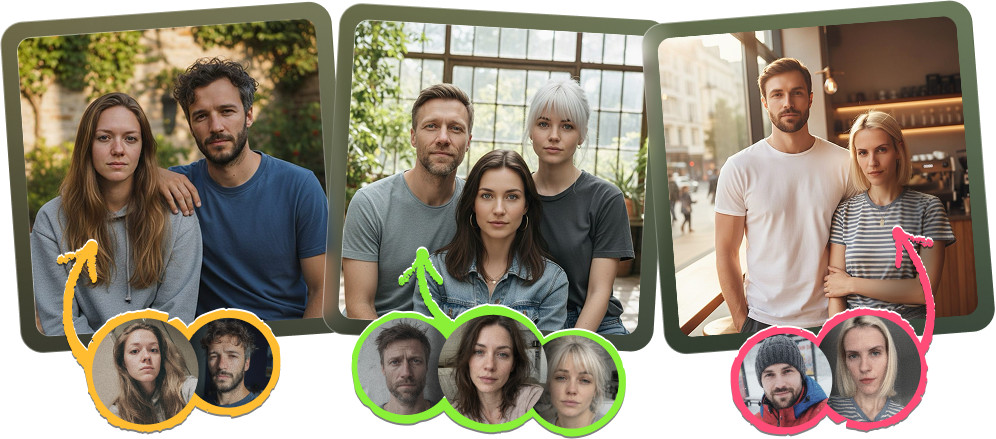
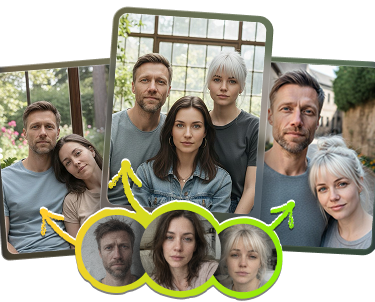


How to Generate an AI Family Portrait from Individual Photos
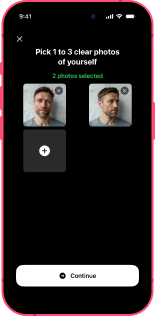
Upload Your Photos
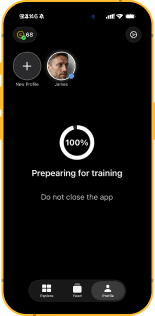
Create Your
AI Persona
Select the Together Pack
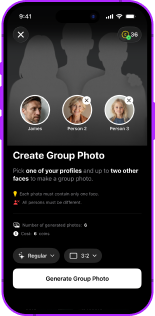
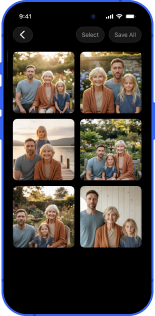
Generate Your AI Family Portrait

Explore more articles about Eltima AI Headshot Generator




Frequently Asked Questions
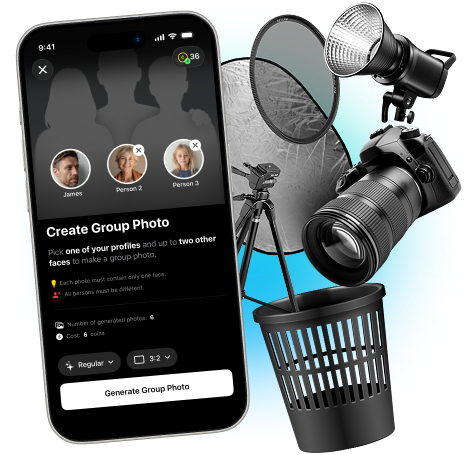
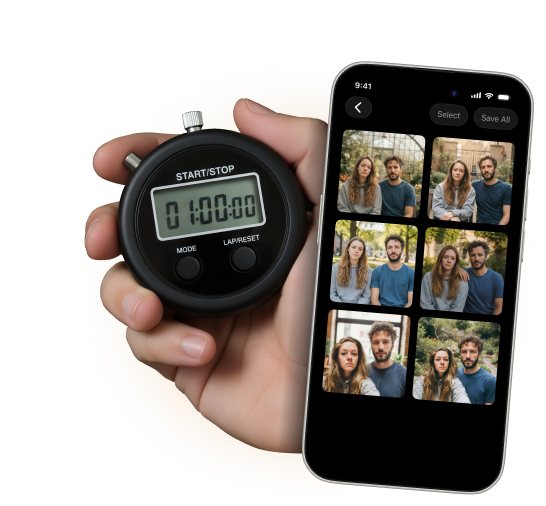
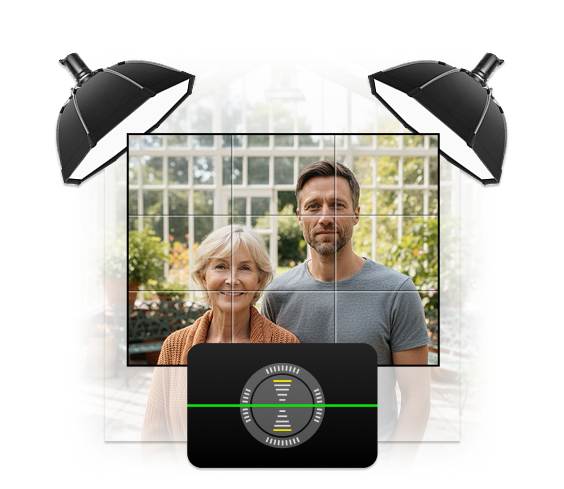
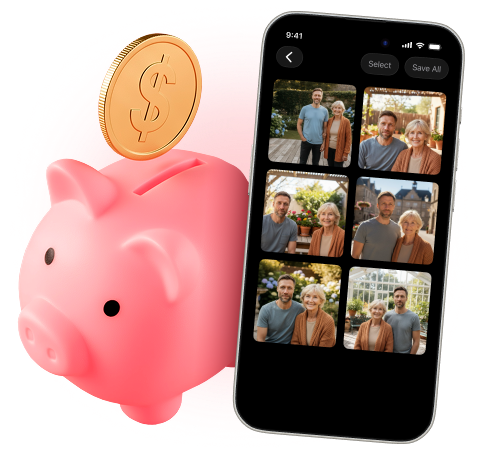
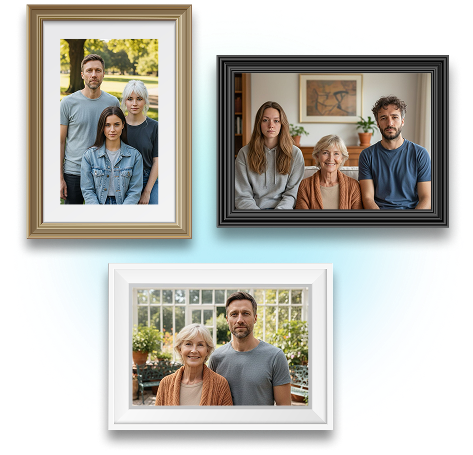
With Eltima AI Headshot Generator, the process is straightforward. Upload your clear photos, create your AI persona, and select the Together Pack. Near your profile picture, add up to two other people and tap Generate Group Photo. After several seconds, you’ll receive a polished AI family portrait ready to use or share.
In addition to family portrait generation, Eltima AI uses advanced AI technology to produce ultra-realistic images with natural lighting and detail that rival traditional photography, supports multiple aspect ratios so your portrait fits social profiles or prints, and includes creative templates and scenes for customization. You can also transform the final images into short animated clips for social media, and enjoy effortless automatic enhancements without needing manual editing skills. These features make the process not only straightforward but also versatile and visually compelling. All this makes Eltima AI Headshot Generator not only the best AI family portrait generator free app but also quite universal.