Eltima AI Headshot Generator
AI Team Headshots: Create
Professional Photos for Your Entire Team
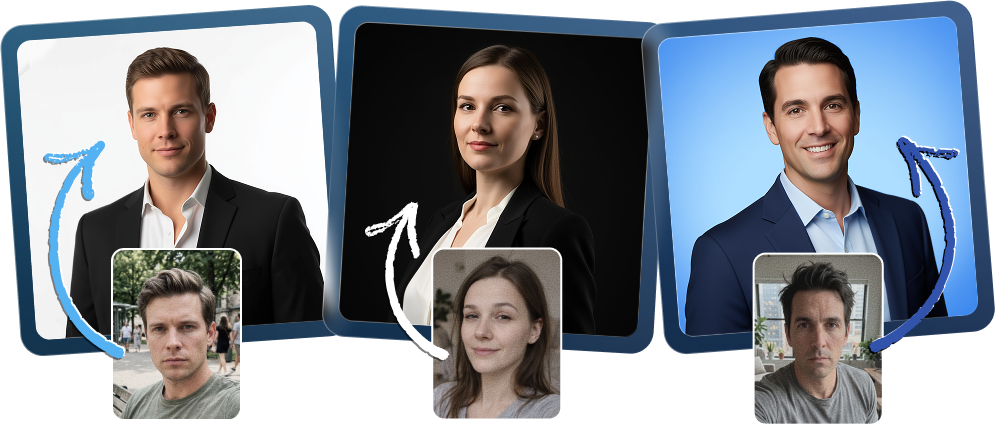
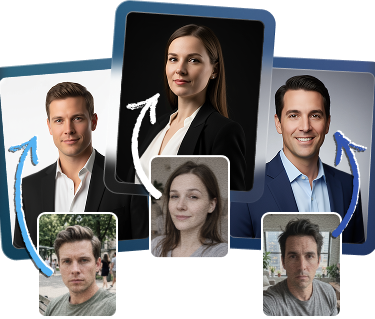
Professional team headshots are essential for building brand trust and maintaining visual consistency, and AI now makes it easier than ever to achieve a polished, cohesive look. By transforming individual uploads into matching corporate portraits, this technology removes many of the logistical challenges of traditional photography, such as scheduling and travel, while delivering a high-quality, cost-effective solution for remote or growing teams.


How to Create Corporate Portraits with AI
Collect Photos from Your Team
Ask each team member to upload 1-3 clear selfies with good lighting. These images will be used to create consistent business portraits for the whole group.
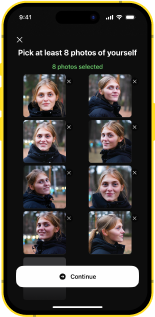
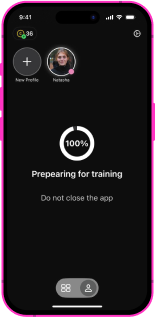
Create Individual Team Profiles
Set up separate profiles for each employee. This helps organize generated portraits and makes it easier to update images later when new team members join.
Choose a Matching Style or Pack
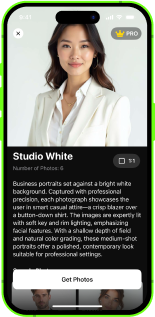
Select a business-style setting, such as a neutral studio background or office environment. This ensures every portrait looks consistent.
Generate and Review Team Images
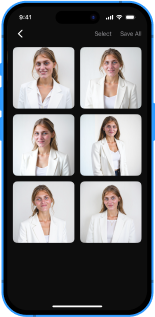
The AI produces polished portraits with uniform lighting, posture, and composition, similar to a traditional team photoshoot.
Consistent Look
for the Entire Team
for the Entire Team
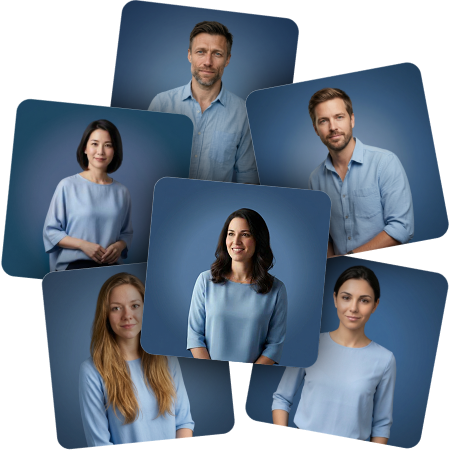
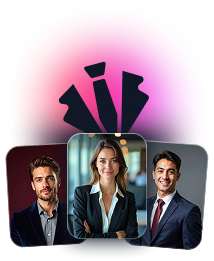
Create matching professional team portrait in a unified visual style. Consistent backgrounds, lighting, and composition help make your company website look more polished and professional. This is especially important for About Us or Contact pages, where all employees are presented together.
Perfect for Remote
& Distributed Teams
& Distributed Teams
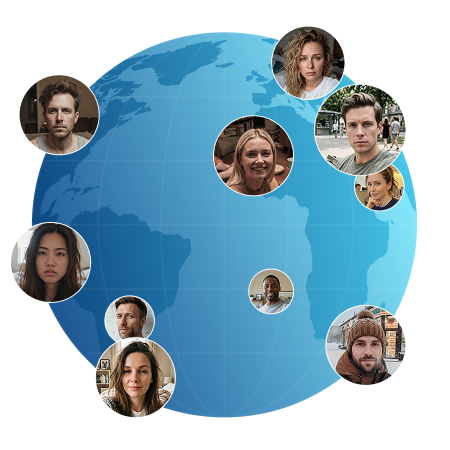
AI makes it easy to create AI corporate headshots for startups or remote teams without gathering everyone in one location. Each person uploads a selfie, and the AI generates portraits that look as if they were taken during one coordinated session.
Flexible Styles for
Different Business Needs
Different Business Needs
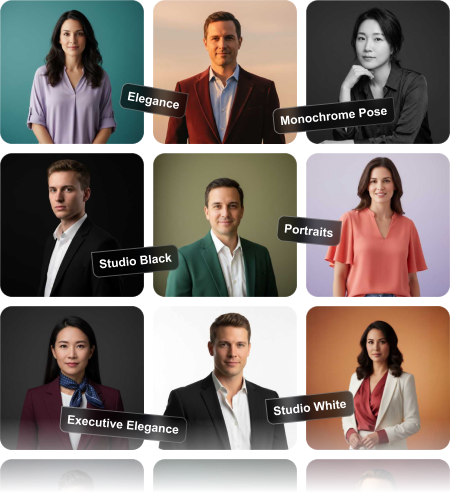
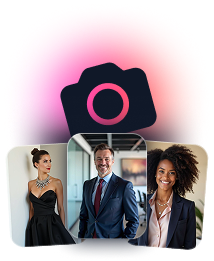
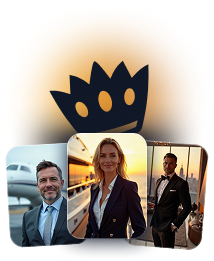
Choose from office backgrounds, studio portraits, or neutral styles depending on your brand. Whether you need classic corporate portraits or more relaxed business looks, you can adapt the style to match your company identity.
Easy to Update When
Your Team Grows
Your Team Grows
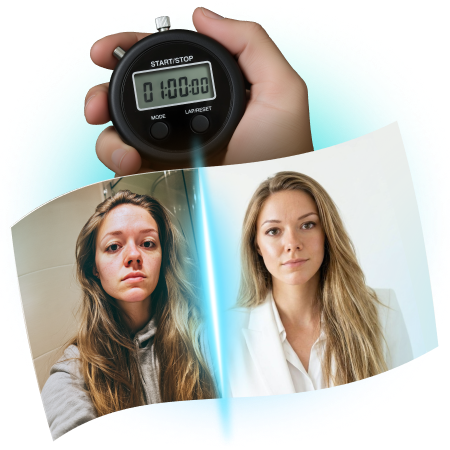
Add new employees at any time and generate a new company team photo in the same visual style without repeating the entire process. This makes it simple to keep your team page up to date as your business expands.

Explore more articles about Eltima AI Headshot Generator




Frequently Asked Questions
No. Simple selfies are enough. The AI adjusts lighting and composition to create polished results that look like a real team photoshoot.
Absolutely. Generated portraits are suitable for ID badges, conference passes, internal documents, and business team photos used in presentations.
Yes. Your photos are securely processed and stored using protected systems. Uploaded images are used only to generate your AI team photo and are typically deleted after processing, while the final results remain accessible only in your profile.
Generated portraits are suitable for many professional purposes. You can use them on company websites, LinkedIn profiles, email signatures, conference badges, presentations, or internal employee directories. Many teams also use professional team photos for About Us pages or marketing materials to present a consistent company image.
For business use, the most popular choices include neutral studio backgrounds, modern office settings, and formal business-style environments. Templates with clean lighting and minimal distractions work best for corporate portraits, especially when you want every team member to look consistent across your website or company materials.

Eltima AI Headshot Generator
Transform your photos into professional headshots with the power of artificial intelligence