Eltima AI Headshot Generator
Lawyer Headshots: Create
Professional Legal Portraits with AI


Professional lawyer headshots are essential for establishing authority and trust, but the traditional process of scheduling photoshoots can place a significant burden on a firm’s time. AI streamlines this process by transforming simple uploads into polished, high-credibility portraits that maintain a consistent visual style across websites and legal directories. This modern approach allows individual attorneys and entire firms to project a sophisticated, professional image with minimal effort and maximum convenience.


How to Create Attorney Portraits with AI
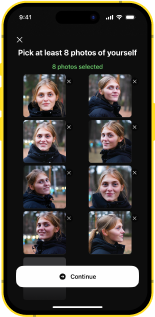
Upload Your Professional Photos
Start by adding 1-3 clear selfies or portraits with good lighting. These images help generate realistic attorney headshots for professional use.
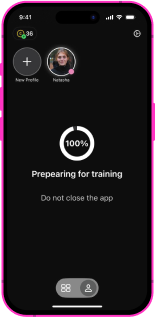
Set Up Your Personal Profile
Create a dedicated profile where your generated images will be stored. This makes it easy to manage updates and maintain consistent portraits over time.
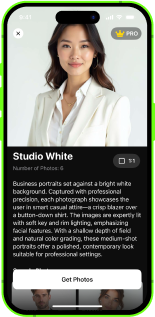
Choose a Legal or Business Style
Select formal settings such as office interiors, library backgrounds, or neutral studio backdrops. These styles are commonly used in law firm photography.
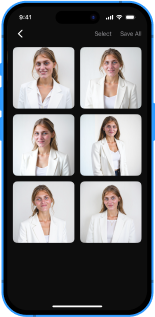
Generate Your Legal Portrait
The AI produces polished images with balanced lighting, confident posture, and formal composition, similar to a traditional attorney photoshoot, but faster and more flexible.
Designed for
Law Firm Branding
Law Firm Branding
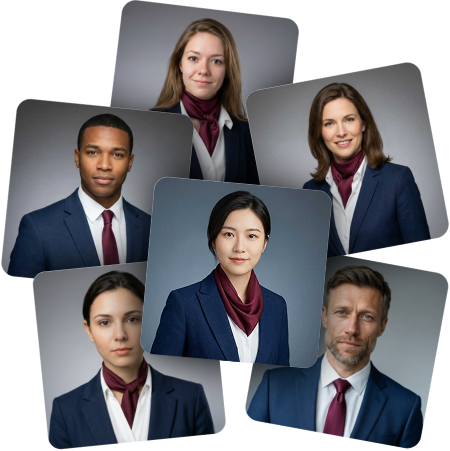
Create consistent law firm headshots that reflect your firm’s visual identity. Whether used on your website, in legal directories, or in printed materials, uniform portraits help present a professional and trustworthy brand image to clients and partners.
Formal &
Trustworthy Styles
Trustworthy Styles
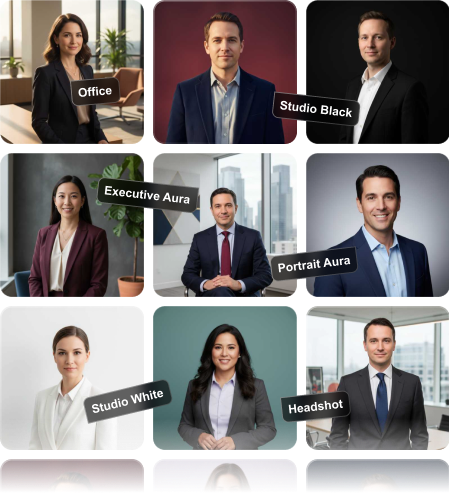
Choose classic backgrounds such as offices, libraries, or neutral studio settings that reflect traditional lawyer photography standards. These styles emphasize confidence, professionalism, and attention to detail, qualities that are essential in the legal field.
Consistent Look
for Legal Teams
for Legal Teams
Generate matching attorney portraits for partners, associates, and support staff. This helps maintain a unified appearance across team pages and ensures every member looks polished and aligned with your firm’s image.
Suitable for Websites,
Socials & Events
Socials & Events
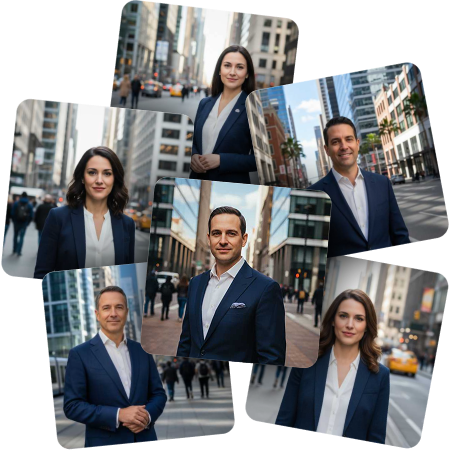
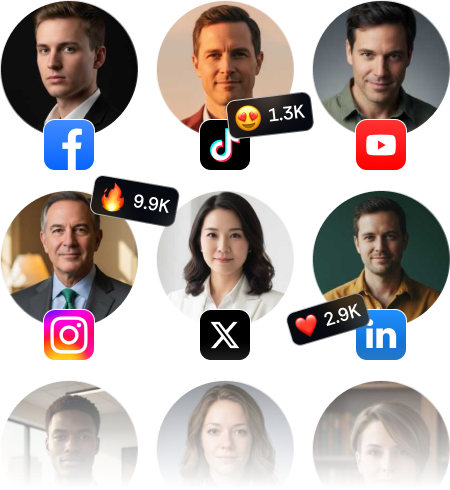
Use your generated professional legal headshots across multiple platforms, from law firm websites and LinkedIn profiles to conference invitations, speaker bios, and networking materials.

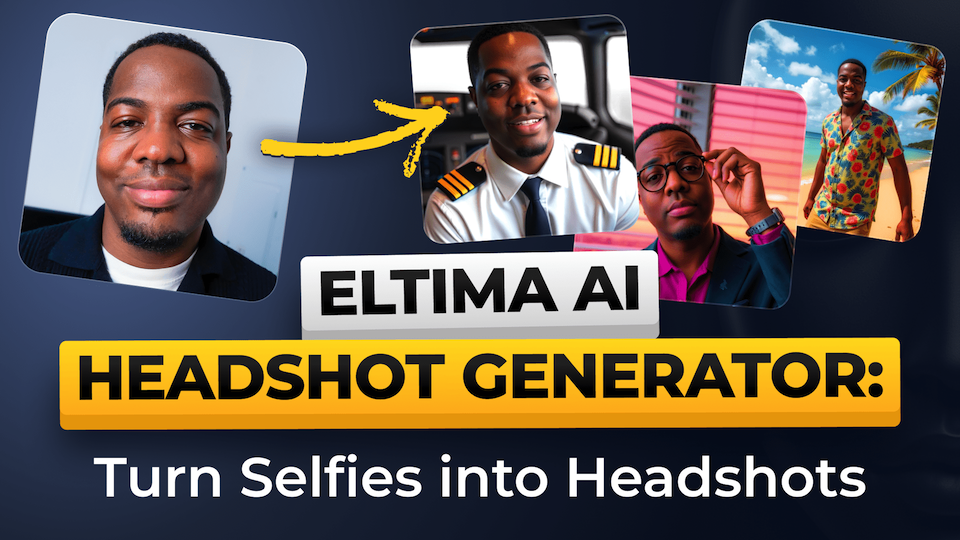
Explore more articles about Eltima AI Headshot Generator










Frequently Asked Questions
Professional lawyer headshots help create a strong first impression and build trust with potential clients. In the legal field, appearance matters - a polished portrait conveys confidence, credibility, and attention to detail, all of which can influence how clients perceive your professionalism.
Yes. The generated images are designed to meet the visual expectations for legal headshots commonly used in lawyer directories, speaking events, and professional platforms.
Absolutely. You can generate multiple versions, including tailored styles for female attorney headshots or more traditional professional looks, depending on your role and branding needs.
The app is free to download, but generating professional AI headshots requires a paid subscription. You can choose between a weekly plan for short-term projects or a yearly plan for better value. Both options renew automatically and can be canceled at any time through your account settings.

Eltima AI Headshot Generator
Transform your photos into professional headshots with the power of artificial intelligence