


Recover PDF Password
PDF Password Recovery Software for Mac
Losing passwords to PDF files is unpleasant, yet not uncommon. As a result you cannot access your important data and maybe even have to recreate a large document from scratch. Recover PDF Password Mac app is the solution you will greatly appreciate.
Recover PDF Password is also available on Windows.
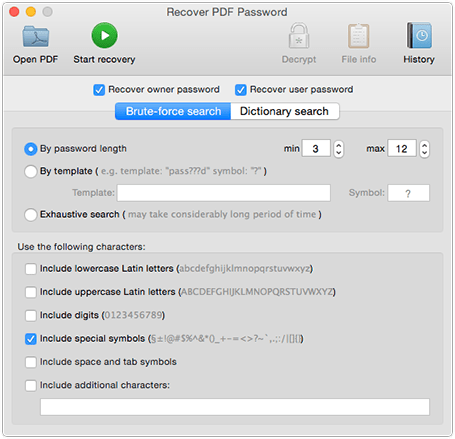
Recover forgotten passwords for protected PDF documents
Recover PDF Password is the only Mac app that can recover the user password for opening a document for PDF files that were created in all versions of Adobe Acrobat up to version 9!
Open, print, copy, edit password-protected PDF
PDF can be protected in two ways: using "User" password or "Owner" password. First one prevents opening a document without knowing the password. The second protects information in a document from being printed, copied or edited. Recover PDF Password helps you remember any of them in a very simple way.
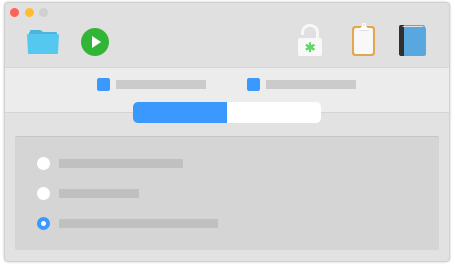
Search for the password by dictionary
Most of the passwords are created manually and consist of simple words that can be found in a dictionary. If you know that your password is a word or word combination or variation choose dictionary search method (simple, complex or hybrid) to save your precious time and recover your password in no time. Recover PDF Password has a dictionary of more than 400 000 words.
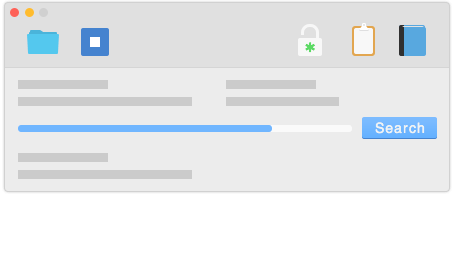
Methods of password recovery
Recover PDF Password for Mac offers you 3 effective methods to search for the password.
By password length
Using this method you may set minimum and maximum password length. Shorter passwords are checked first, long passwords' recovery can take more time.
By template
If you remember a part of the password, but cannot call up the whole key combination, this method is the best for you. Simply specify the template and Recover PDF Password for Mac will quickly retrieve the forgotten password for you.
Exhaustive search
You can use this search method if you can't remember the password at all. This method guarantees 100% success but requires maximum time. This method will recover long and
complicated "owner" and "user" passwords.
No matter if your password-protected PDF document is old or new one, Recover PDF Password for Mac fully supports all versions of Adobe Acrobat up to v.9 and supports recovery of Unicode passwords. It is not an issue to unlock PDF file whatever language or keyboard layout its password was created in. Recover PDF Password works perfectly on multi-core computers using their resources efficiently; this results into a higher password search speed.
Get even more with Recover PDF Password
Get rid of password protection at all
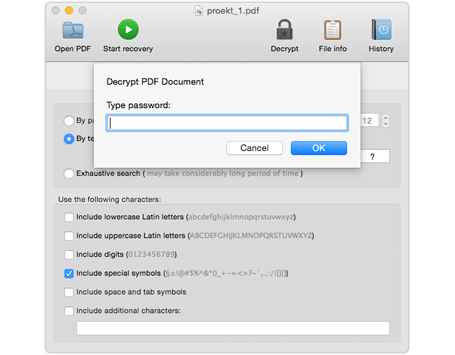
You can decrypt PDF to use it without any passwords limitations. If your PDF file is protected with "Owner" password only, just press "Decrypt" as soon as you open our PDF decrypter and all limitations will be gone at the drop of a hat.
Get information of protected file
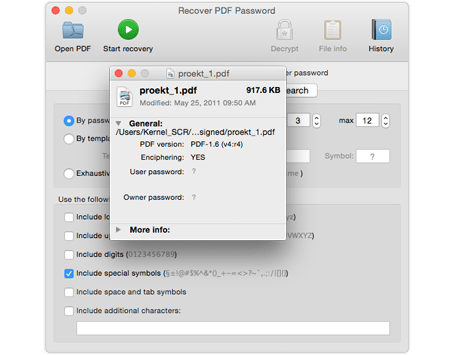
Use "File information" button in Recover PDF Password to get general (file name, PDF version, etc.) and more specific (revision, owner string, etc.) information about your protected PDF file.
Get a lot of use out of password search history
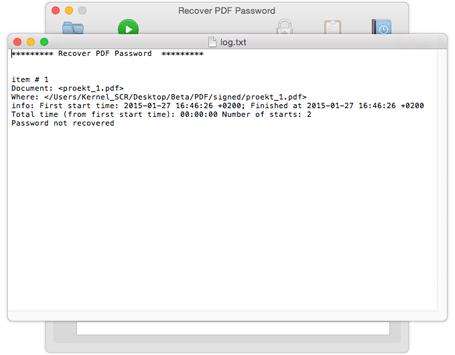
With Recover PDF Password for Mac you get well-organized history of all previously recovered passwords. History contains the info about date and time of recovery. You can also copy recovered passwords to clipboard, clear the history or delete the selected items.
What customers say
Next
-
Among other PDF removing tools Recover PDF Password is really effective. By the way decryption option that restores PDF file without searching lost password is cool!
 Hannah Carry
Let’s get started
Get it Free
- Category: BusinessApplication
- Requirements: macOS 10.14 max
- Version: 3.1.43 (20 Jun, 2011)
- Reviews (956):
- Total downloads: 64,136
Buy now
You can get Recover PDF Password for Mac directly from us from $39.95 only.
Upgrade
If you own a license for previous version, you can upgrade with 50% off.

ALSO AVAILABLE
-
Recover PDF Password for Windows
Remove any password from your PDF file on Windows computer.